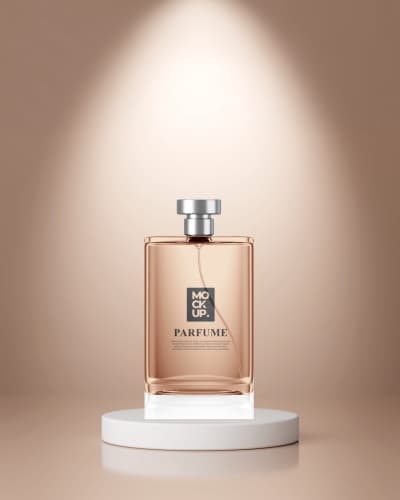
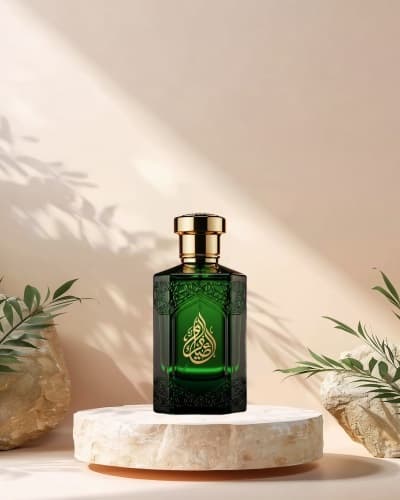
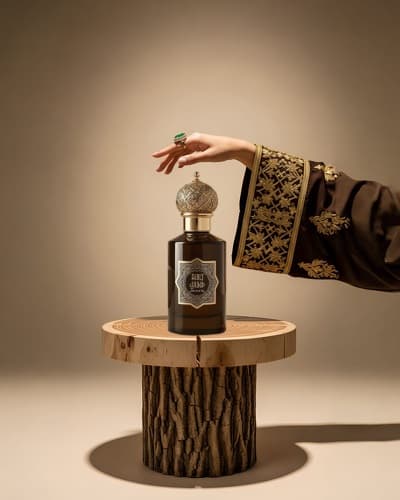
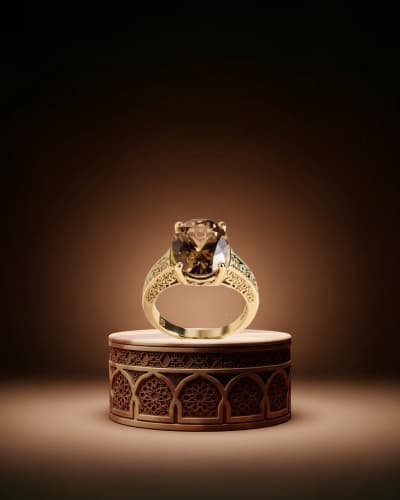
Product Photo and Showcase Templates

Shoot it on your phone, then clean it up. Remove the background in a tap, set the product on a ready scene, and add the price and your logo.

Start designing
Page 1 of 2

Product Showcase Designs

Do you need a photo studio?
No. Shoot the product on your phone, then remove the background in a tap and drop it onto a ready backdrop. That single step is most of the distance between a phone snapshot and a studio-looking product shot.

What can you design?

  • Product posts with the price and its features

  • New product launch adverts

  • Bundle offers showing several products at once

  • Before and after posts showing results

  • Story-sized versions of the same advert

How do you make the product stand out?
Upload the photo and remove its background with the AI tool, then place it on a colour or a ready scene. Add the price and your logo in Arabic type and export at high quality.

الأسئلة الشائعة

What must appear in a product post?
One clear photograph, then the product name, then the price, then the single feature that sets it apart rather than a specification list, then how to order. A post showing three features leaves nothing remembered; one showing a single feature is remembered. State availability and the colours on offer. Andalusi's product layouts arrive built that way.
How do I photograph a product professionally without a studio?
Shoot beside a window in daylight with a white sheet opposite to bounce light back and soften the shadow, on a single colour background. Steady the phone rather than shooting handheld. Take three angles: the whole product, a close shot for detail, and one in hand to show scale. Andalusi builds the post from those on one consistent design.
How do I keep product posts looking consistent?
Fix the background, the lighting, the camera angle and the position of the price across every post, and change only the product. An account whose posts read as one set suggests a well-run shop; one with varied styling suggests the opposite. Keep two fixed brand colours. Save the template in Andalusi and change only the image and price.
Which sizes do I need to show a product?
The square post for the account, the vertical story for quick offers, a square image on a white background for the online store and delivery apps, and a wide image for the account cover. Online stores usually require a uniform white background, so prepare that separately from the account post. Andalusi exports all of them from the same design.