AI Arabic Calligraphy
Turn any name or phrase into authentic Arabic calligraphy in seconds, type the text and let AI create the calligraphy piece.
Try it now for freePick a style and type your text
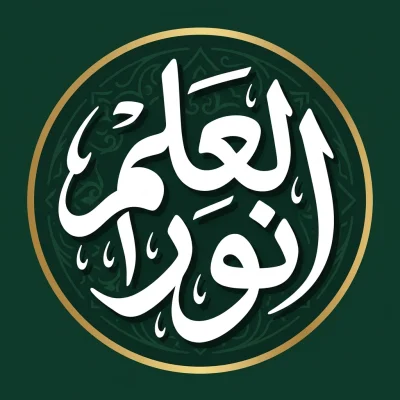
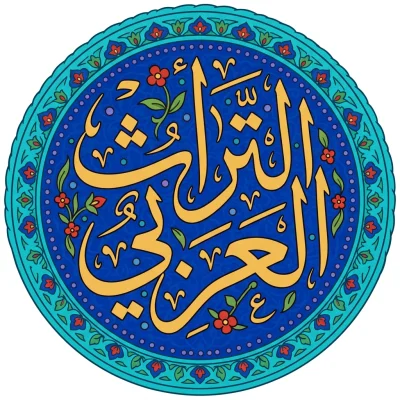
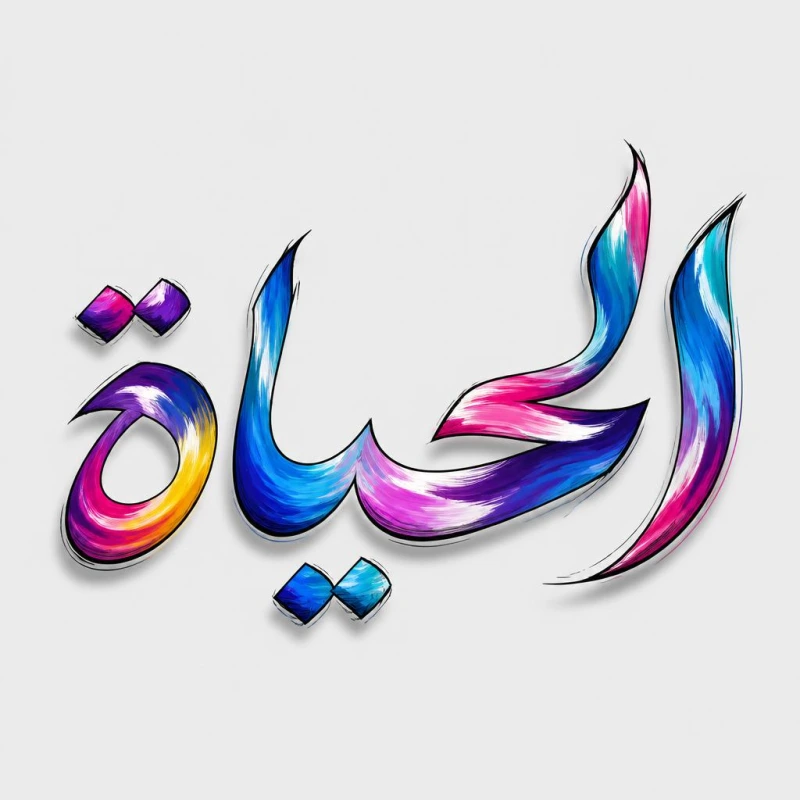
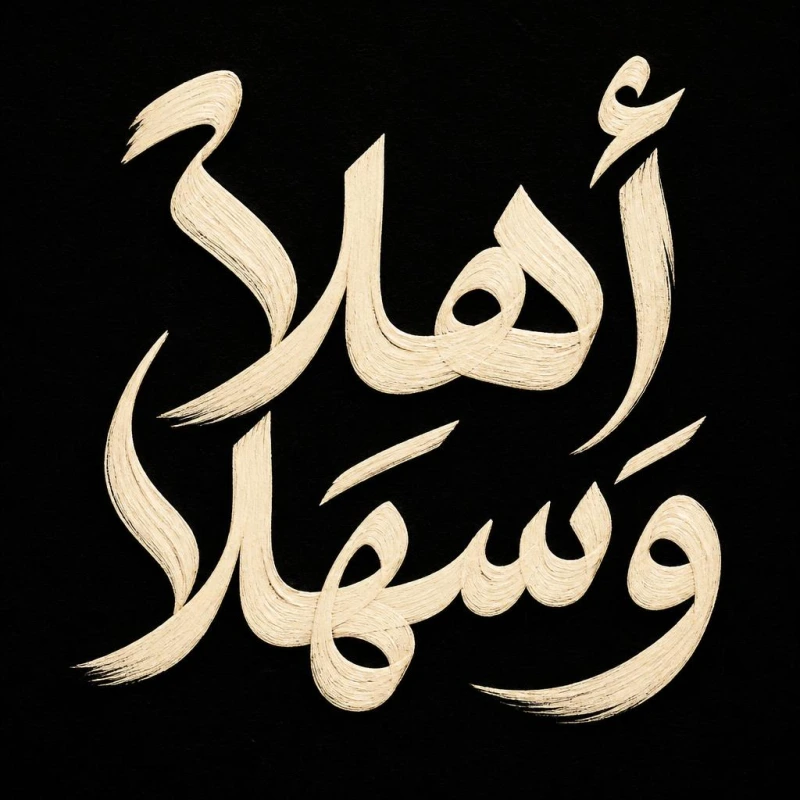
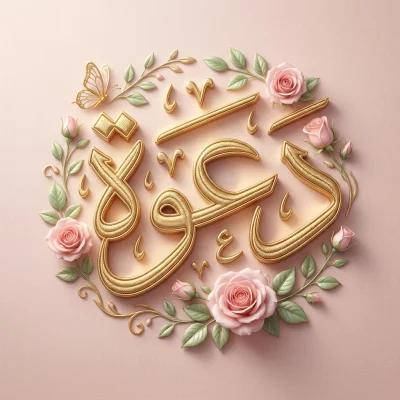
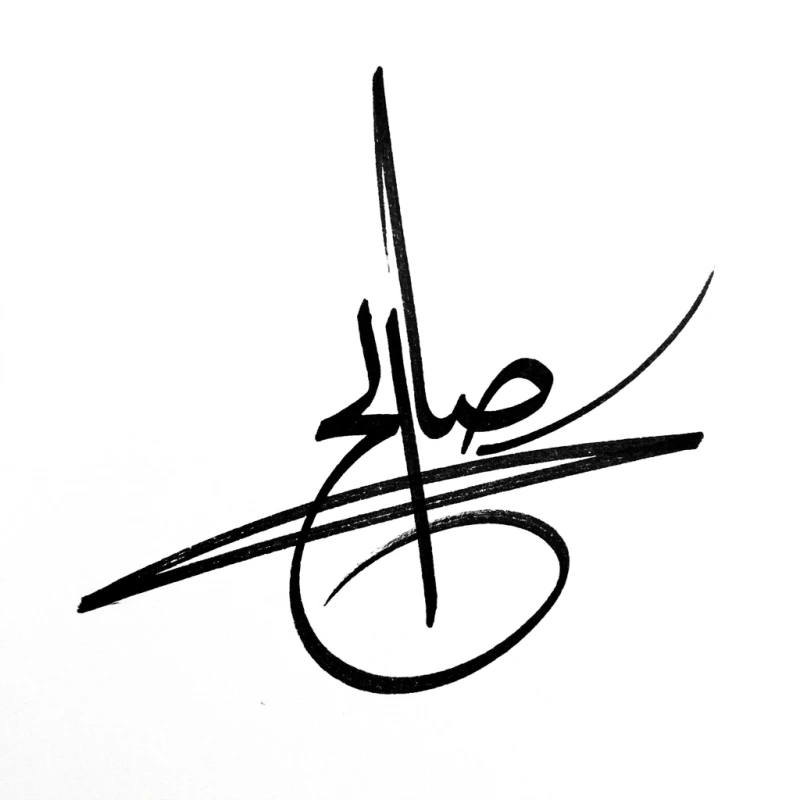
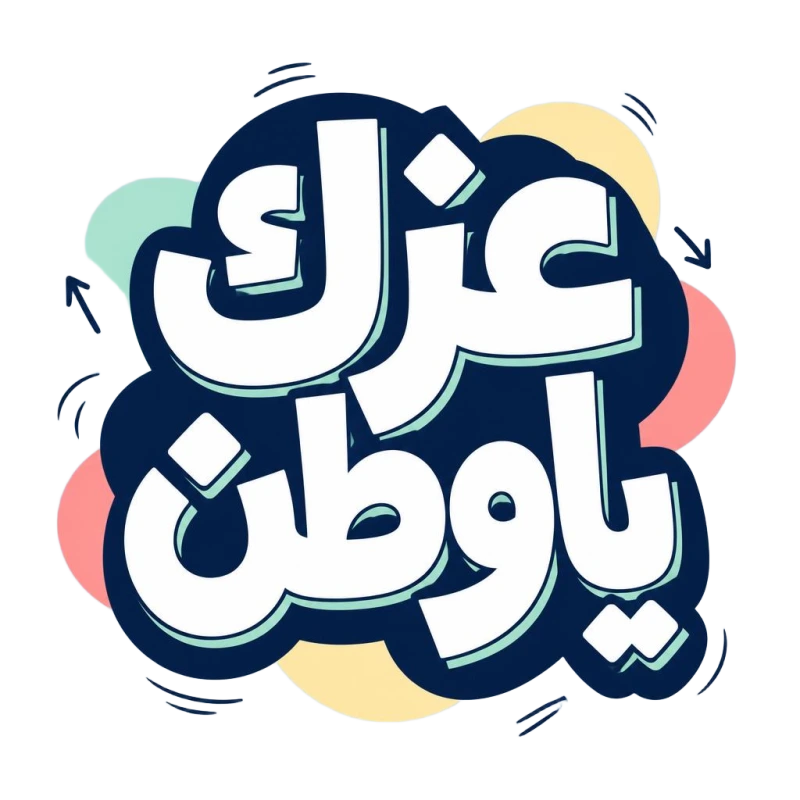
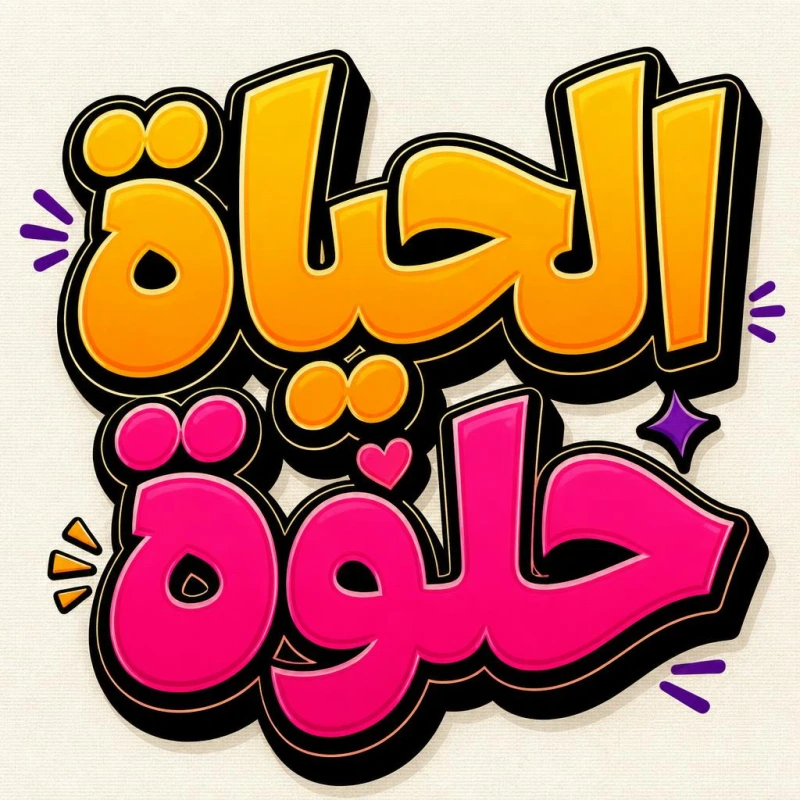
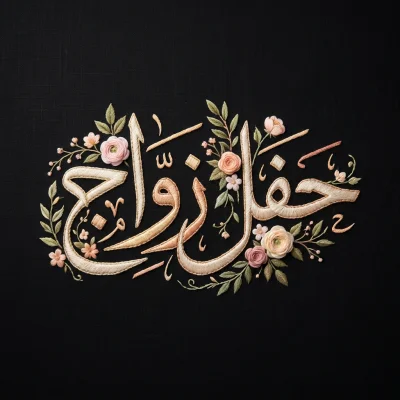
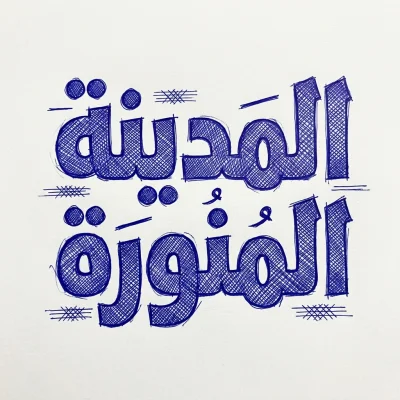
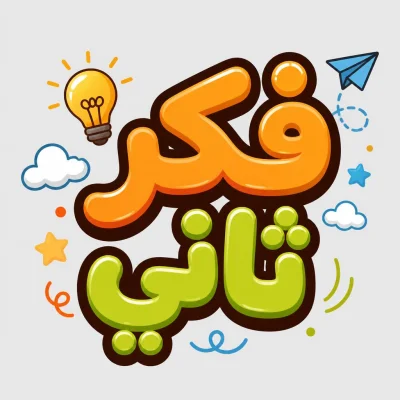
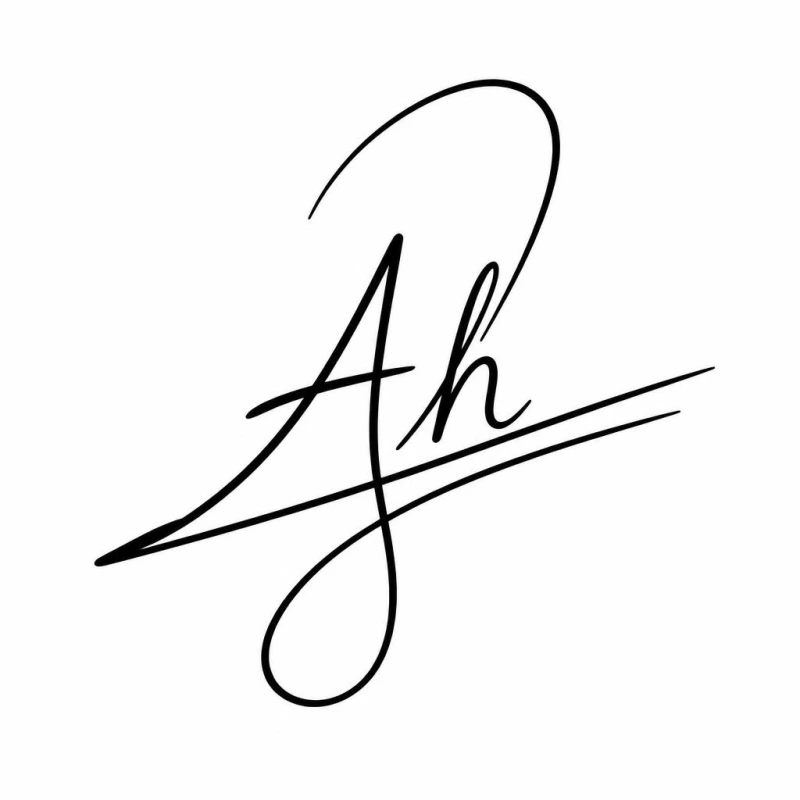
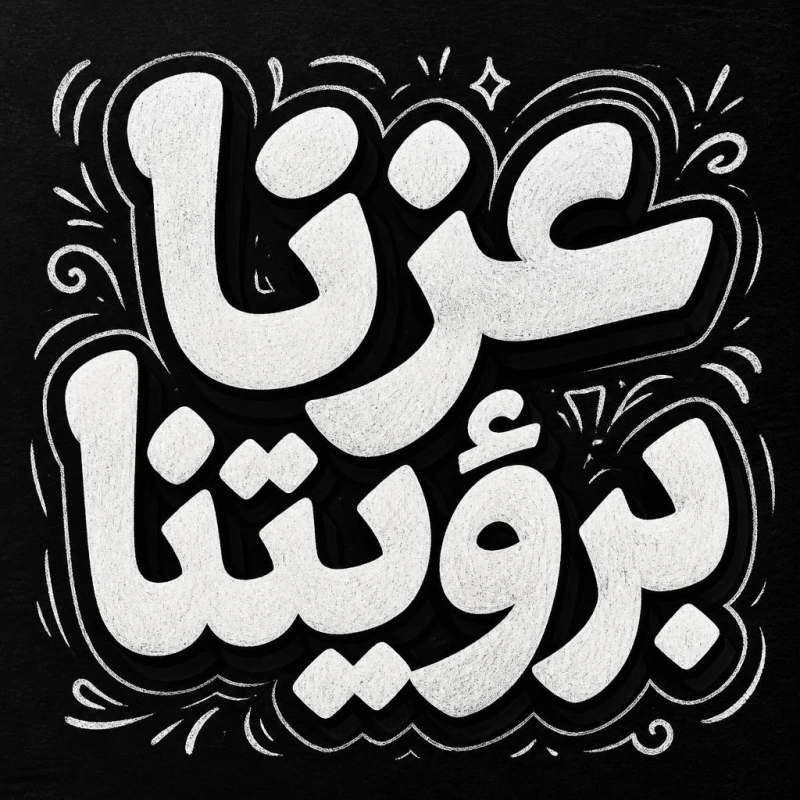
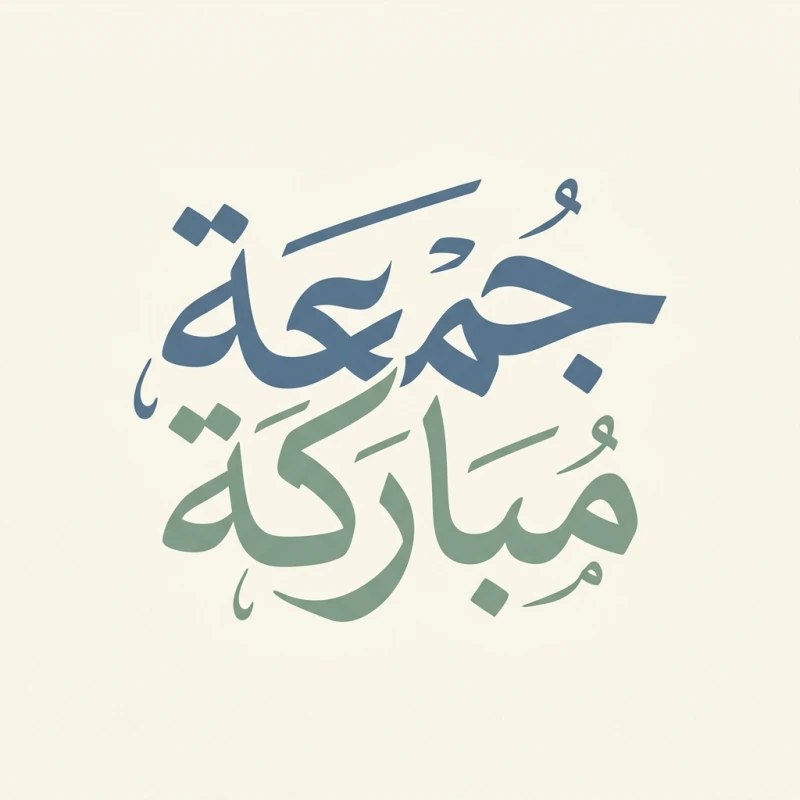
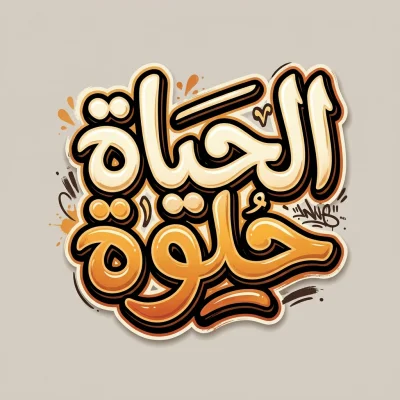
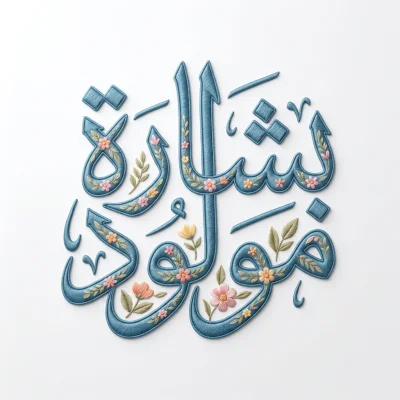
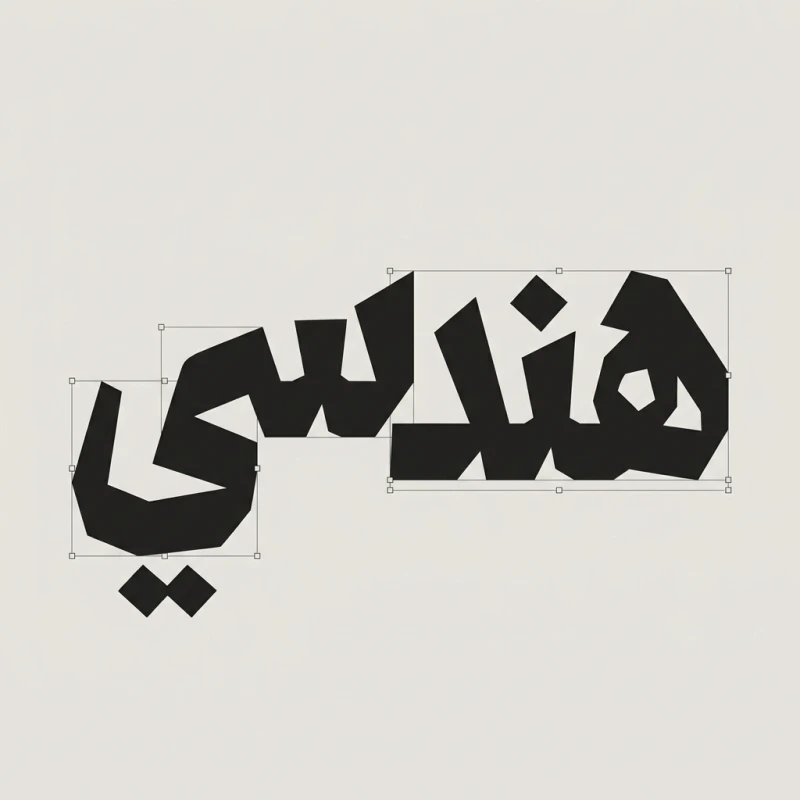
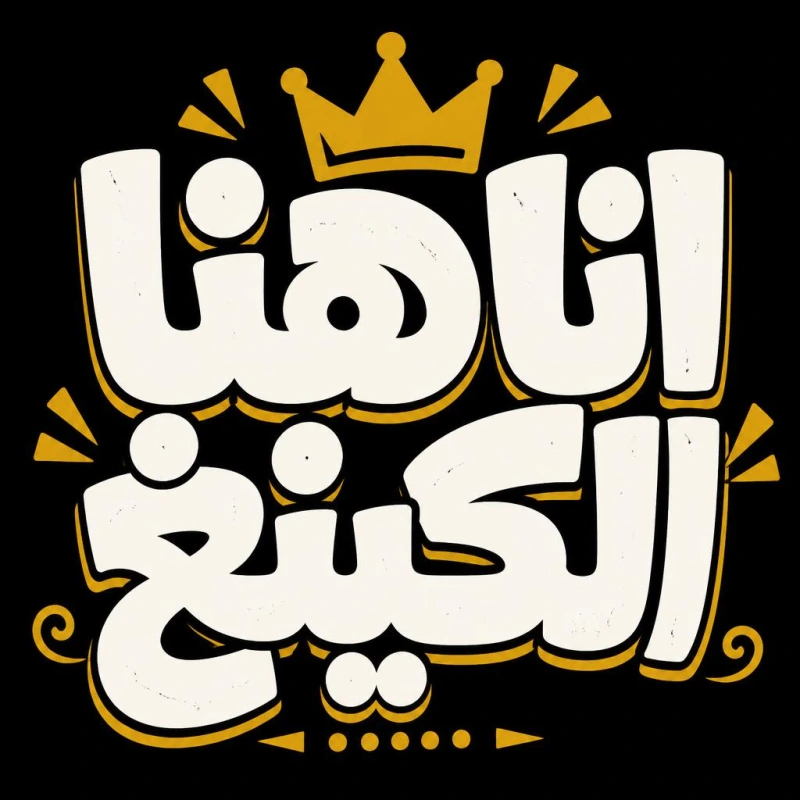
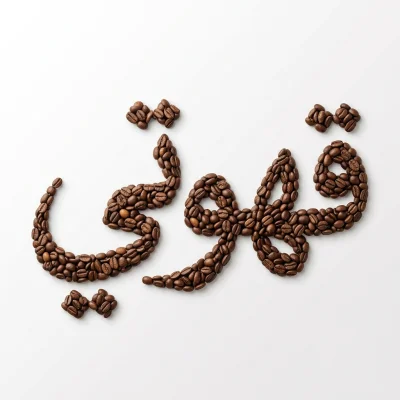
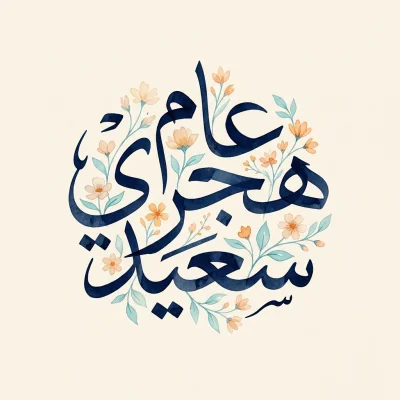
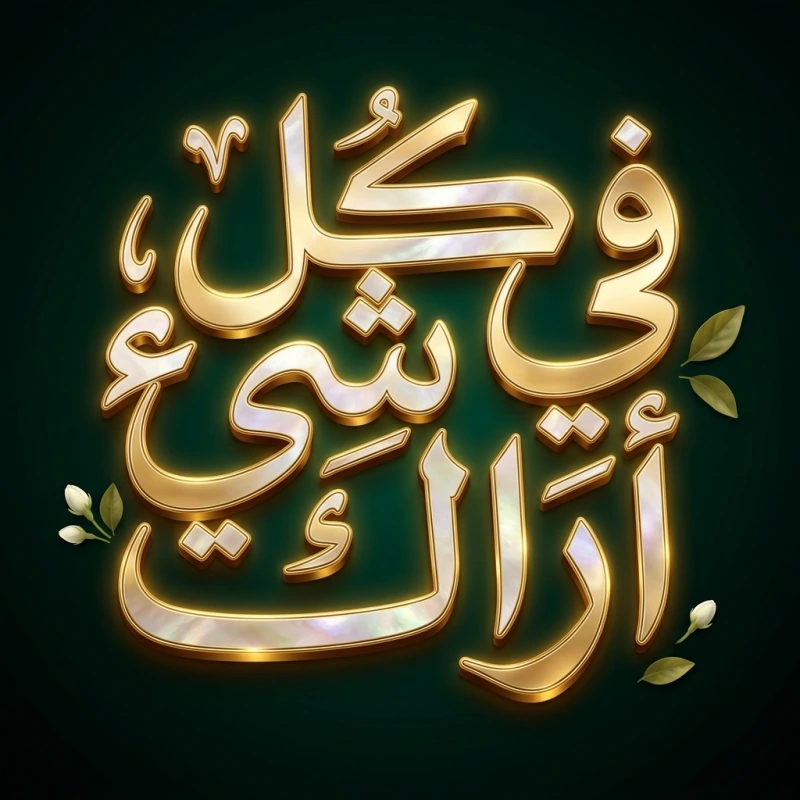
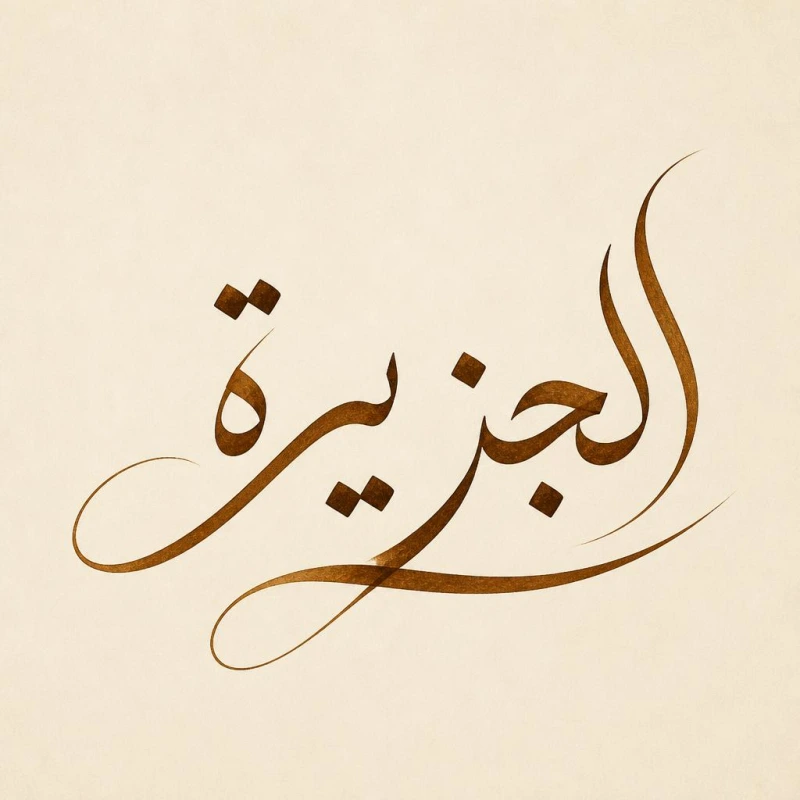
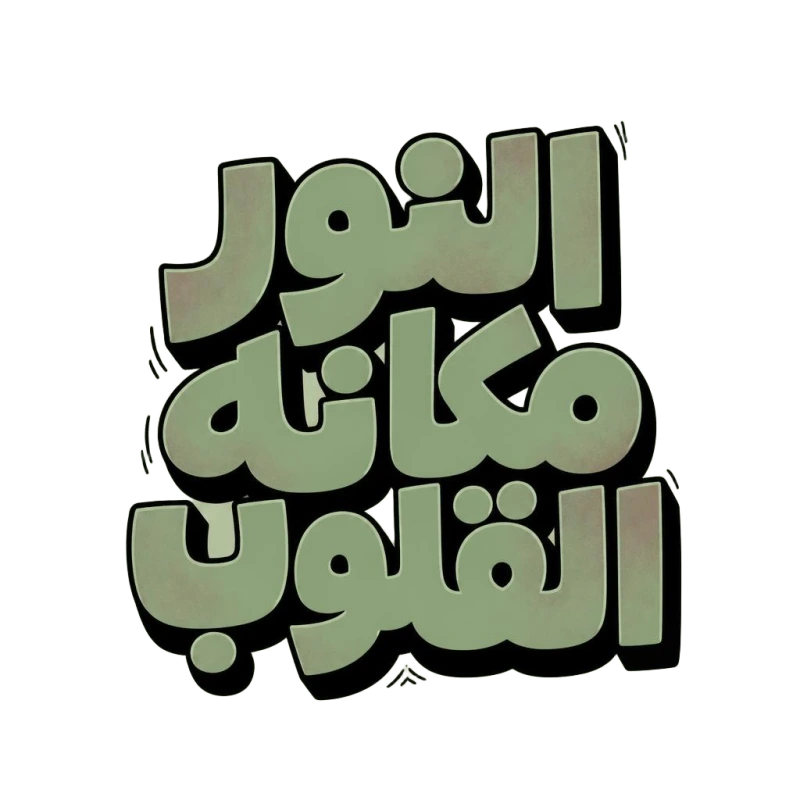
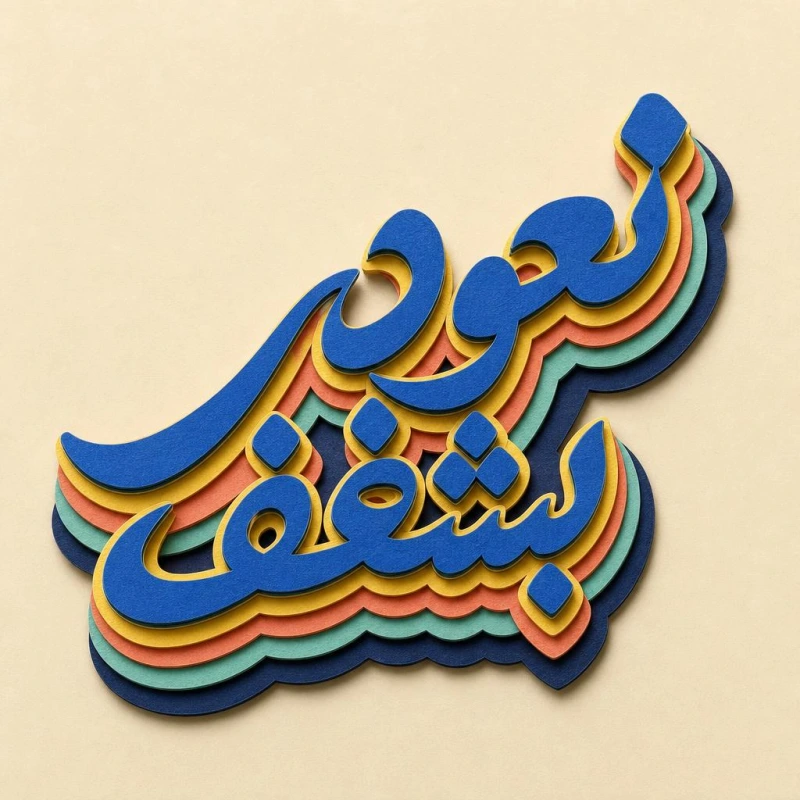
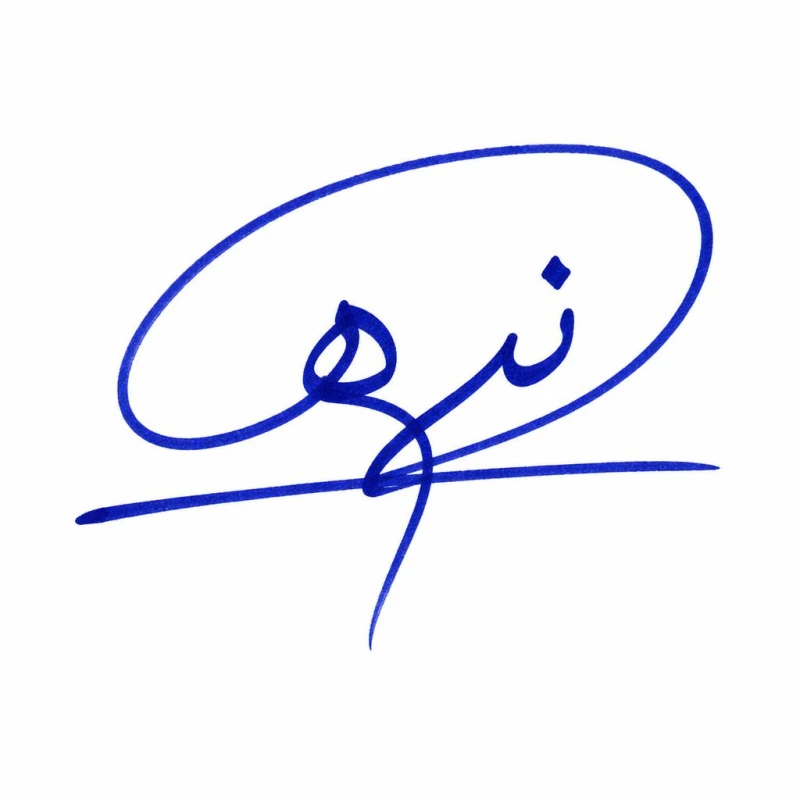
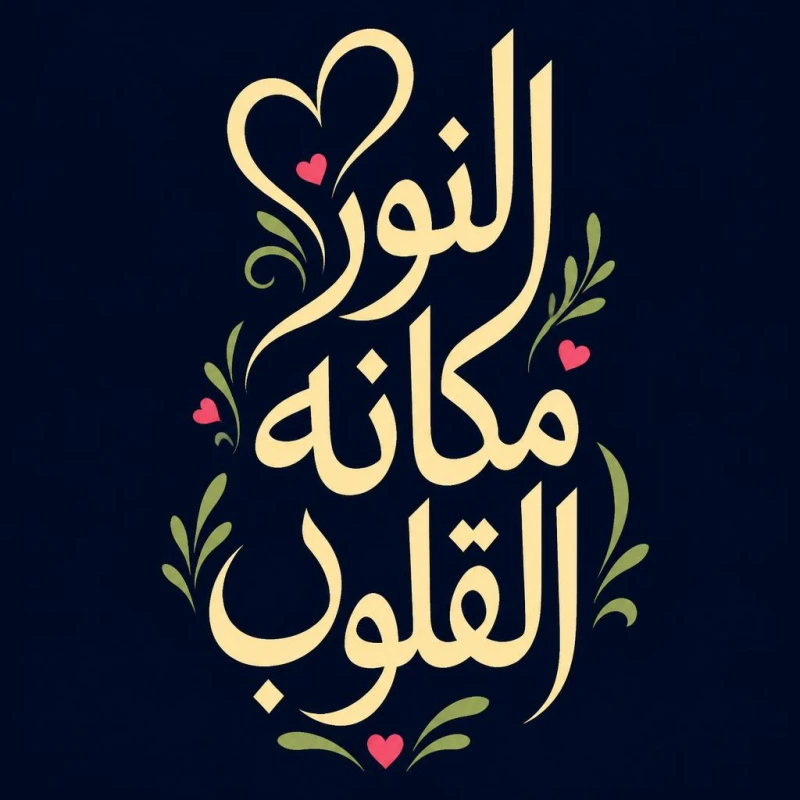
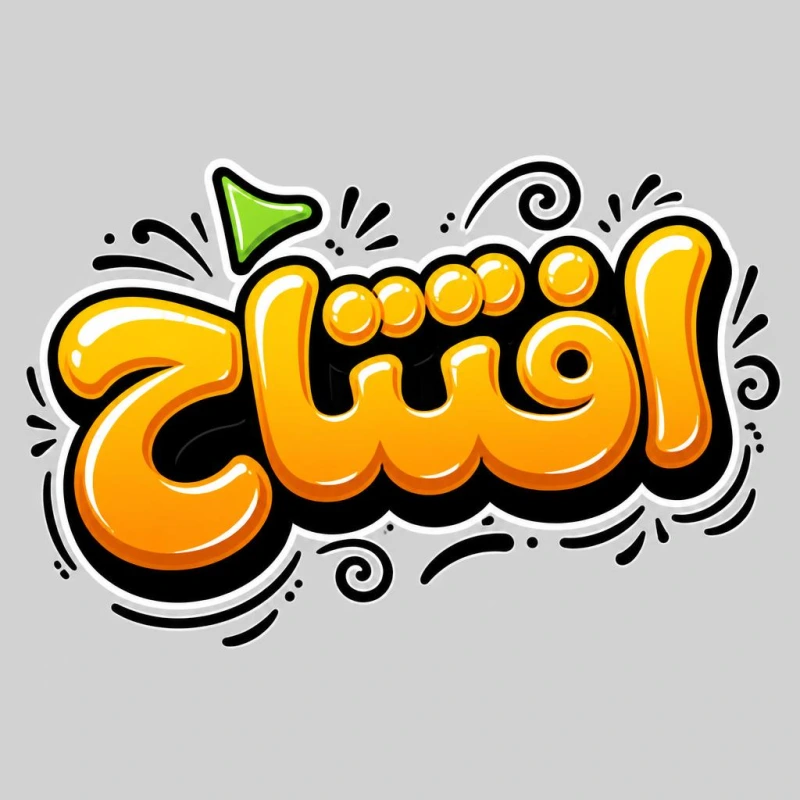
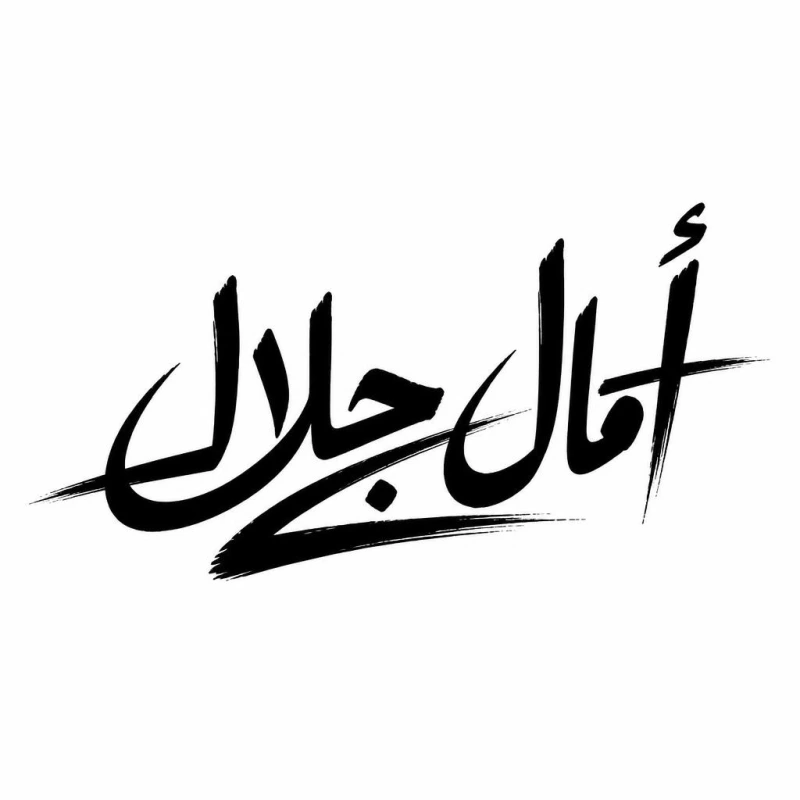
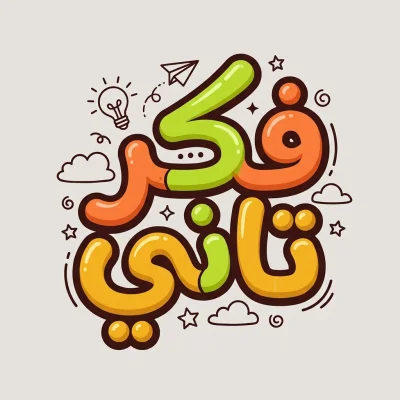
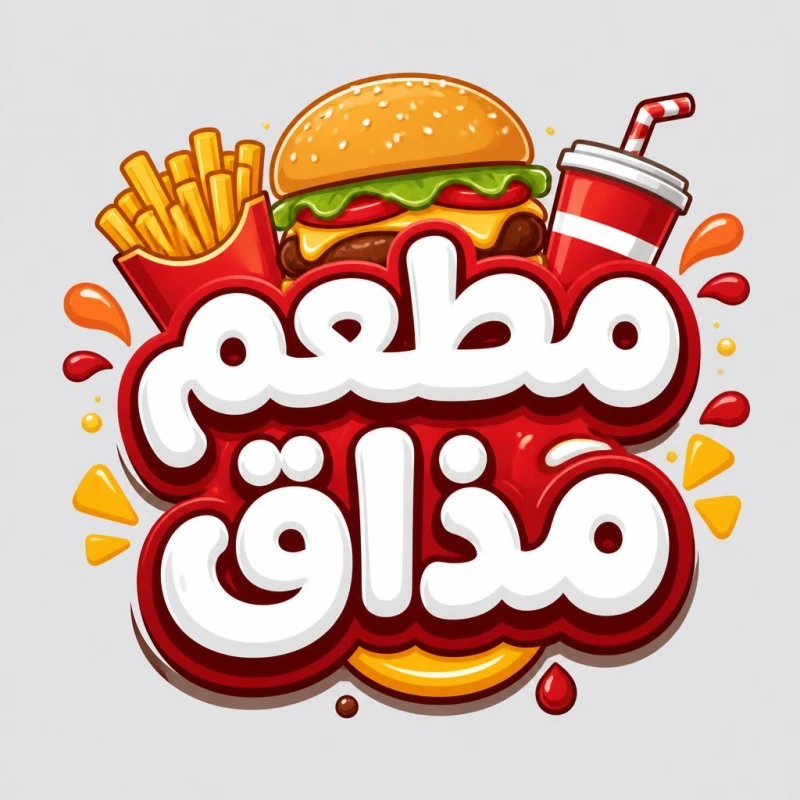
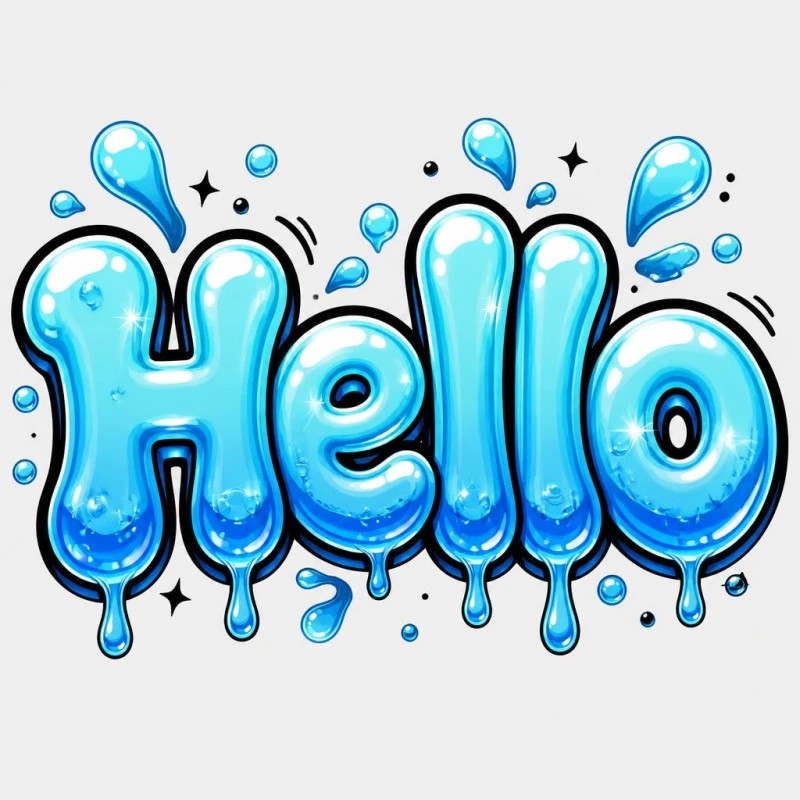
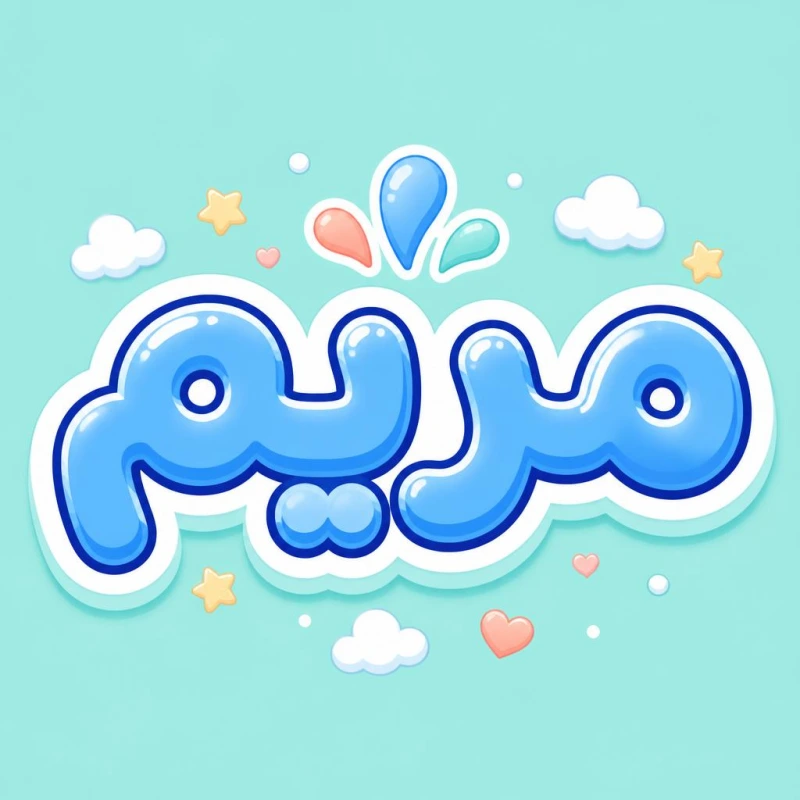
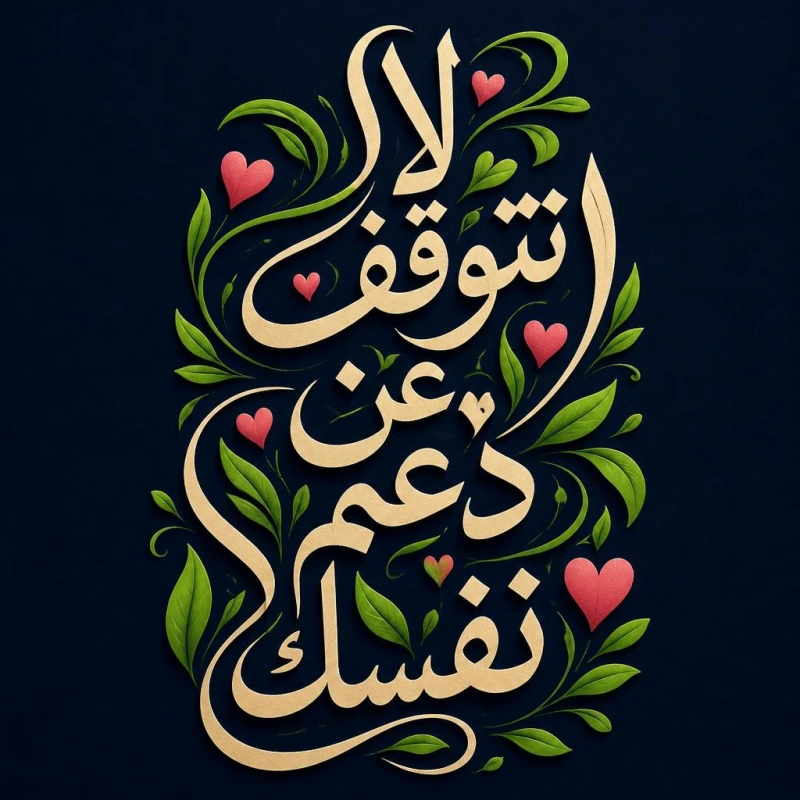
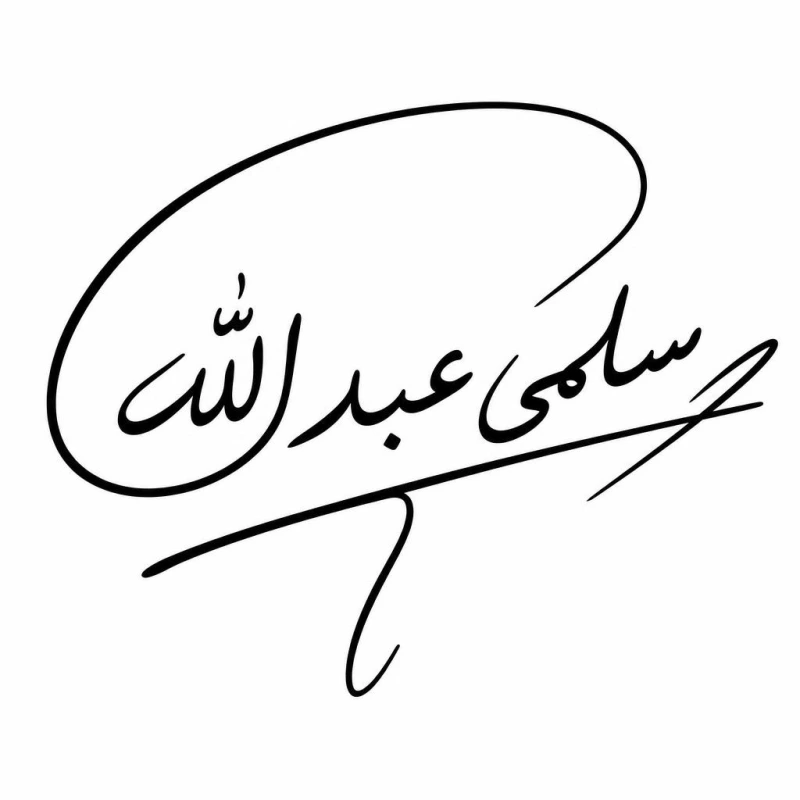
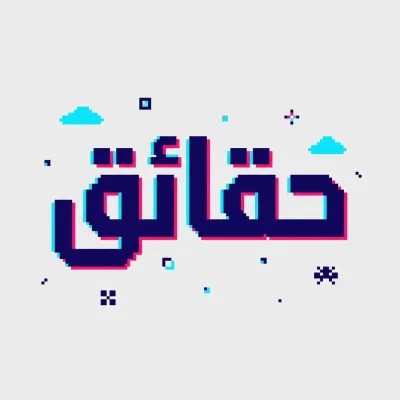
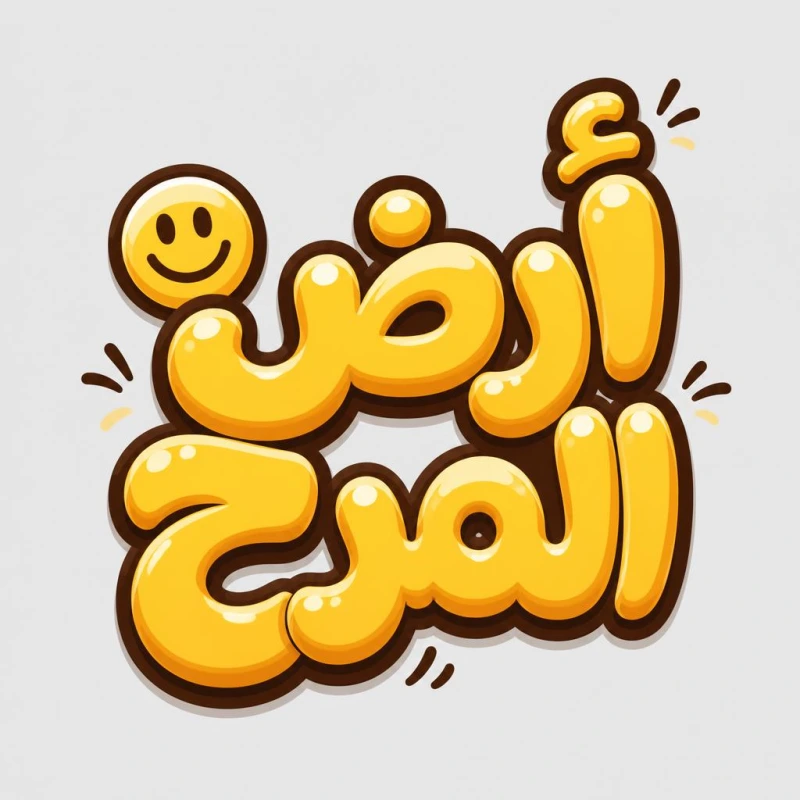
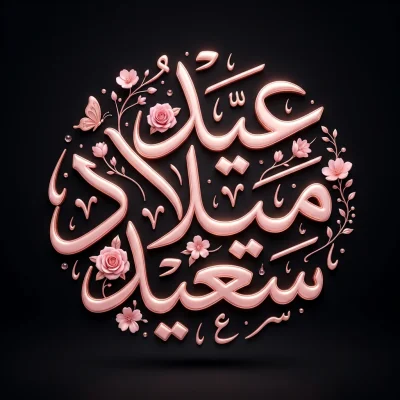
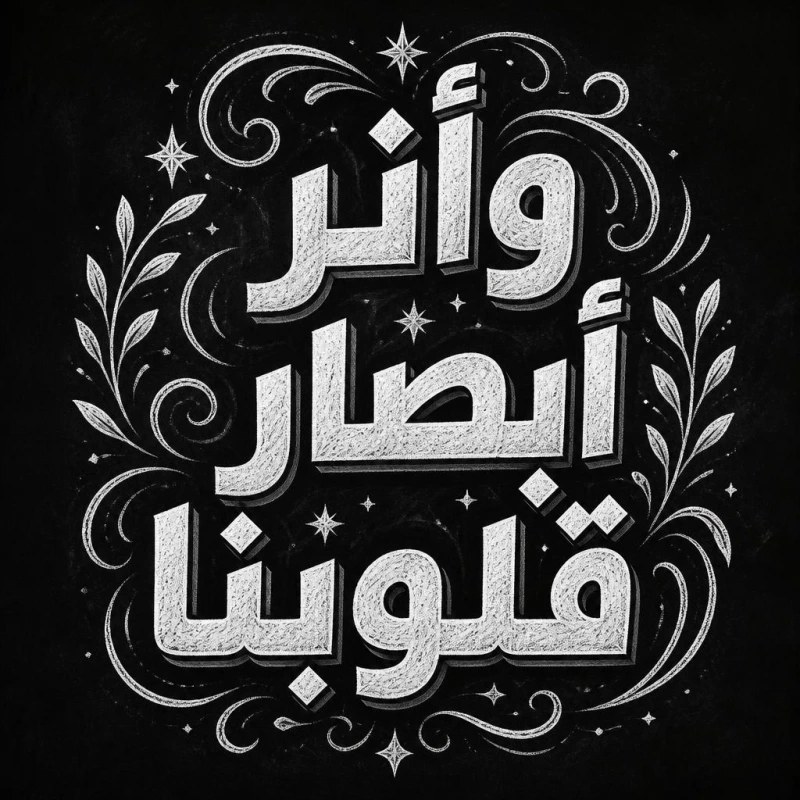
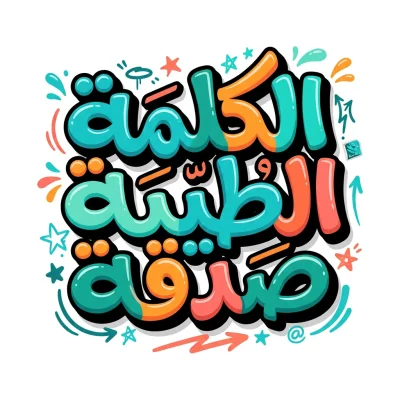
Tap any style to try it: type your name or phrase, and AI creates your calligraphy in the same style.

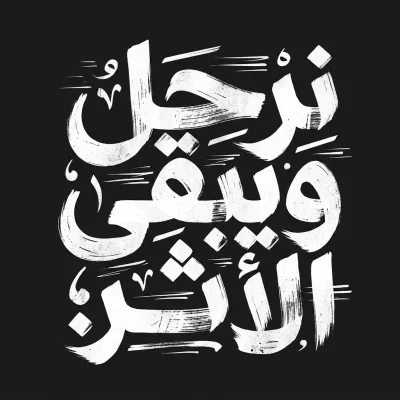
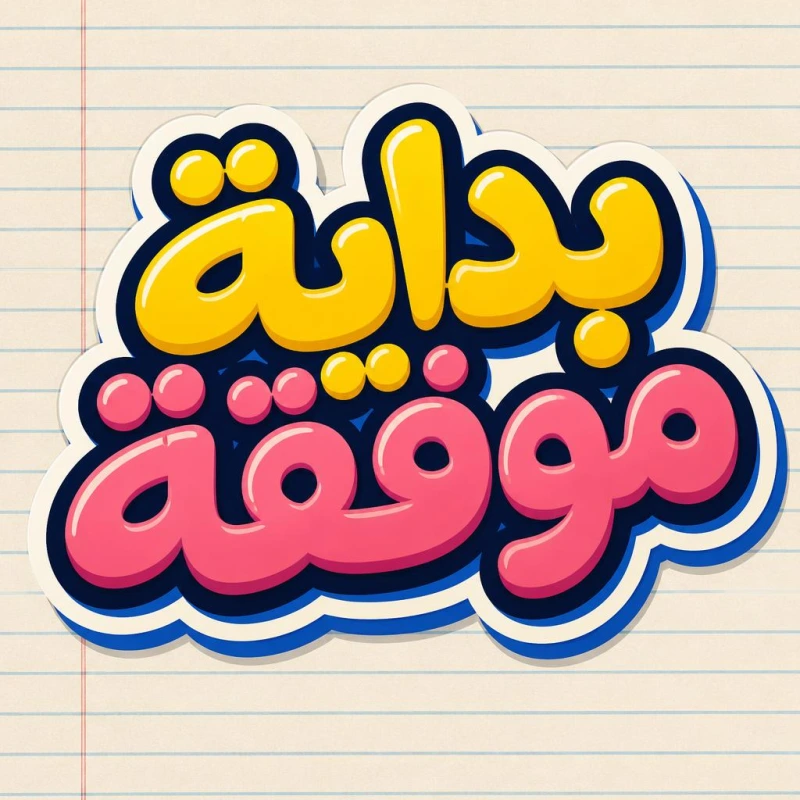

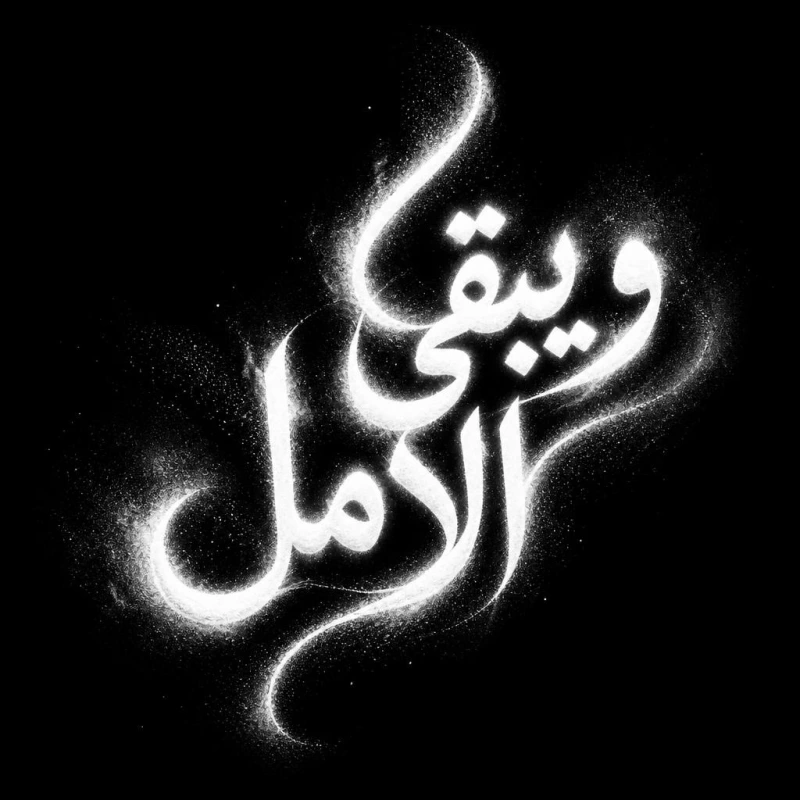
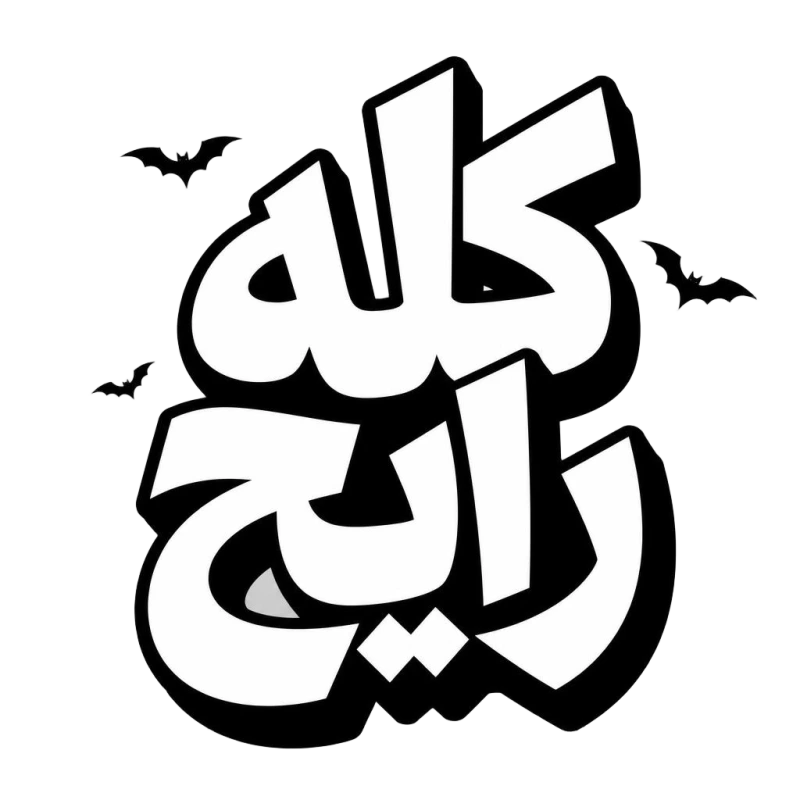





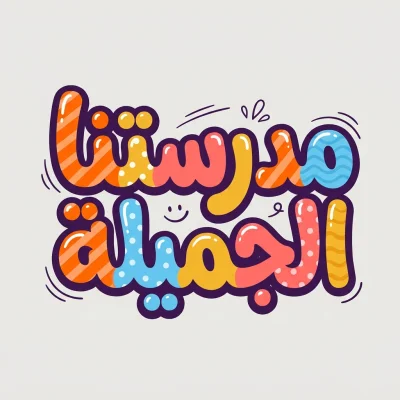
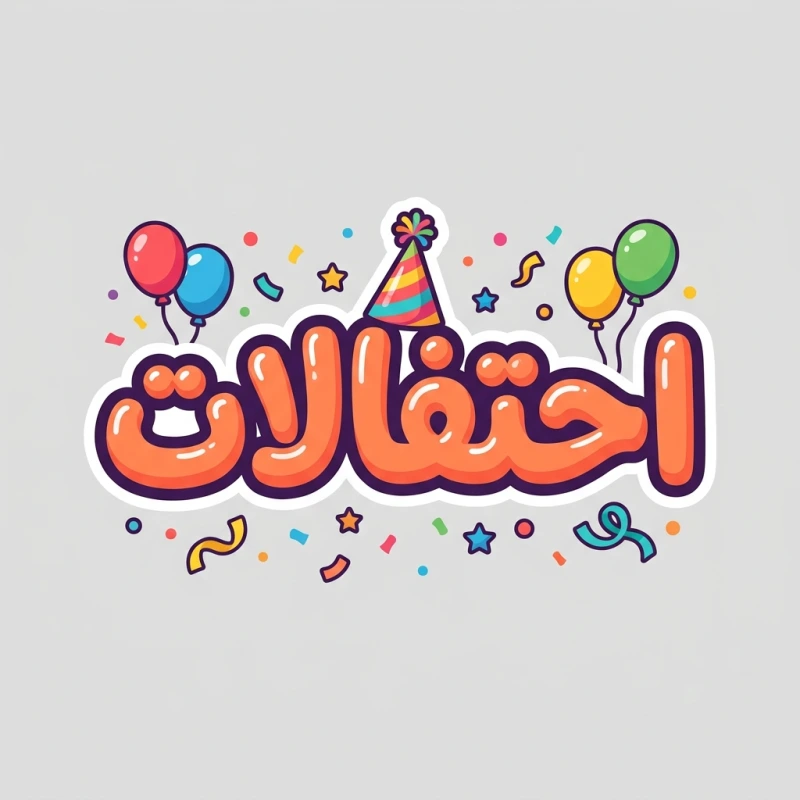
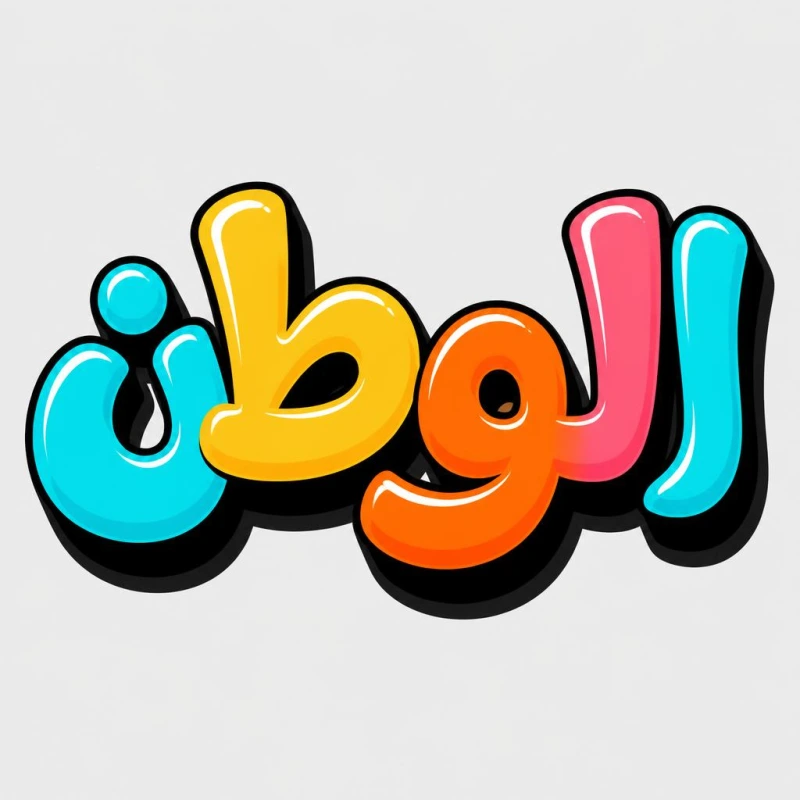
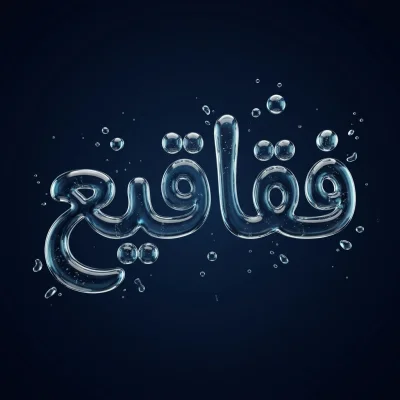
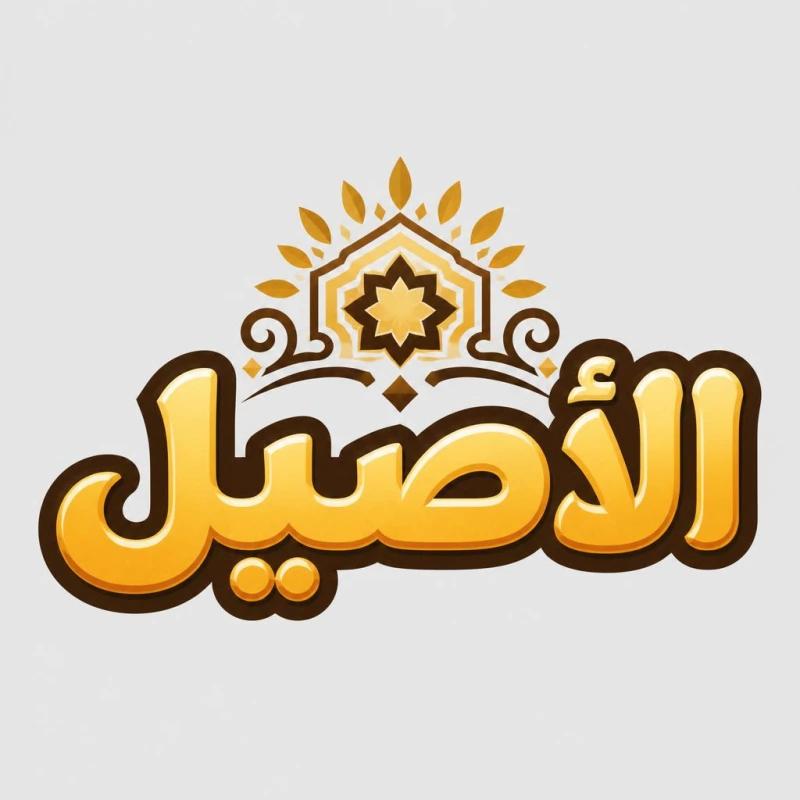
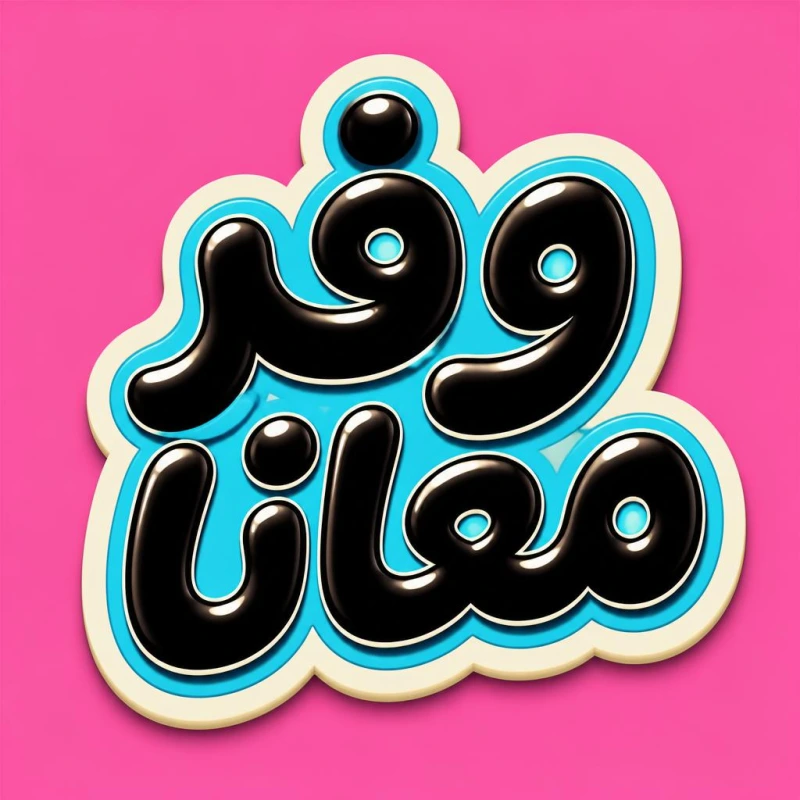
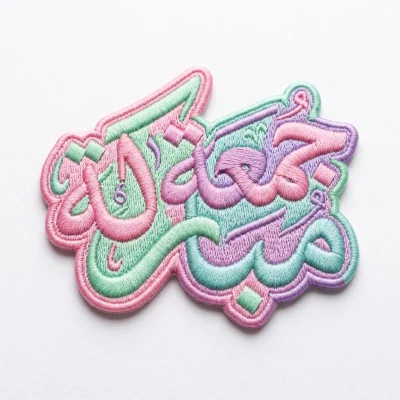
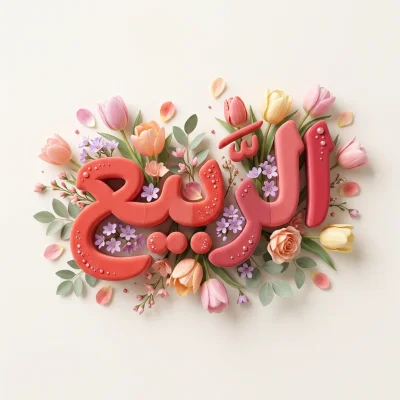
What is this feature?
Andalusi's AI calligraphy tool turns any name or text you type into authentic Arabic calligraphy in Thuluth, Diwani and Naskh styles automatically. The model is trained on thousands of samples of classical hand-written Arabic script, so you get a result that looks like the work of a professional calligrapher in seconds, on your phone or in your computer's browser.
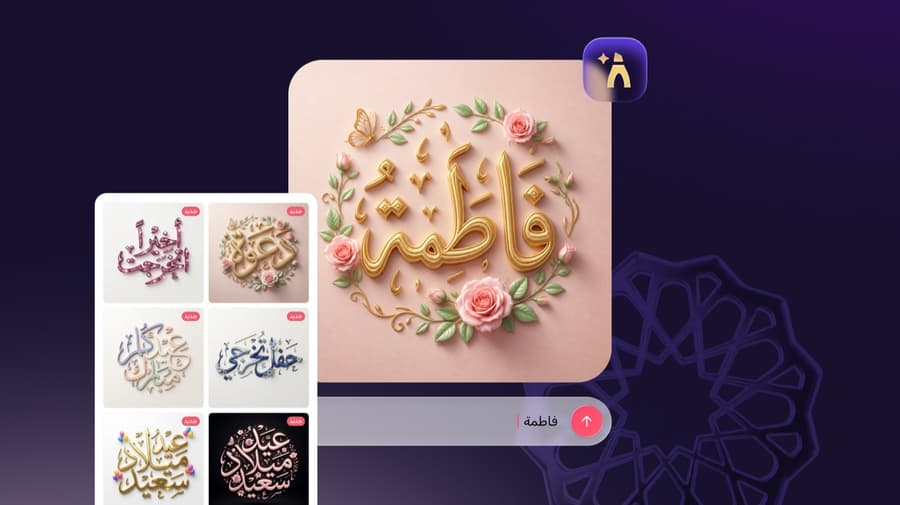
Andalusi's AI calligraphy tool turns any name or text you type into authentic Arabic calligraphy in Thuluth, Diwani and Naskh styles automatically. The model is trained on thousands of samples of classical hand-written Arabic script, so you get a result that looks like the work of a professional calligrapher in seconds, on your phone or in your computer's browser.
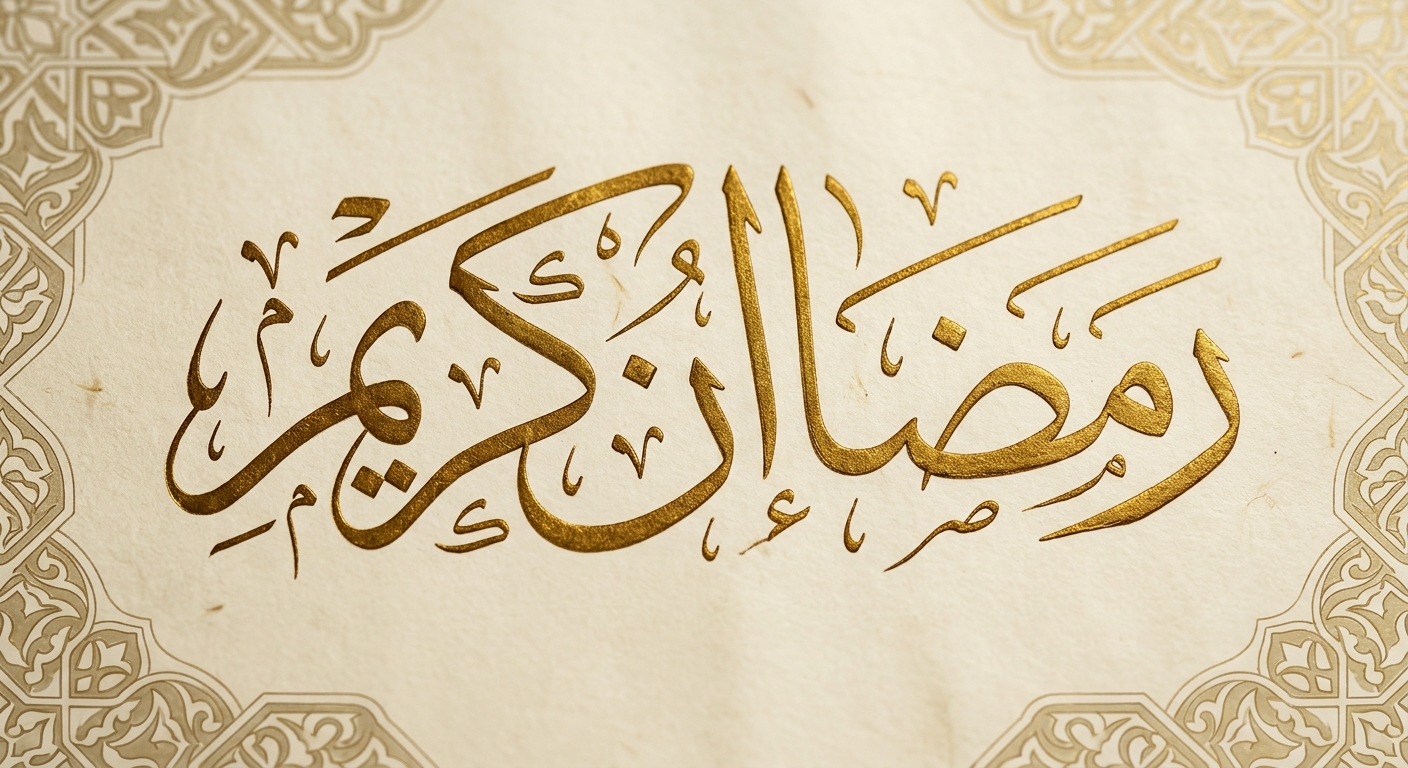
With the precision of classical calligraphy
The model is trained on thousands of hand-written samples, it generates Thuluth, Diwani and Ruqaa calligraphy that looks written by a professional calligrapher's hand.
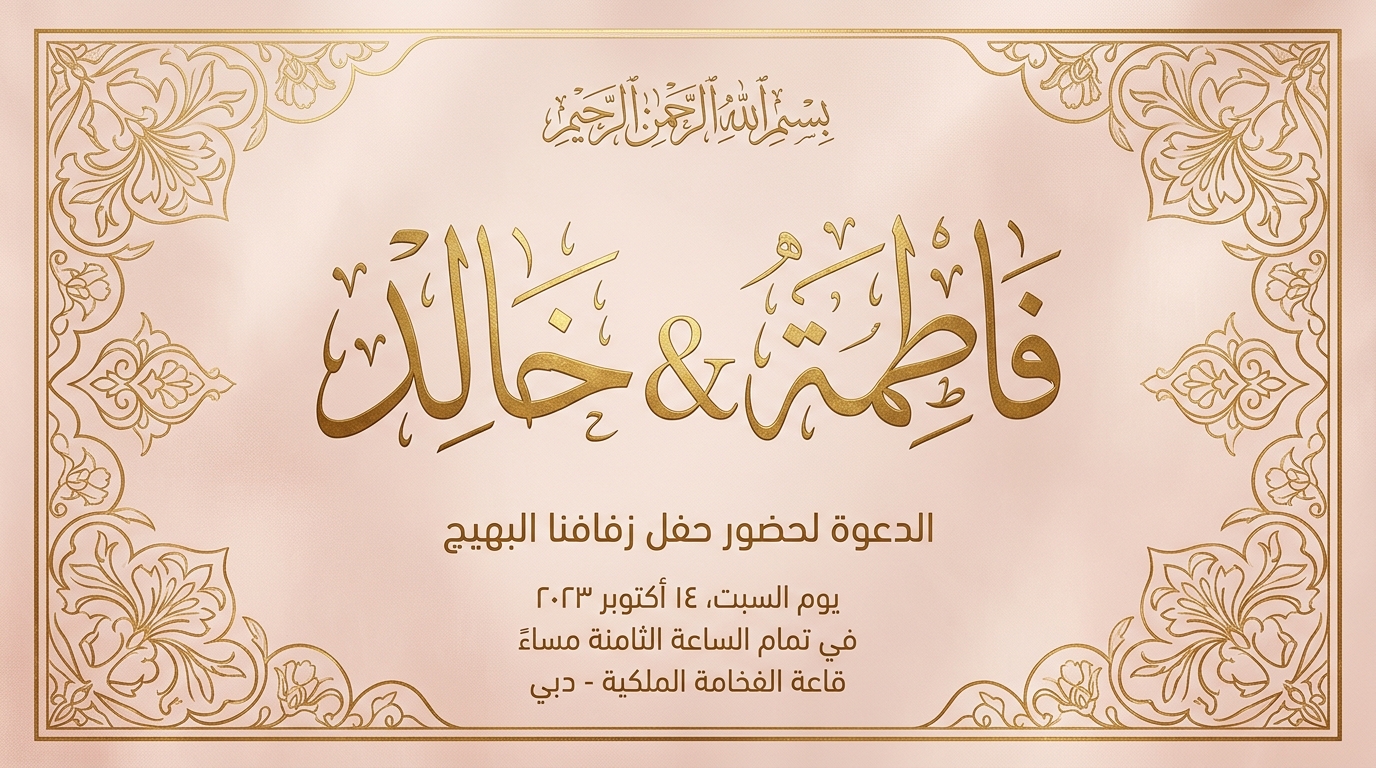
Put it on any design
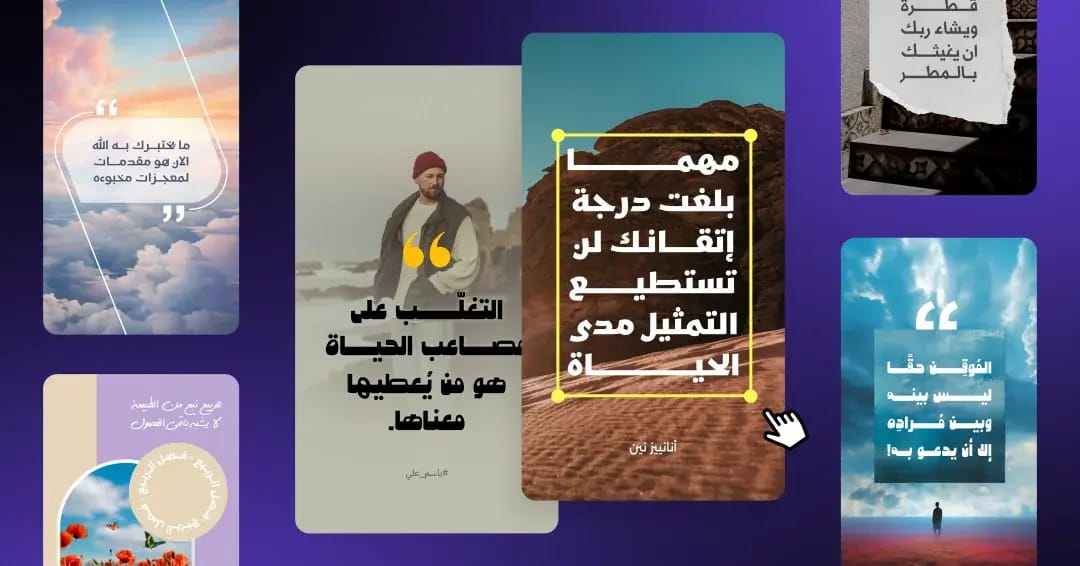
Add a 'Ramadan Kareem' piece or your name to an Andalusi template or any design, ready for print and digital sharing.
AI Arabic calligraphy in a minute
When to use it
Name calligraphy
Design your name or a loved one's as authentic Arabic calligraphy, for gifts, signatures and personal accounts.
Eid and Ramadan greetings
Type 'Eid Mubarak', 'Ramadan Kareem' or a seasonal greeting and get a ready greeting piece for your designs.
Wedding and occasion invitations
Add the couple's names or a blessing in an elegant Thuluth or Diwani script on the invitation card.
Simple steps
How to use it
- 1
Open Andalusi on your phone or computer
Download Andalusi on iOS or Android, or open the web version in your computer's browser at design.andalusi.app.
- 2
Pick a template or start a new design
Browse the ready templates and pick one that suits your occasion, or start from a blank design.
- 3
Open the Arabic calligraphy tool
Open the AI calligraphy tool from inside the editor.
- 4
Pick a shape and script style
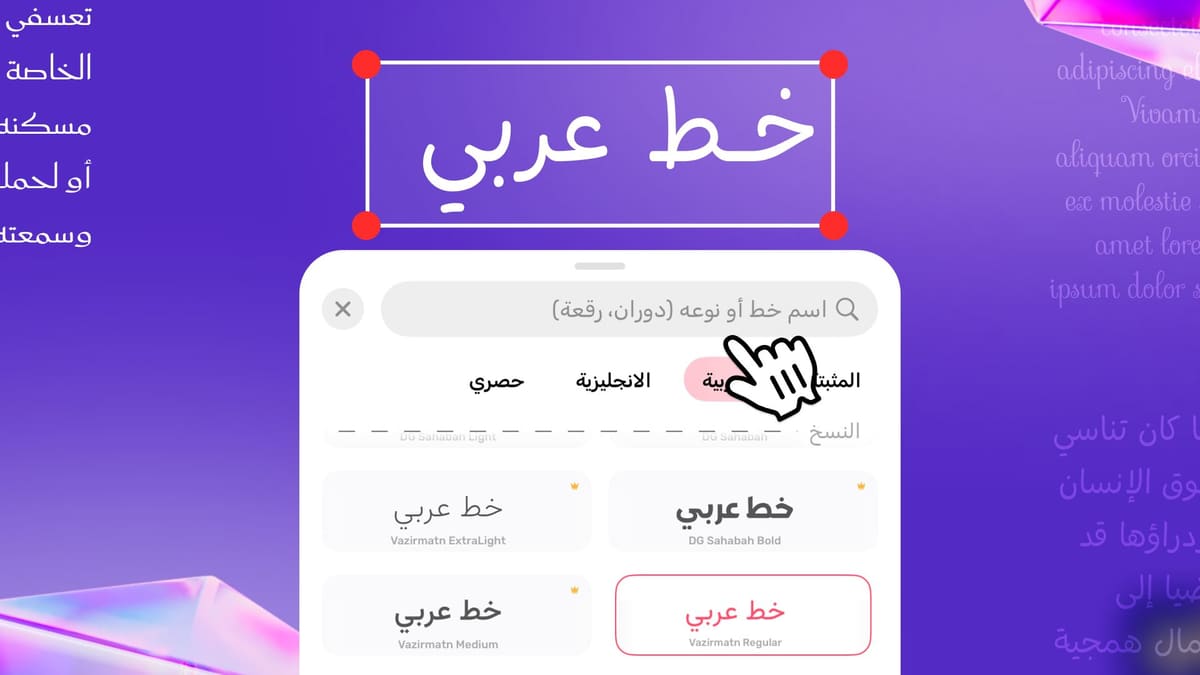
Choose the calligraphy shape and the script style you like, Thuluth, Diwani, Ruqaa or Naskh.
- 5
Type the name or text
Enter your name or any phrase you like to turn it into calligraphy.
- 6
Let AI finish it
Wait a moment for AI to turn your text into Arabic calligraphy, ready to customise and export.
Frequently asked questions
Can I create Arabic calligraphy with AI on mobile?
Can I type any name or phrase?
Can I design an Eid or Ramadan greeting?
Is the AI calligraphy tool free?
What Arabic script styles does the AI support?
Can I edit the result and use it commercially?
How is AI calligraphy different from regular fonts in Andalusi?
Download Andalusi for free
Over a million designers use Andalusi. Join them and start designing now.