AI Image Generator
Write a description like a horse in the desert or a coffee cup in front of Burj Khalifa, and get an original image in seconds.
Try it now for freeWhat is this feature?
Andalusi turns a description you write into a complete image within seconds. Write what you imagine in Arabic or English, choose the size you need, square, portrait or landscape, and the app creates an original image with no photo shoot and no stock library. The important part is that the image never has to leave the app: edit it directly, add Arabic text in a professional font, or drop it into a ready template and export it for publishing.
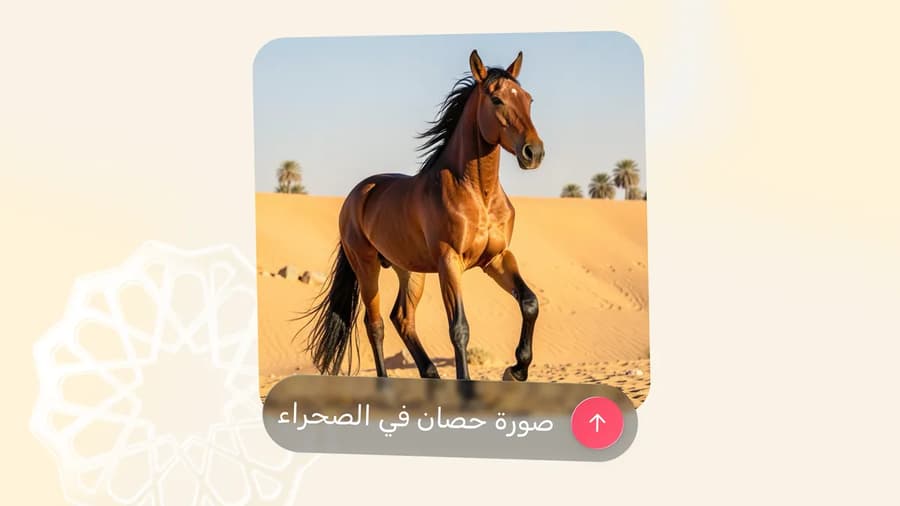
Andalusi turns a description you write into a complete image within seconds. Write what you imagine in Arabic or English, choose the size you need, square, portrait or landscape, and the app creates an original image with no photo shoot and no stock library. The important part is that the image never has to leave the app: edit it directly, add Arabic text in a professional font, or drop it into a ready template and export it for publishing.
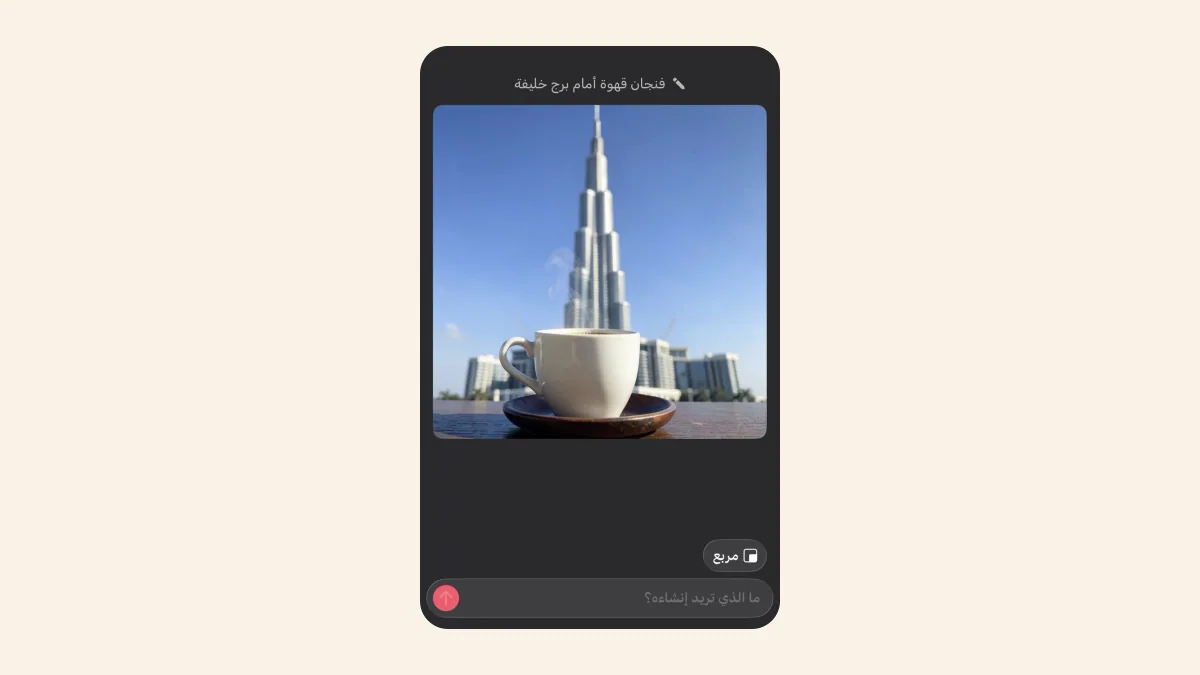
Write in Arabic and pick the size
Describe the image you want in your own language, the tool understands Arabic directly, then choose the size for where it is going: square for posts, portrait for stories and reels, or landscape for covers and thumbnails.
When to use it
Images for social posts
Generate an image that fits your post exactly instead of hunting through stock libraries, in a style and subject that is yours alone.
Unique backgrounds and designs
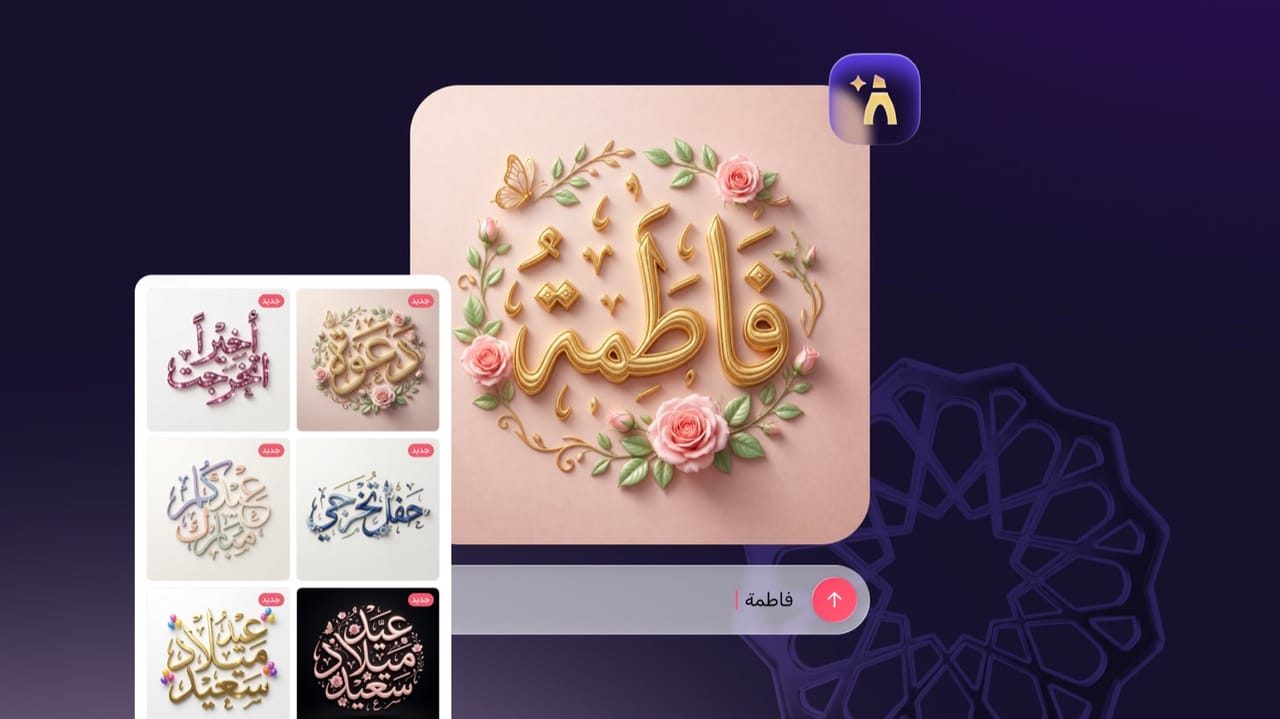
Create a custom background for an invitation, a card or a poster, then write your Arabic text over it inside Andalusi.
Product and advertising shots
Show a product idea or an advertising scene without a photo shoot. Describe the scene and get an image ready to edit.
AI art and illustration
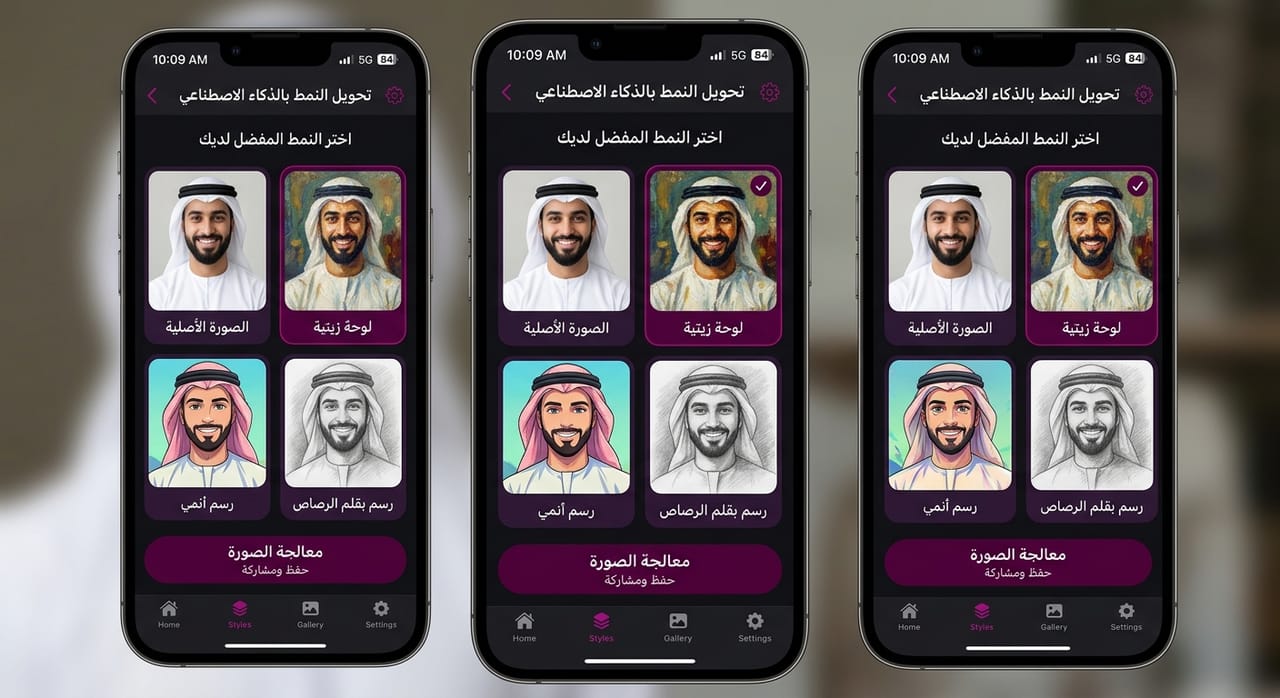
Turn an idea into an illustration or a painting in the art style you choose, and try several descriptions before settling on a direction.
Simple steps
How to use it
- 1
Open the image generator
Launch Andalusi and open the AI image generator from the create screen.
- 2
Write your description and pick a size
Write a clear description of what you want: the subject, the style and the mood, then choose square, portrait or landscape.
- 3
Generate the image, then edit it
Tap generate, and once the image appears add your text or edit it with Andalusi's tools and export it at high quality.
Frequently asked questions
How do I generate an image with AI in Andalusi?
Does the AI understand Arabic prompts?
Is the AI image generator free?
What image sizes are available?
Can I edit the image after generating it?
Download Andalusi for free
Over a million designers use Andalusi. Join them and start designing now.