AI Smart Edit
Edit any photo with a written instruction, change the background, improve the quality, or turn it into a drawing or a cartoon.
Try it now for freeWhat is this feature?
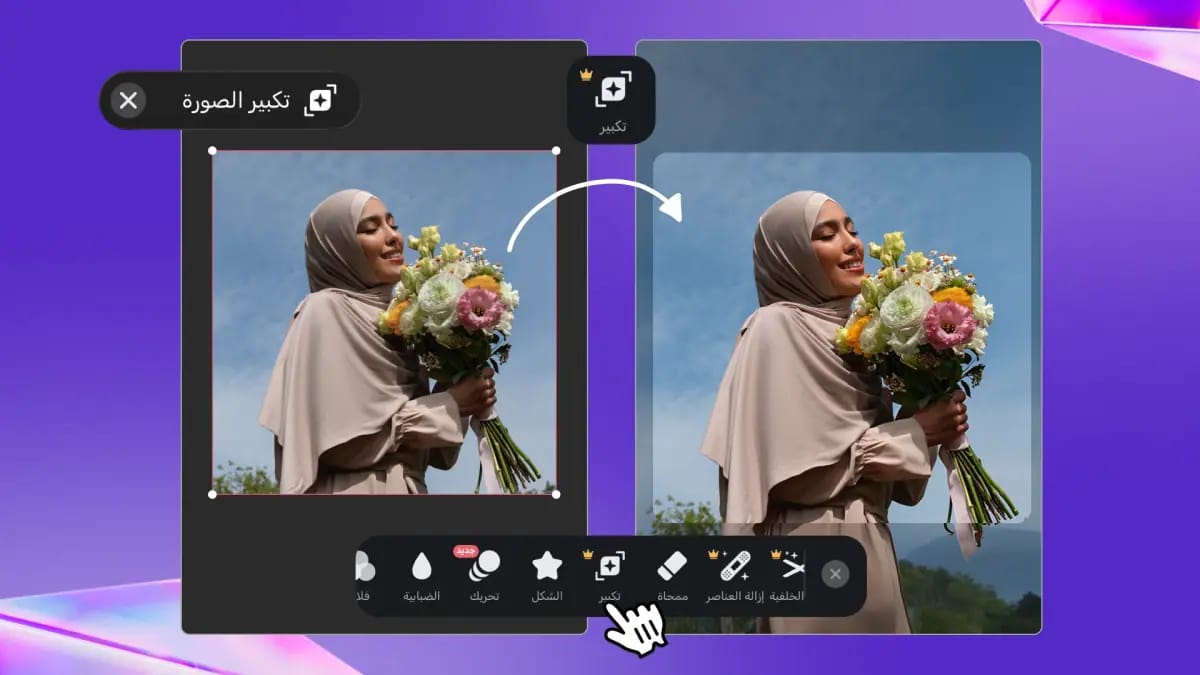
Andalusi's smart edit changes any photo from a simple written instruction in Arabic or English. Type what you want, change the background, improve the image quality, or turn it into a drawing, a cartoon or anime, and AI applies it in seconds. Ready AI styles are there too, working from a single tap with no prompt to write.
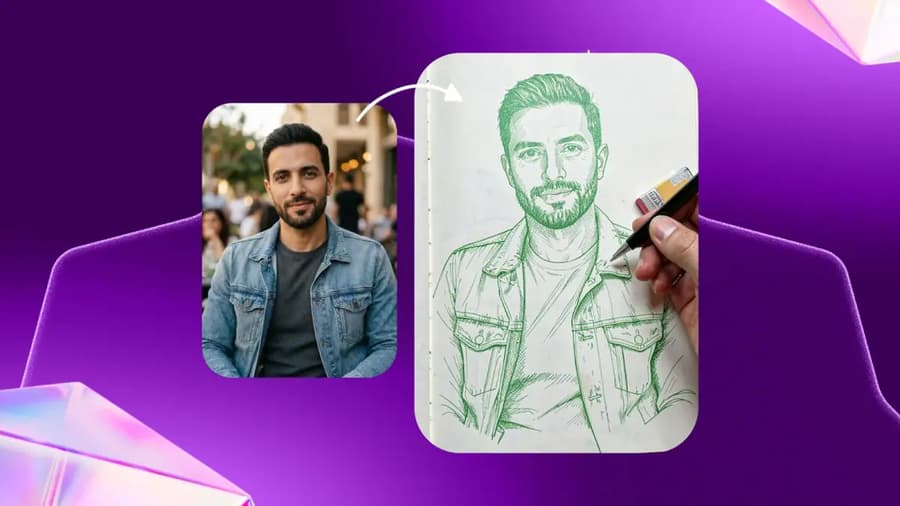
Andalusi's smart edit changes any photo from a simple written instruction in Arabic or English. Type what you want, change the background, improve the image quality, or turn it into a drawing, a cartoon or anime, and AI applies it in seconds. Ready AI styles are there too, working from a single tap with no prompt to write.
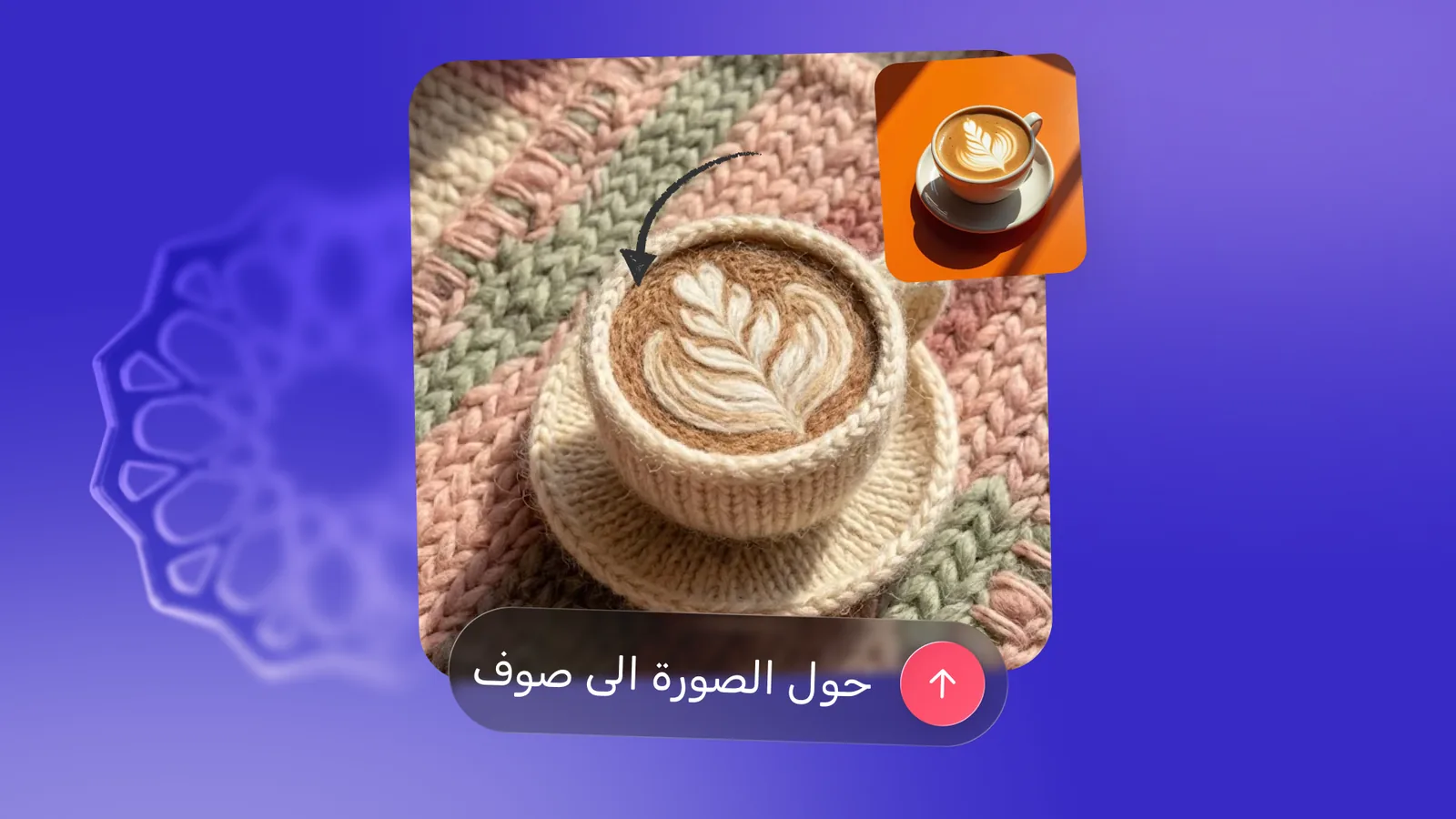
Type your instruction, see the result
Type turn the image into wool, or change the background to a sunset, and AI carries it out immediately, in Arabic or English.
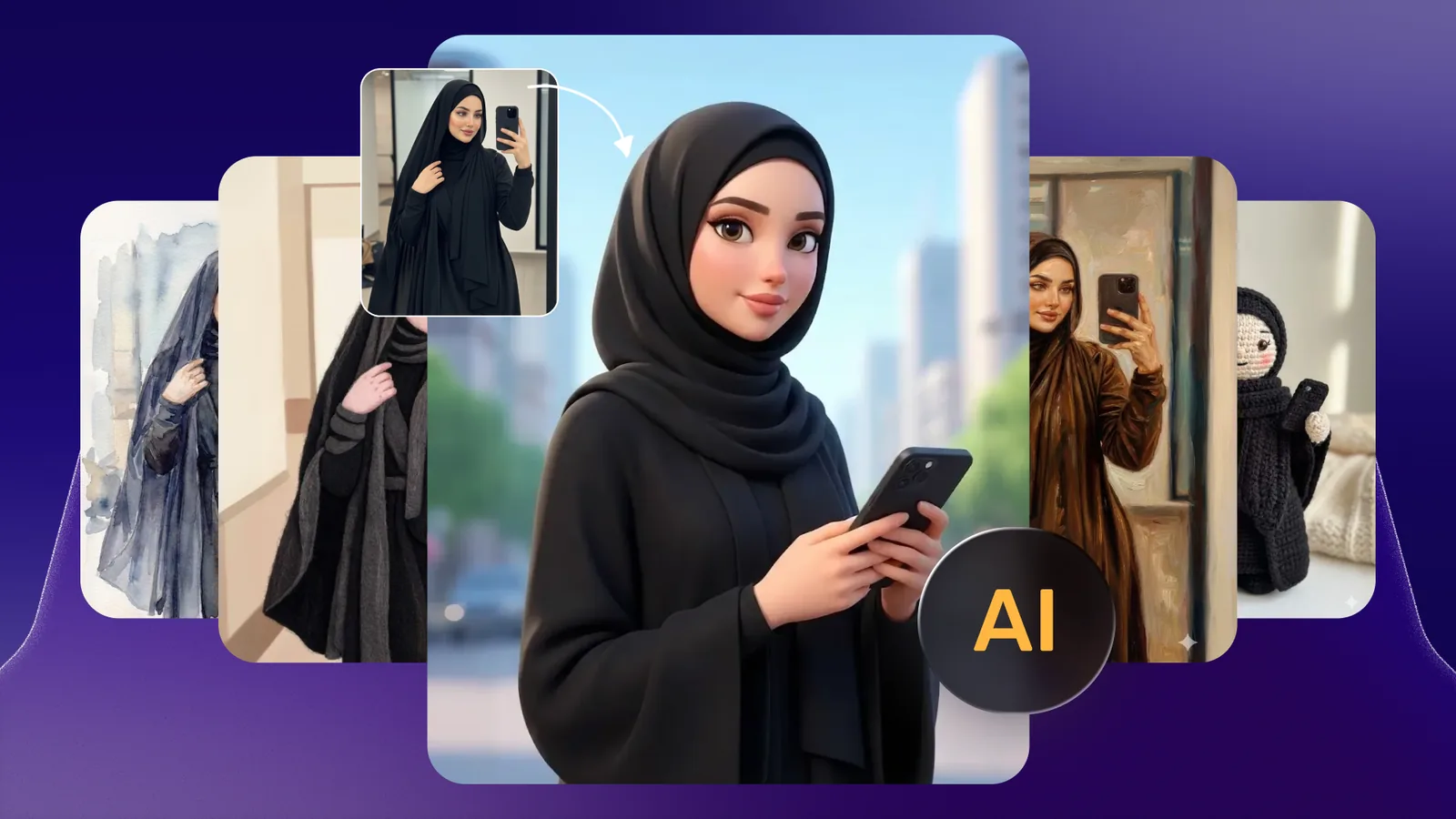
Ready AI styles in one tap
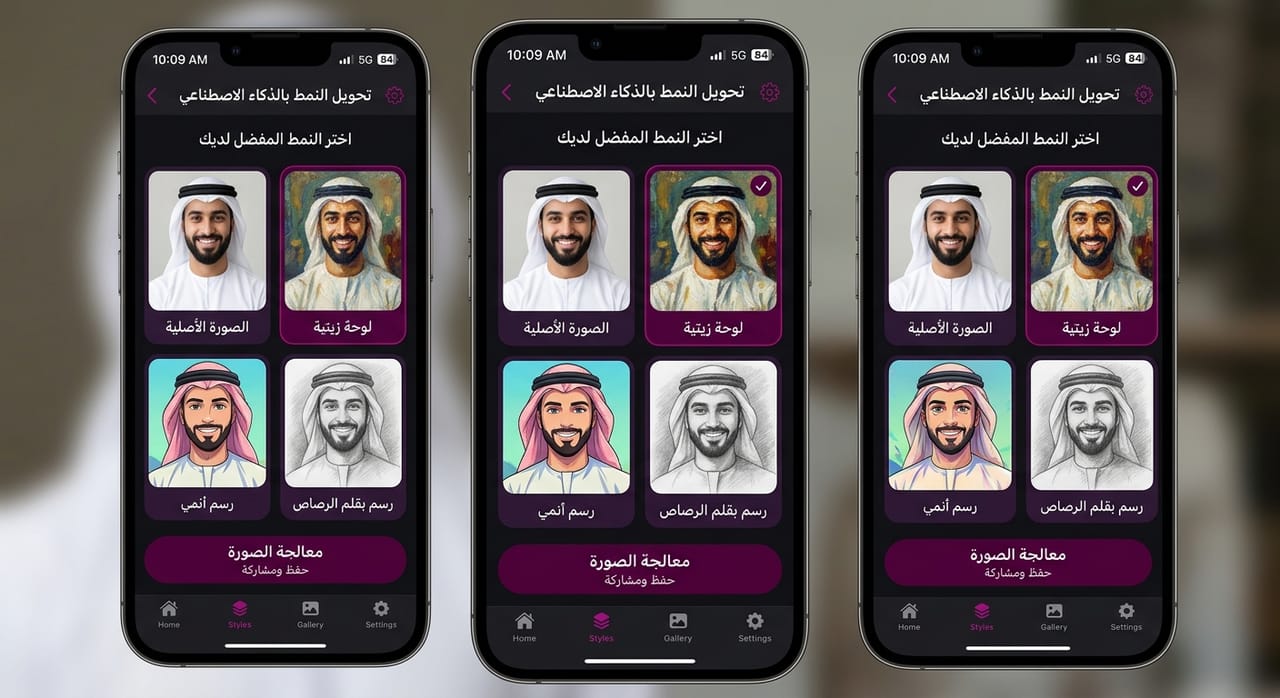
Pick from ready styles, 3D cartoon, watercolor, oil painting and wool, and apply them to any photo or design with a single tap.
AI birthday photos, step by step
A practical example: a professional birthday photo that looks like a studio shot. Add a picture where your features are clearly visible, open the AI edit tool, and enter the custom prompt, which you will find in the video description.
- Create a project and add your photo
- Enter the prompt in the smart edit tool
- Get a professional picture within seconds
When to use it
Turn a photo into a drawing or cartoon
Turn your photo into a drawing, a cartoon, anime or a painting with one instruction.
Change the photo background
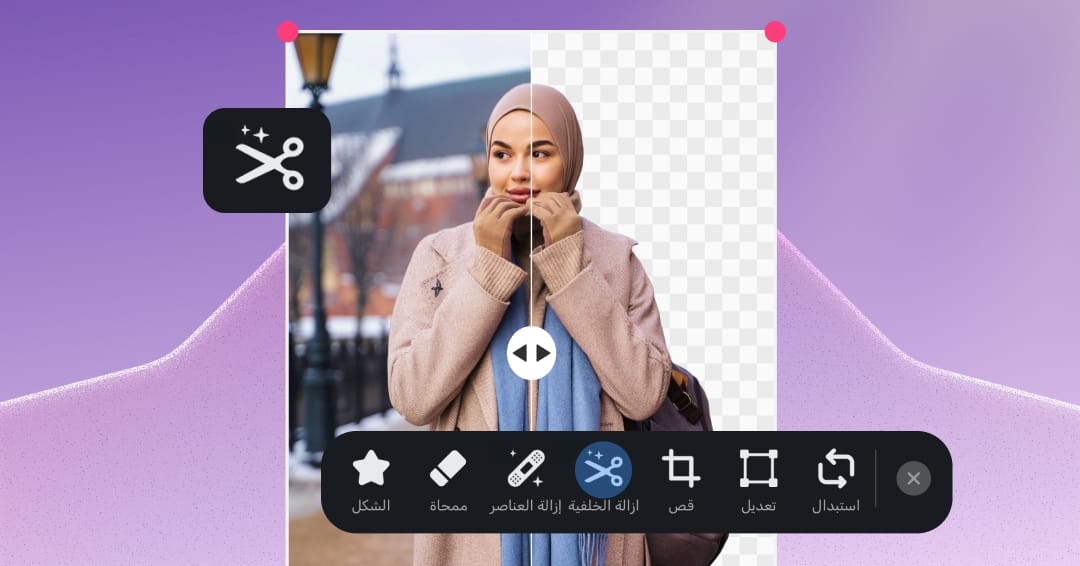
Type change the background to a sunset and AI carries it out immediately.
Improve photo quality
Raise the resolution, add professional lighting, or clean up noise with a single sentence.
Occasion and celebration photos
Create professional birthday and graduation pictures from your own photo with a ready prompt.
Simple steps
How to use it
- 1
Open the photo or design
Create a new project and add a photo from your library, or open an existing design in Andalusi.
- 2
Write your instruction in Arabic or English
Open the AI edit tool and type something like turn the image into a drawing, or change the background.
- 3
Pick a result and export
AI offers several options. Choose the best one and export it at high quality.
Frequently asked questions
Does Andalusi's AI editor understand Arabic prompts?
Can I turn a photo into a drawing or cartoon with AI?
Can AI improve photo quality in Andalusi?
What is the difference between smart edit and AI styles?
Is AI photo editing free in Andalusi?
What is the best AI photo editing app in Arabic?
Download Andalusi for free
Over a million designers use Andalusi. Join them and start designing now.