
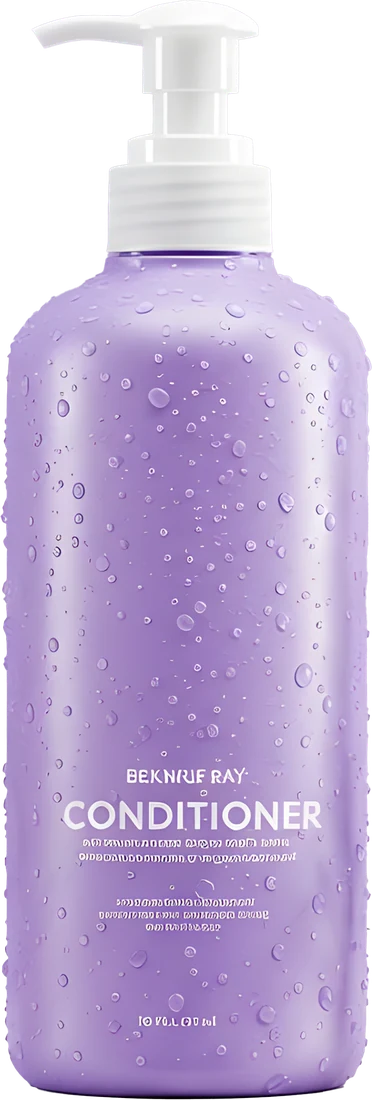
Remove the Background from a Photo
Remove a photo's background in your browser, keep it transparent or pick a colour, then finish it on an Arabic template.
or drop it here
PNG, JPG or WebP up to 20 MB. Requires signing in with Google or Facebook.
What is this feature?
Andalusi's background remover cuts your photo out automatically with AI. Upload a photo to the tool at the top of this page and sign in with Google or Facebook, and the person or product is separated from the background in seconds, with tricky edges like hair and clothing kept intact. The result appears on white, ready to download as a JPG, or choose Transparent for a PNG, any colour from Andalusi's palette or one you pick. In the Andalusi app for iOS and Android you can then drop it into a ready Arabic template and add Arabic text and fonts, with no Photoshop and no design experience.
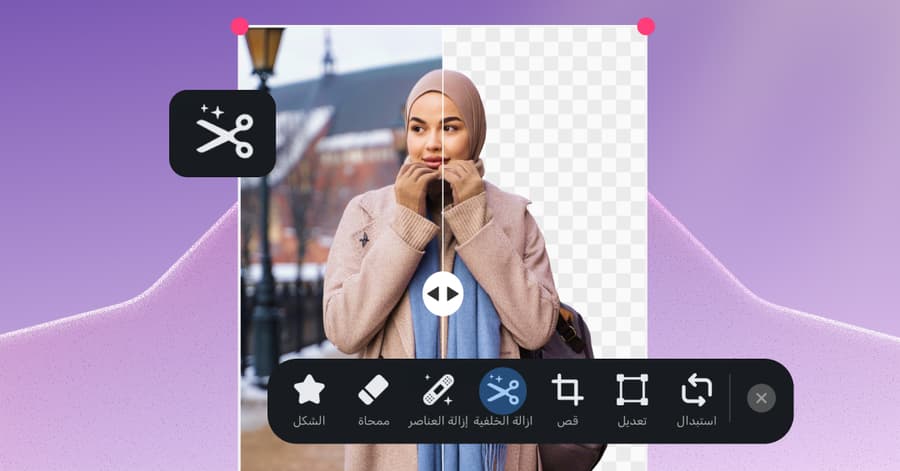
Andalusi's background remover cuts your photo out automatically with AI. Upload a photo to the tool at the top of this page and sign in with Google or Facebook, and the person or product is separated from the background in seconds, with tricky edges like hair and clothing kept intact. The result appears on white, ready to download as a JPG, or choose Transparent for a PNG, any colour from Andalusi's palette or one you pick. In the Andalusi app for iOS and Android you can then drop it into a ready Arabic template and add Arabic text and fonts, with no Photoshop and no design experience.
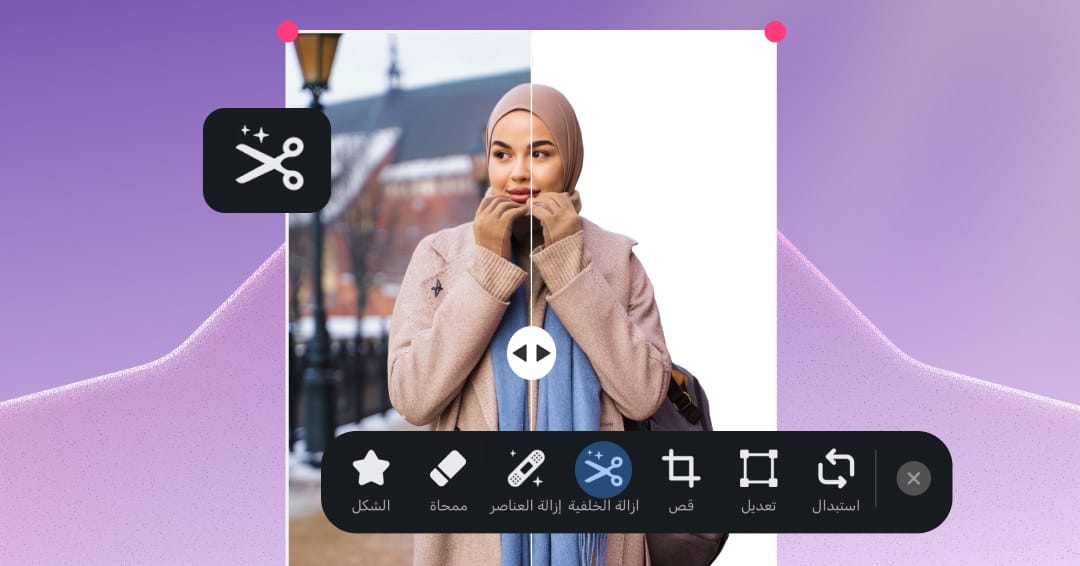
See the difference yourself
Drag the handle to compare before and after
Ready templates that start with a cutout
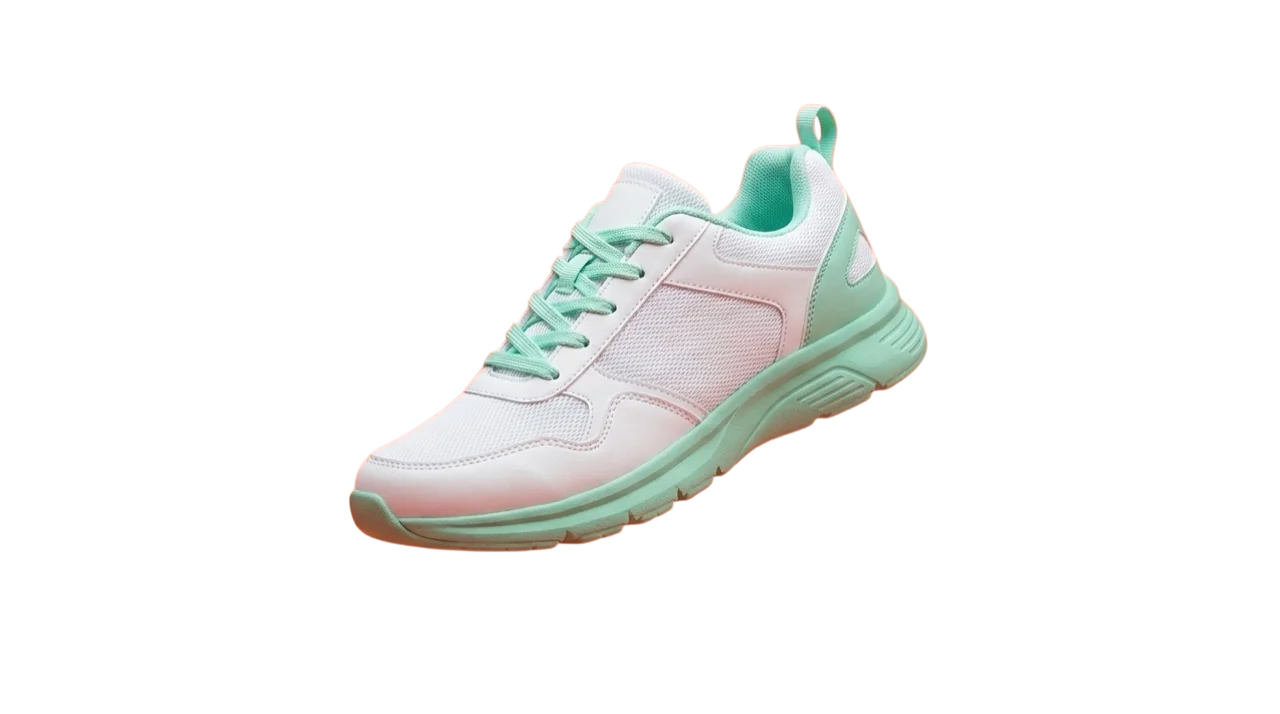
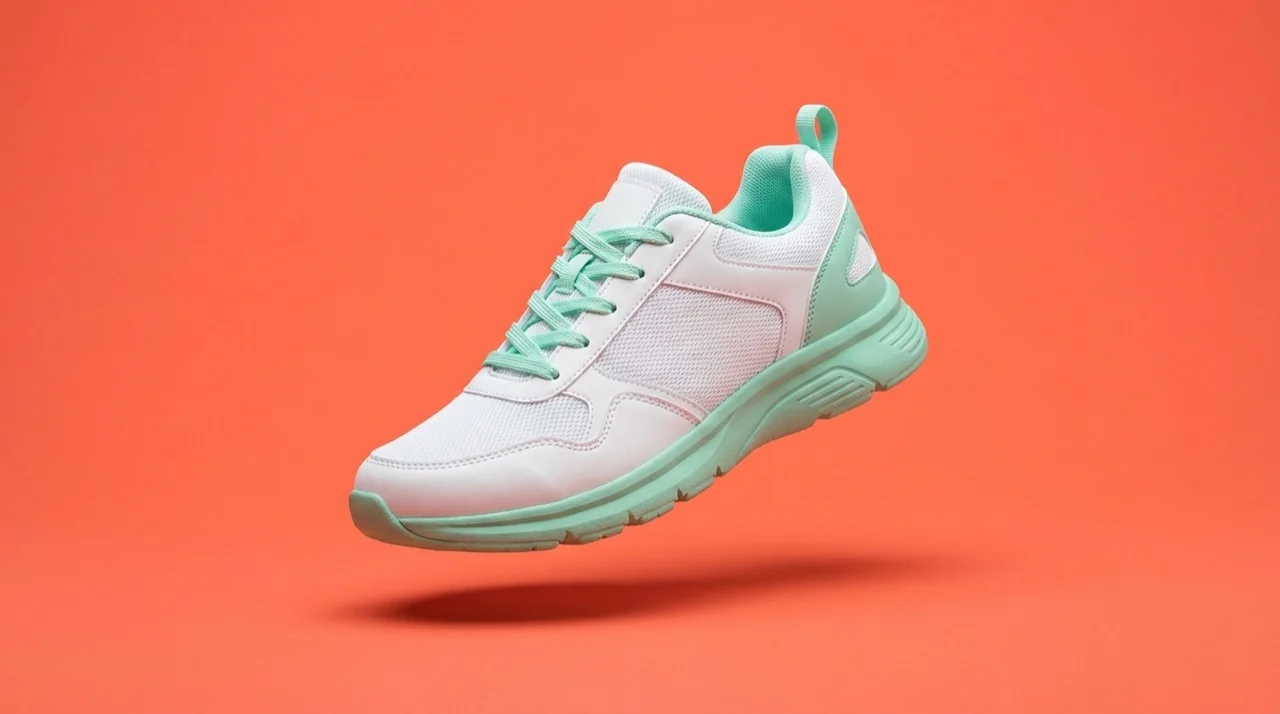
After cutting out your photo, drop it into a template from Andalusi's library, quotes, products and occasions, and get a professional design in minutes without leaving the app.


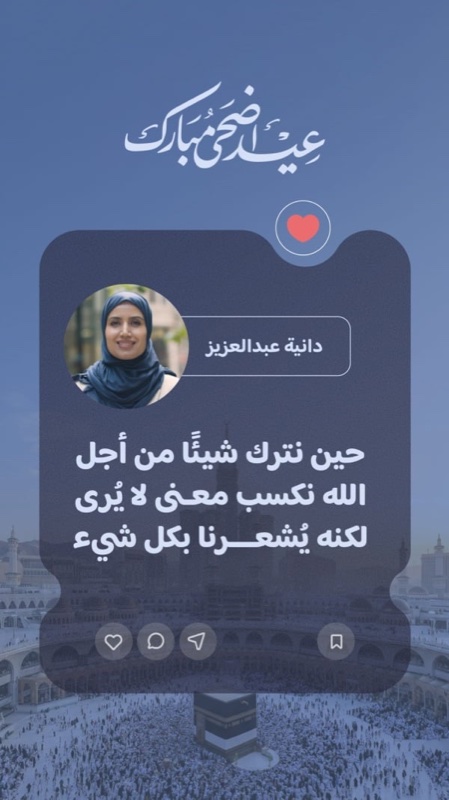
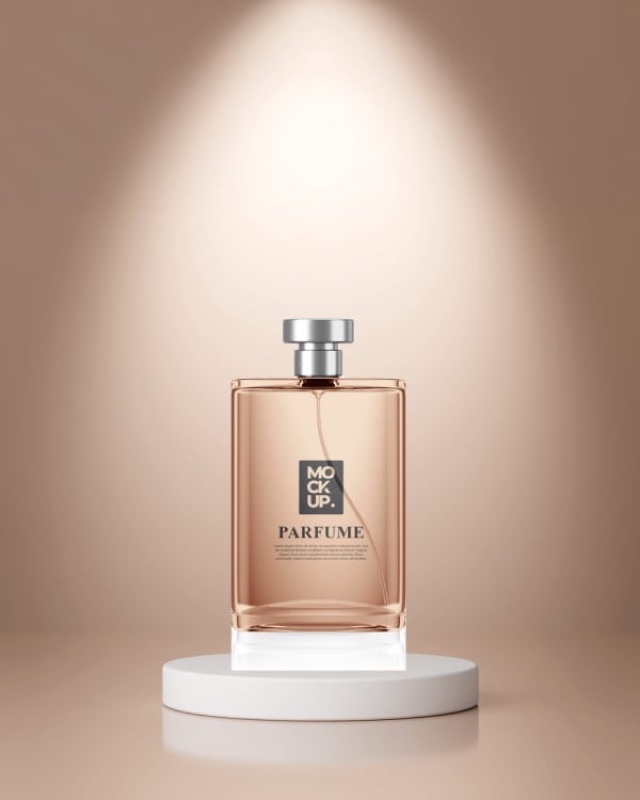

Swipe to browse more templates
One design… precisely cut-out layers
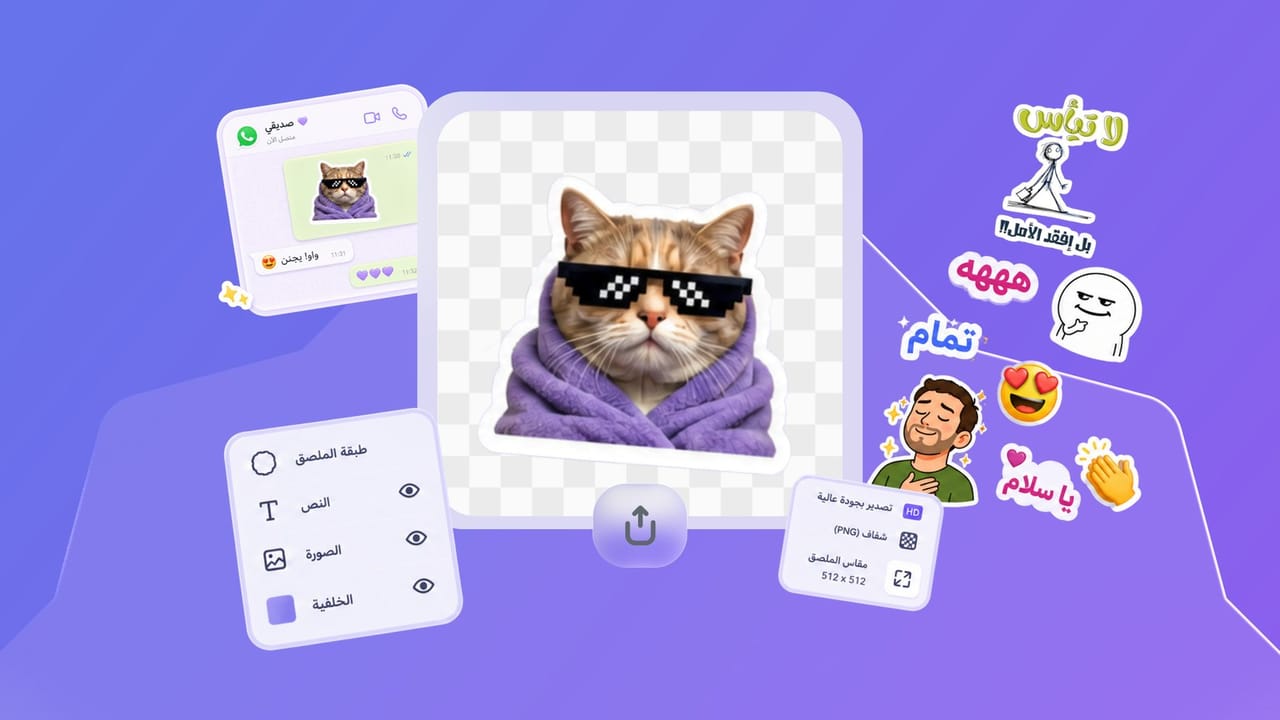
Every element in the template is a separate layer with a clean cutout and removed background, the photo, the title and the price. Move or swap any layer without affecting the rest, and assemble them into one finished design.

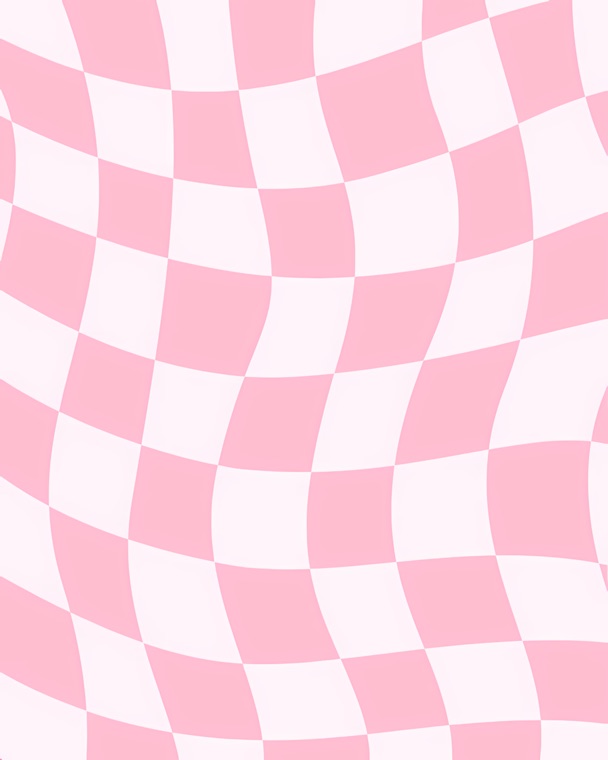


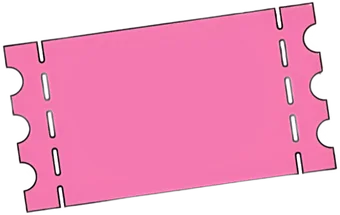
Every layer cleanly cut out on a transparent background
Watch background removal in Andalusi in seconds
How to use background removal in your design, step by step
See how to remove your photo's background and drop it into a ready design in seconds, all straight from the app, no complex tools.
- A precise AI cutout
- Transparent background or a ready template
- No Photoshop or experience needed
When to use it
Product and store photos
Remove the white or busy background from your product shots and present them on a consistent background across your online store and ads.
Social media posts
Remove your photo's background and drop it onto a ready template from Andalusi's library for a professional post or story in minutes.
Logos and invitations
Isolate your logo or portrait on a transparent background to use in invitations, signatures and presentations, no graphic designer needed.
Simple steps
How to use it
- 1
Upload your photo
Drag the photo onto the tool at the top of the page, choose it from your device or paste it from the clipboard. PNG, JPG or WebP up to 20 MB.
- 2
Sign in and let the AI work
Sign in with Google or Facebook, and the AI separates the subject from the background automatically in seconds, with no manual selection.
- 3
Pick a background and download
White is already selected, so you get a JPG, or choose Transparent for a PNG or any other colour. On a computer, press Open in the editor to keep designing with it in Andalusi.
Frequently asked questions
Is there an easy, free way to remove a background without losing quality?
How do I keep a transparent background to use the cutout in another design?
How do I get clean transparent PNGs for e-commerce product photos?
Does it keep hair and fine edges sharp?
How do I remove a background on a computer or phone without Photoshop?
Download Andalusi for free
Over a million designers use Andalusi. Join them and start designing now.