
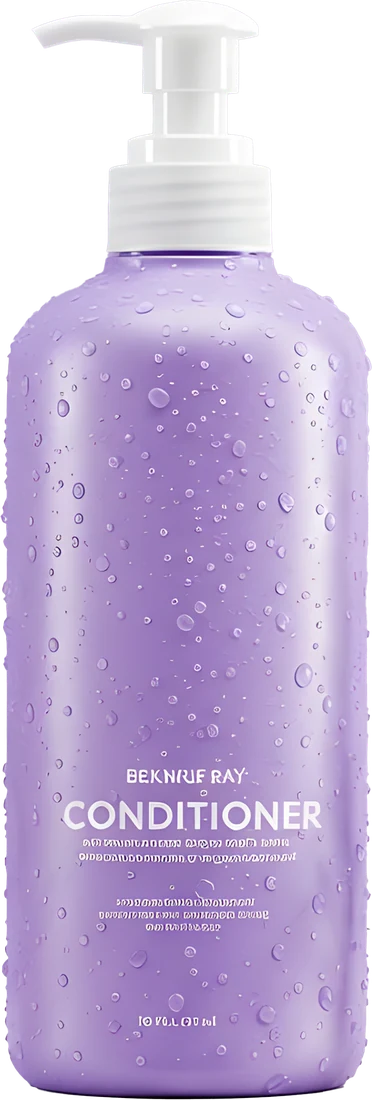
White Background for a Photo
Upload a photo: it opens in the Andalusi editor with the background removed onto pure white, ready to download or design on.
Get the appWhat is this feature?
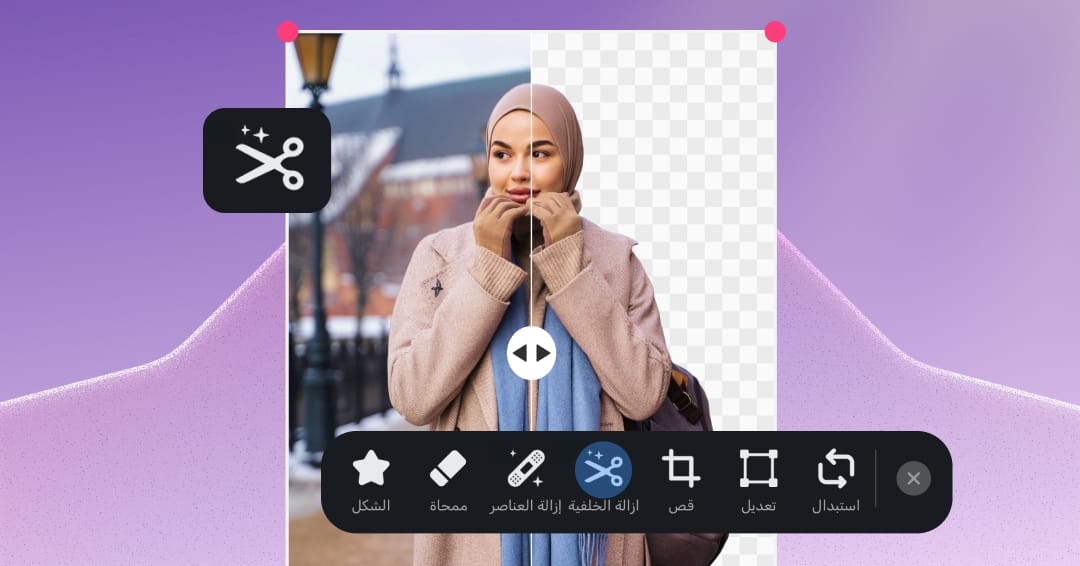
To put your photo on a white background, upload it to the tool at the top of this page: it opens as a new project in the Andalusi web editor, where AI separates the person or product from the original background automatically and leaves it on pure white in seconds. You sign in with Google or Facebook, and from the editor you can download the photo, change the background colour, or add Arabic text and elements and finish the design. White is the standard for product photos in online stores and suits profile pictures for CVs and professional profiles, and on a phone the same tool lives in the Andalusi app for iOS and Android.
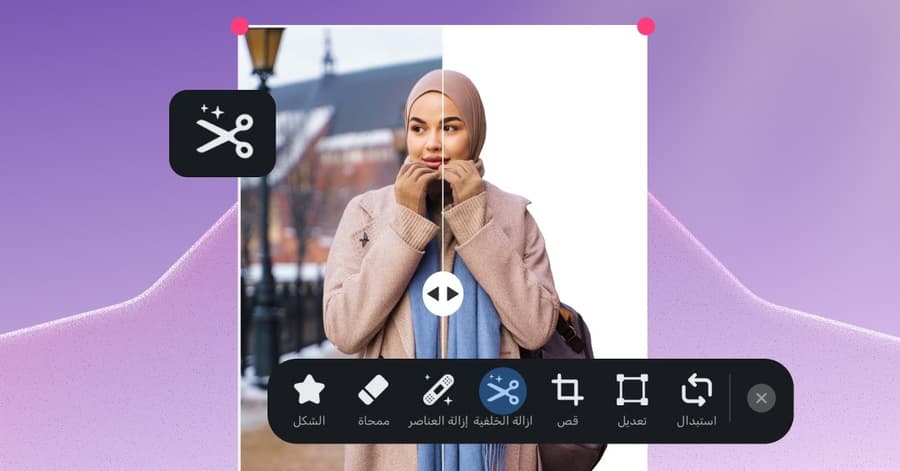
To put your photo on a white background, upload it to the tool at the top of this page: it opens as a new project in the Andalusi web editor, where AI separates the person or product from the original background automatically and leaves it on pure white in seconds. You sign in with Google or Facebook, and from the editor you can download the photo, change the background colour, or add Arabic text and elements and finish the design. White is the standard for product photos in online stores and suits profile pictures for CVs and professional profiles, and on a phone the same tool lives in the Andalusi app for iOS and Android.
See the difference yourself
Drag the handle to compare before and after
Ready white backgrounds
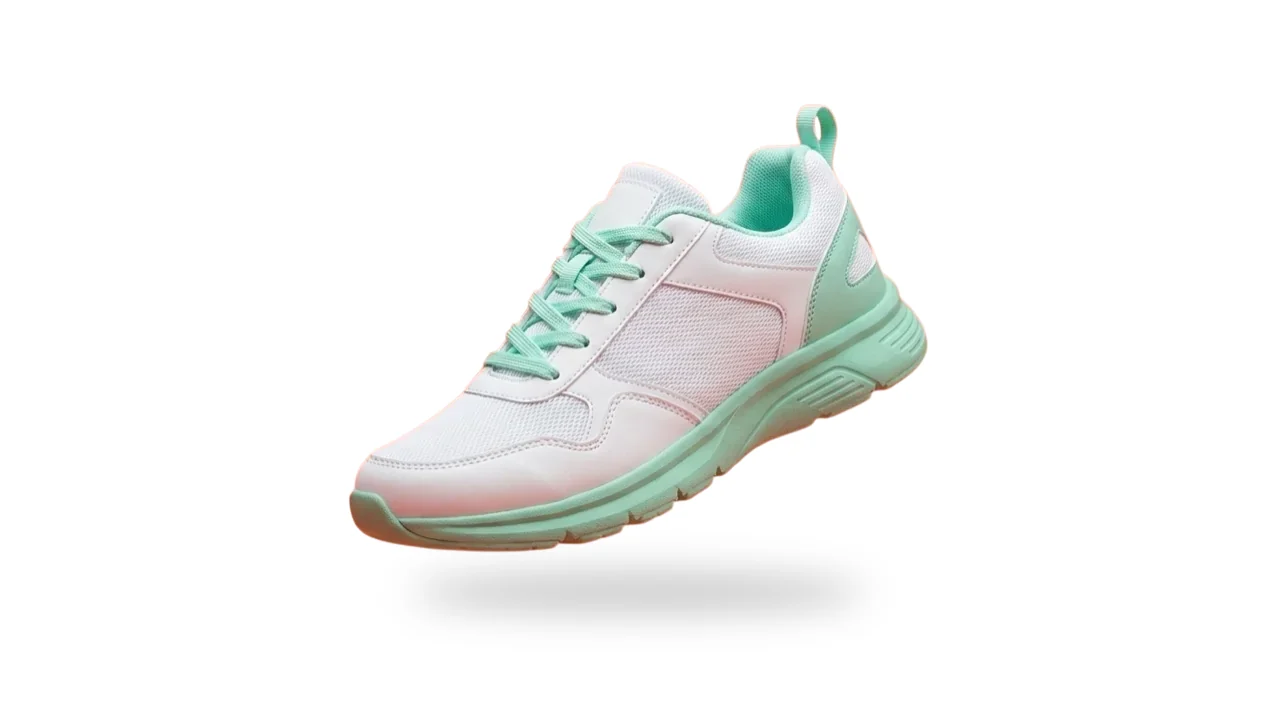
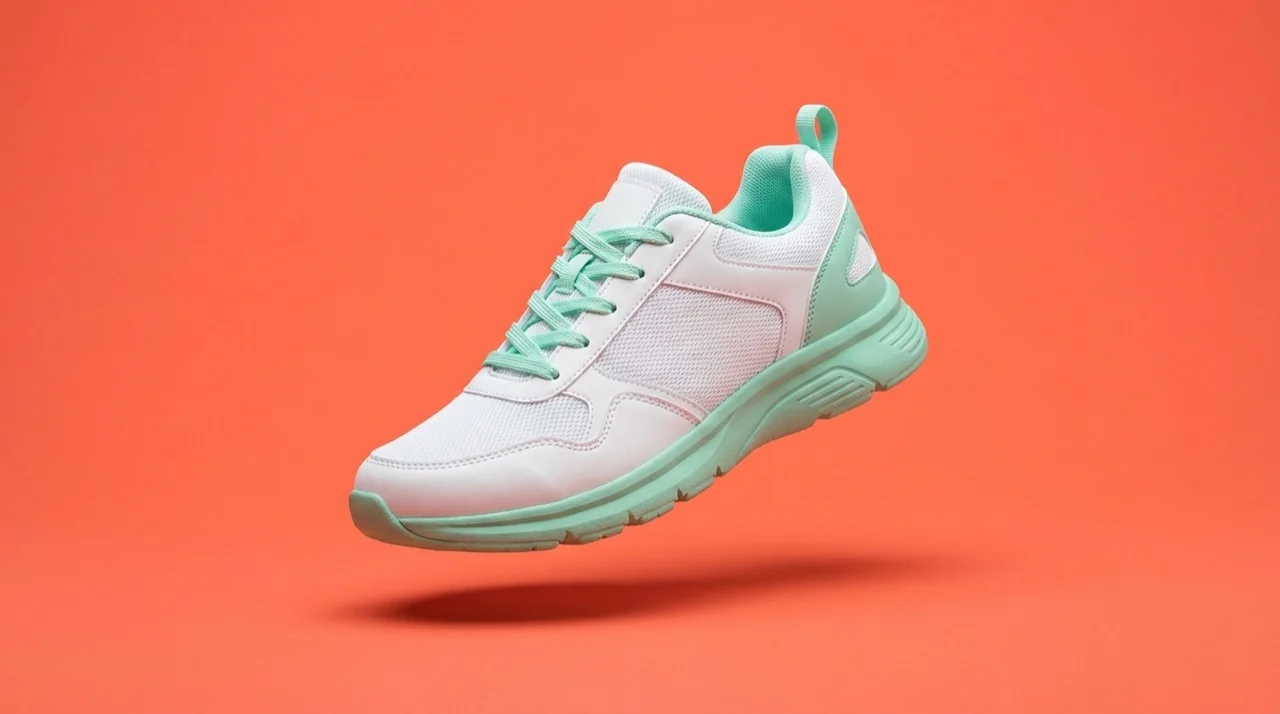
Start from a ready white or plain background in Andalusi's library, place your cut-out or your text on it, or browse the whole category.
Browse the white backgrounds









Swipe to browse more templates
When to use it
Your store's main product photo
Amazon requires the main product image on a pure white background, and white gives a Salla or Zid store a consistent look that shows the product, not its surroundings.
Profile and CV photos
Put your portrait on white for a CV, a LinkedIn profile or a staff card. For official photos like passports and IDs, check the issuing authority's specification, which also sets size and lighting.
Designs and posts
A clean white background leaves room for Arabic text, a logo or a price, and in the Andalusi app you can finish the design with Arabic fonts and ready social media templates.
Simple steps
How to use it
- 1
Upload your photo
Drag the photo onto the tool at the top of the page, choose it from your device or paste it from the clipboard, as a PNG, JPG or WebP up to 20 MB.
- 2
Sign in and the editor opens
Sign in with Google or Facebook, and your photo opens in the Andalusi web editor, where the AI starts removing the background automatically, with no manual selection.
- 3
Download it or keep designing
Your photo appears on pure white in the editor. Download it from the Share button, or change the background colour from the Background tool and add Arabic text and elements first.
Frequently asked questions
How can I easily change a photo's background to white like a product photo?
Can I add a white background to product photos for my online store?
Can I keep a transparent version as well?
How do I change a photo's background to white on my phone?
How do I get the cleanest result?
Download Andalusi for free
Over a million designers use Andalusi. Join them and start designing now.