Add Text to Photos
Upload a photo and write on it in Arabic right in the editor: your name or a quote in hundreds of fonts, with shadows and effects.
Get the appWhat is this feature?
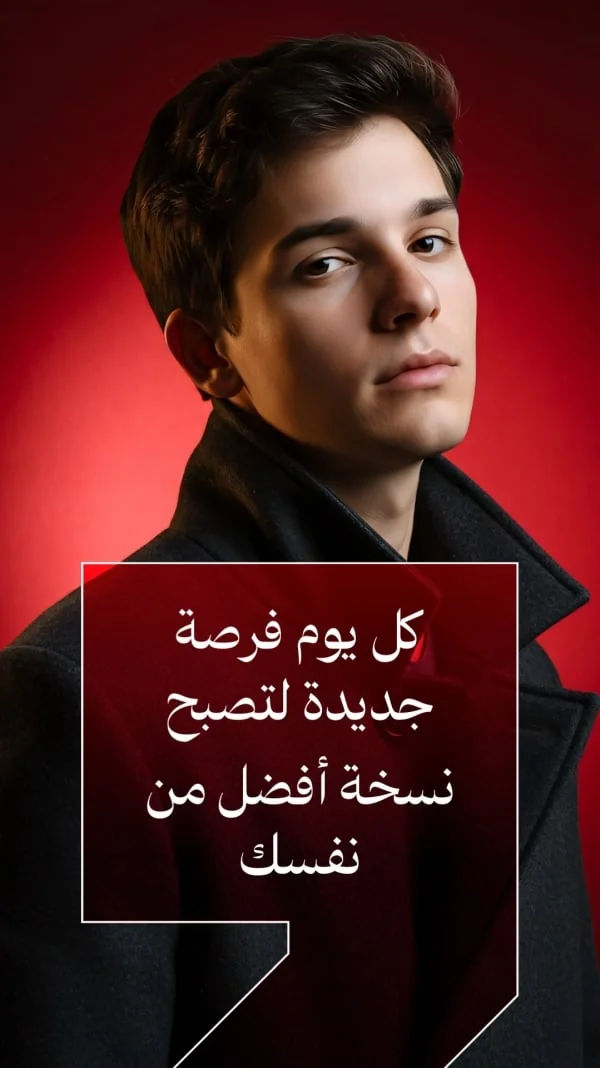
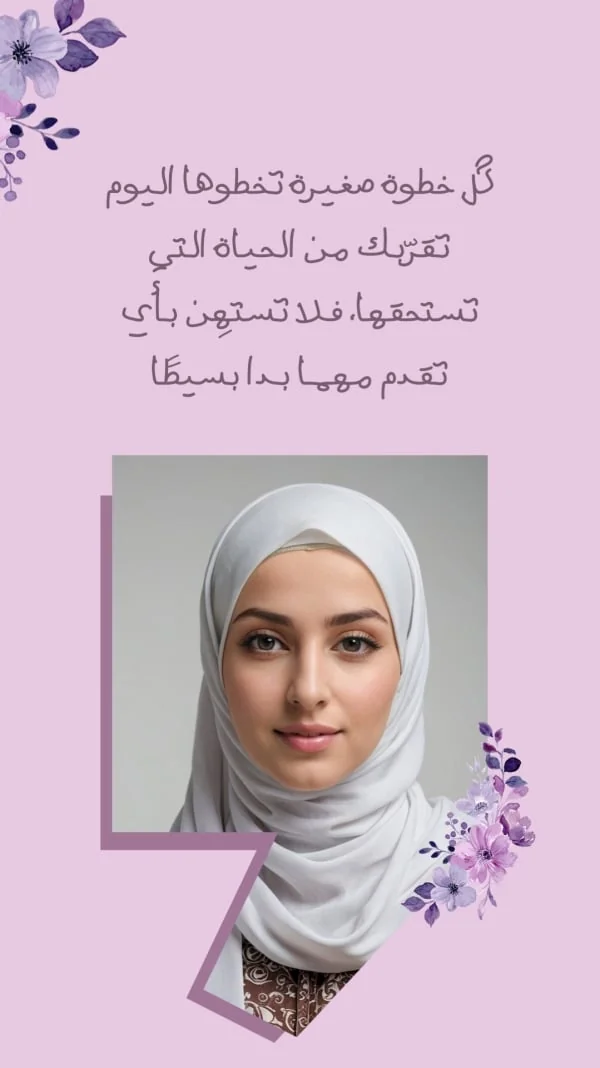
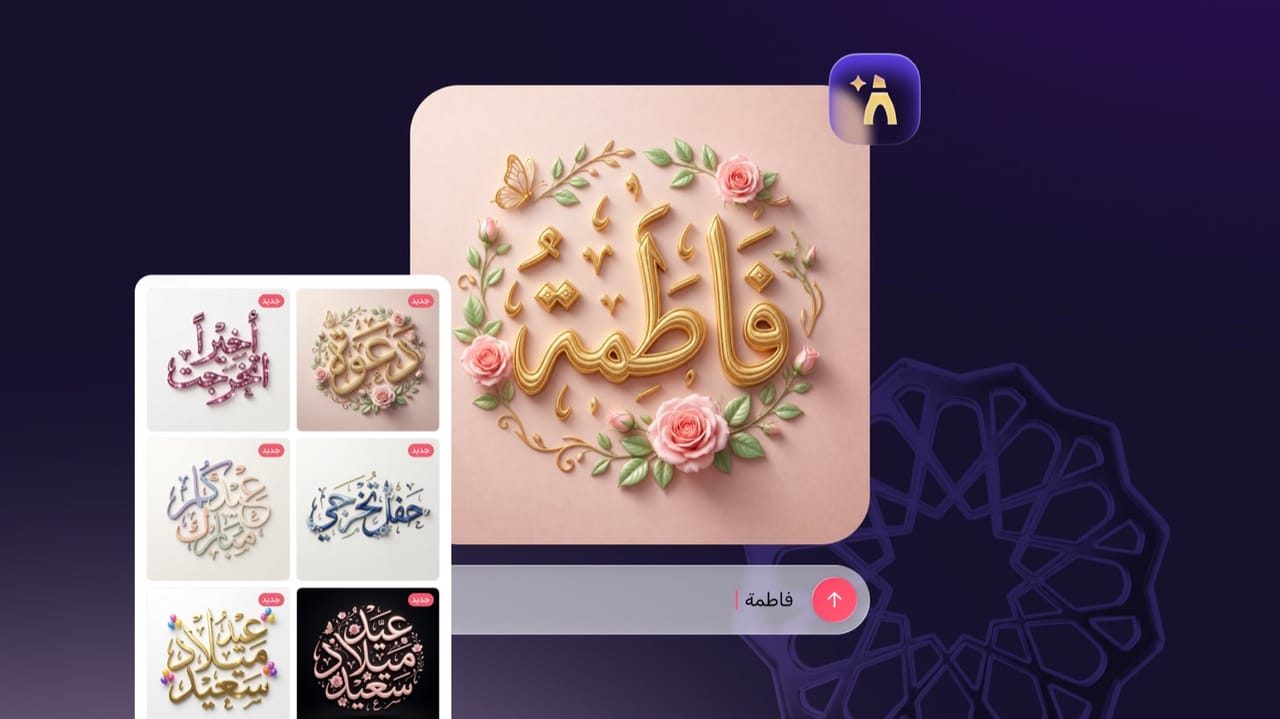
Andalusi's add-text tool lets you place professional Arabic text on any photo using fonts from our huge library, or start from ready photos and templates made to write on. Write your name, a quote or a product caption, and control the colour, size, shadow, outline and angle, with correct right-to-left Arabic ready to share instantly.
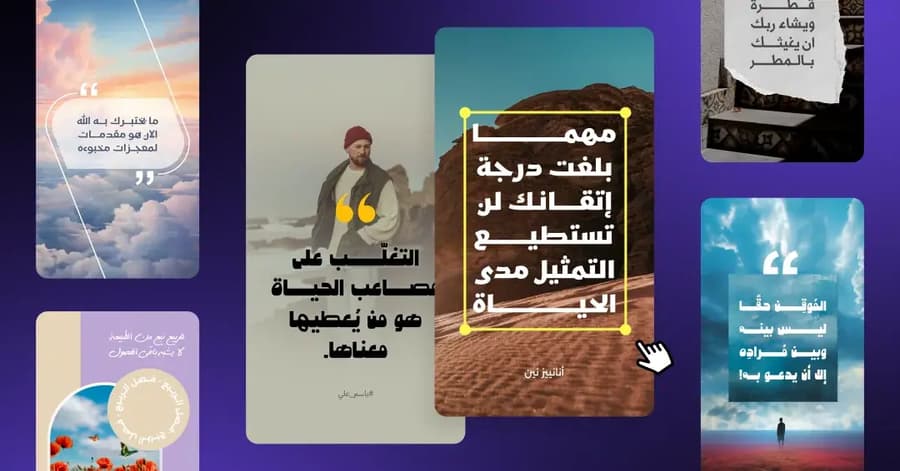
Andalusi's add-text tool lets you place professional Arabic text on any photo using fonts from our huge library, or start from ready photos and templates made to write on. Write your name, a quote or a product caption, and control the colour, size, shadow, outline and angle, with correct right-to-left Arabic ready to share instantly.
Font
Try editing selected words yourself
New in Andalusi: select one or more words inside a text layer and drag the two handles to widen the selection, then change just those words' font, size or colour, or give them a background. The rest of the text stays exactly as it was.
The preview above is a live recreation of the app's word selection tool: tap a word or drag the handles to widen the selection, then open a tool from the bottom bar.
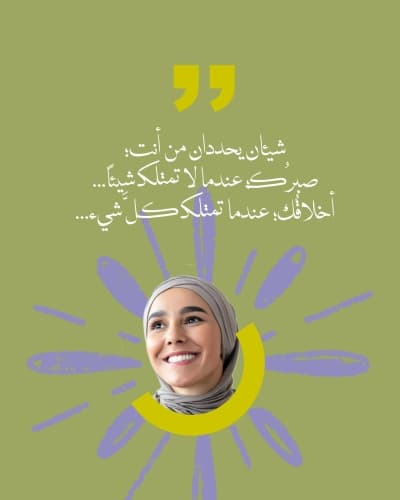
Quote: Kahlil Gibran
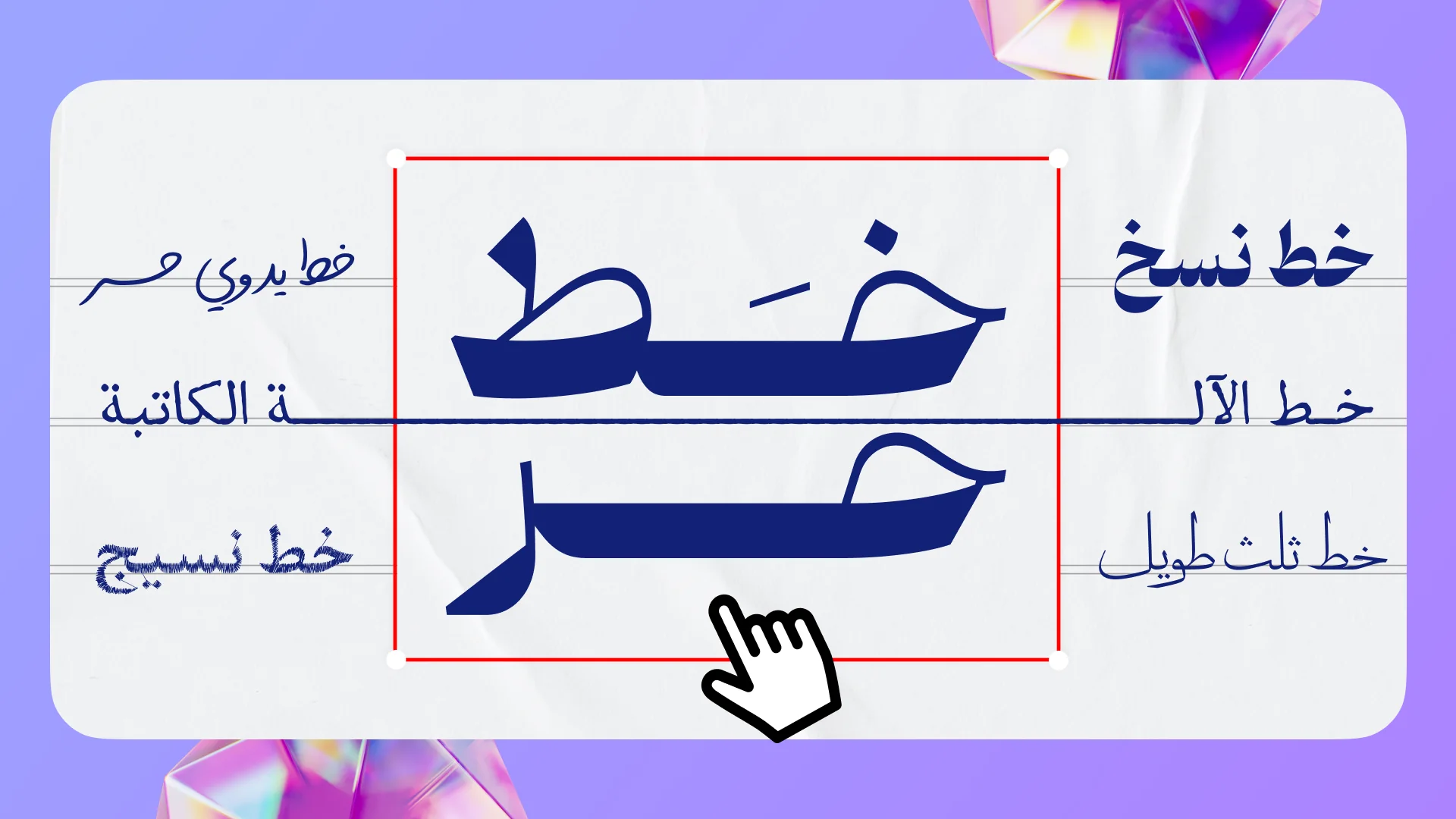
Arabic fonts on your photos
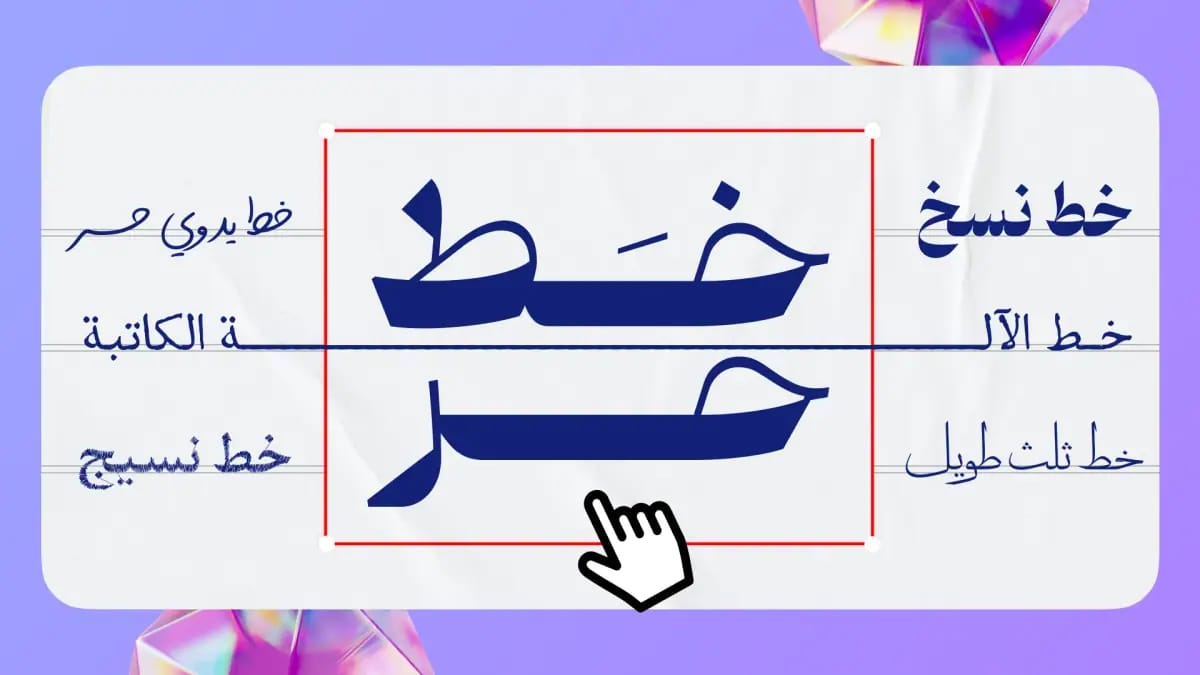
Pick from hundreds of Arabic fonts and add your text or name over any photo, Thuluth, Diwani, modern and more.
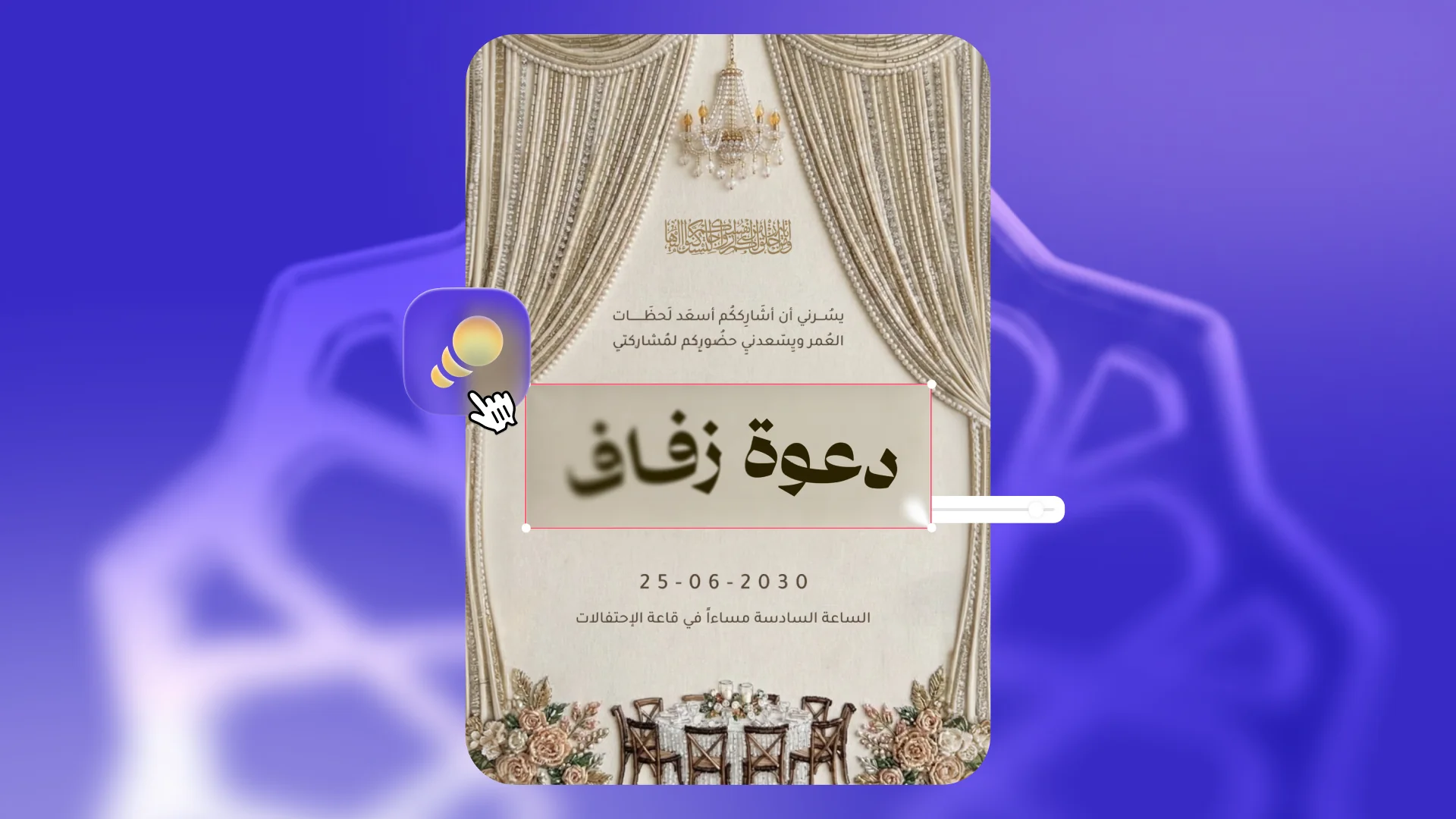
Effects that make your text pop
Shadow, outline, glow, text background, effects that keep your words clear on any photo.
Ready quote templates to write on
Start from a ready personal-quote template, swap the text for your own words and pick the font, a professional design without starting from scratch.

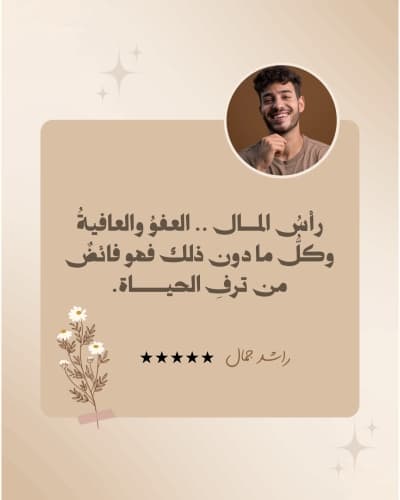


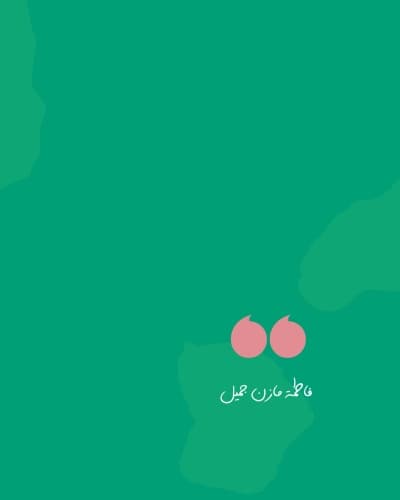



Swipe to browse more templates
Adding text to photos online, simple steps
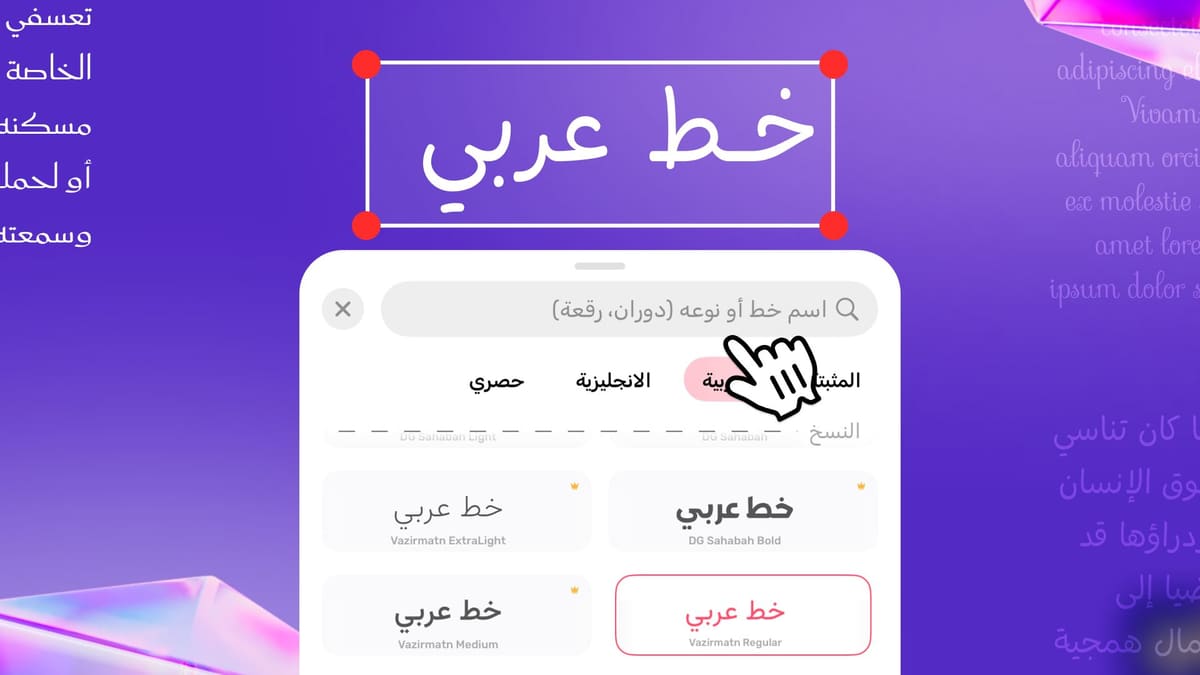
A quick walkthrough: add your photo, type the text you want, and open the Arabic font list to pick the font that suits your design, all from the Andalusi app.
- Add the photo you want to write on
- Type the text that fits the photo
- Pick from the premium Arabic font library
When to use it
Write your name on photos
Write your name or a loved one's in an elegant Arabic font on a special photo and share it.
Quotes and sayings
Add your favourite quote to an inspiring photo and share it with your followers as a professional design.
Product posts
Write the product name, price and offer straight onto the product photo, a ready post in seconds.
Greetings and occasions
Add your greeting to a special photo for a birthday, Ramadan or any occasion.
Simple steps
How to use it
- 1
Upload your photo
Drag the photo onto the tool at the top of the page or choose it from your computer, and it opens in the Andalusi web editor with the text tool ready. On a phone, open it in the Andalusi app or start from a ready template.
- 2
Add your Arabic text
Tap 'Add text' and write your name or phrase in Arabic, Andalusi handles right-to-left text correctly.
- 3
Customise the font and look
Pick the font, colour and size and add a shadow or outline, then export and share.
Frequently asked questions
How do I write on photos in Arabic?
How do I write my name on a photo?
Are there ready photos to write on?
Can I edit the text after adding it to the photo?
What's the best app to add Arabic text to photos?
Download Andalusi for free
Over a million designers use Andalusi. Join them and start designing now.