May 19, 2026
Thmanyah Font: How to Install and Use It
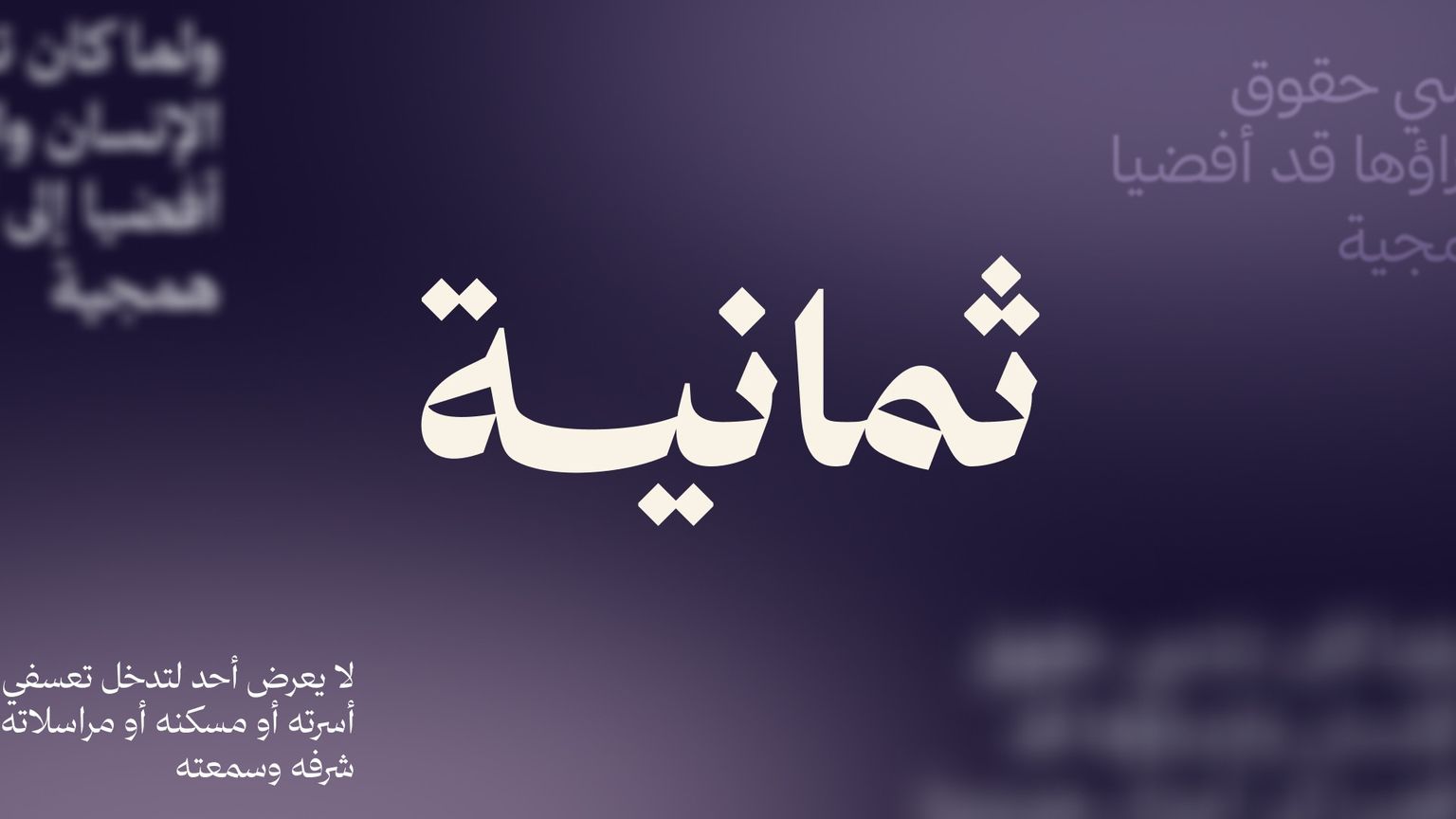
Design with the Thmanyah font in the Andalusi app
The Thmanyah font, from the Saudi publishing house Thmanyah, is a digital Arabic typeface with a modern handwritten character — free for personal and commercial use. This guide covers how to download it from the official site and install it in Andalusi, step by step.
Note: the Thmanyah license requires the font to be downloaded from their official site only, and no app is allowed to redistribute it — which is why you install it in Andalusi yourself.
Designs that suit the Thmanyah font
Its handwritten character makes it especially good for:
Quotes and sayings — the flowing letterforms give a quote a personal voice.
Greeting cards and invitations — weddings, graduations, new babies, Ramadan, and Eid.
Social media designs — as a headline that stands out in a feed full of rigid typefaces.
Podcast and content titles — it carries a sense of honest conversation.
Personal brands and logos — for small projects and solo ventures.
Book and article covers — literary and poetic titles in particular.
How to use the Thmanyah font in Andalusi
Step one — download the font from the Thmanyah site
Go to the font's official site: font.thmanyah.com
Tap the download button and the font file (.ttf or .otf) will be saved to your device. Be sure to read the Thmanyah license terms before you use it.
Step two — open the Andalusi app
Launch Andalusi on your device. If you haven't installed it yet, download it from:
App Store (iOS)
Google Play (Android)
Step three — go to the installed fonts list
Inside any design project, open the fonts panel, then choose Installed fonts.
Step four — install the font
Tap "Install font" and select the Thmanyah font file you downloaded in step one.
Step five — restart the app
Close Andalusi completely, then open it again. This step matters — it's how the app picks up the new font.
Step six — start designing
Create a new project, add some text, and you'll find the Thmanyah font ready to use in the installed fonts list.
Video walkthrough
The same steps in the short video below (it shows how to install any font in Andalusi — the Thmanyah font is no different):
Tips for getting the most out of it
Use it for headlines — the Thmanyah font shows its beauty at large sizes. For long passages of text, pick something clearer like Rubik or Tajawal.
Go dark on light — or light on dark. This typeface needs strong contrast to stand out.
Leave white space around it — a handwritten font needs room to breathe.
Try it with Ramadan and occasion templates — the handwritten feel adds warmth to a greeting.
Frequently asked questions
Is the Thmanyah font paid?
No. It's free for personal and commercial use under Thmanyah's license. Read the full license details here.
Why isn't the font already bundled with Andalusi's fonts?
The Thmanyah license requires the font to be downloaded directly from their official site and doesn't allow redistribution inside other apps. That's why we point you to the source to download it yourself.
Does the font work on both iOS and Android?
Yes — the installation steps are identical on both platforms.
Can I use the font for commercial designs?
Yes, within what the Thmanyah license permits. Review the license terms before any large-scale commercial use.