June 24, 2026
AI Diacritics: Add Tashkeel to Arabic Text
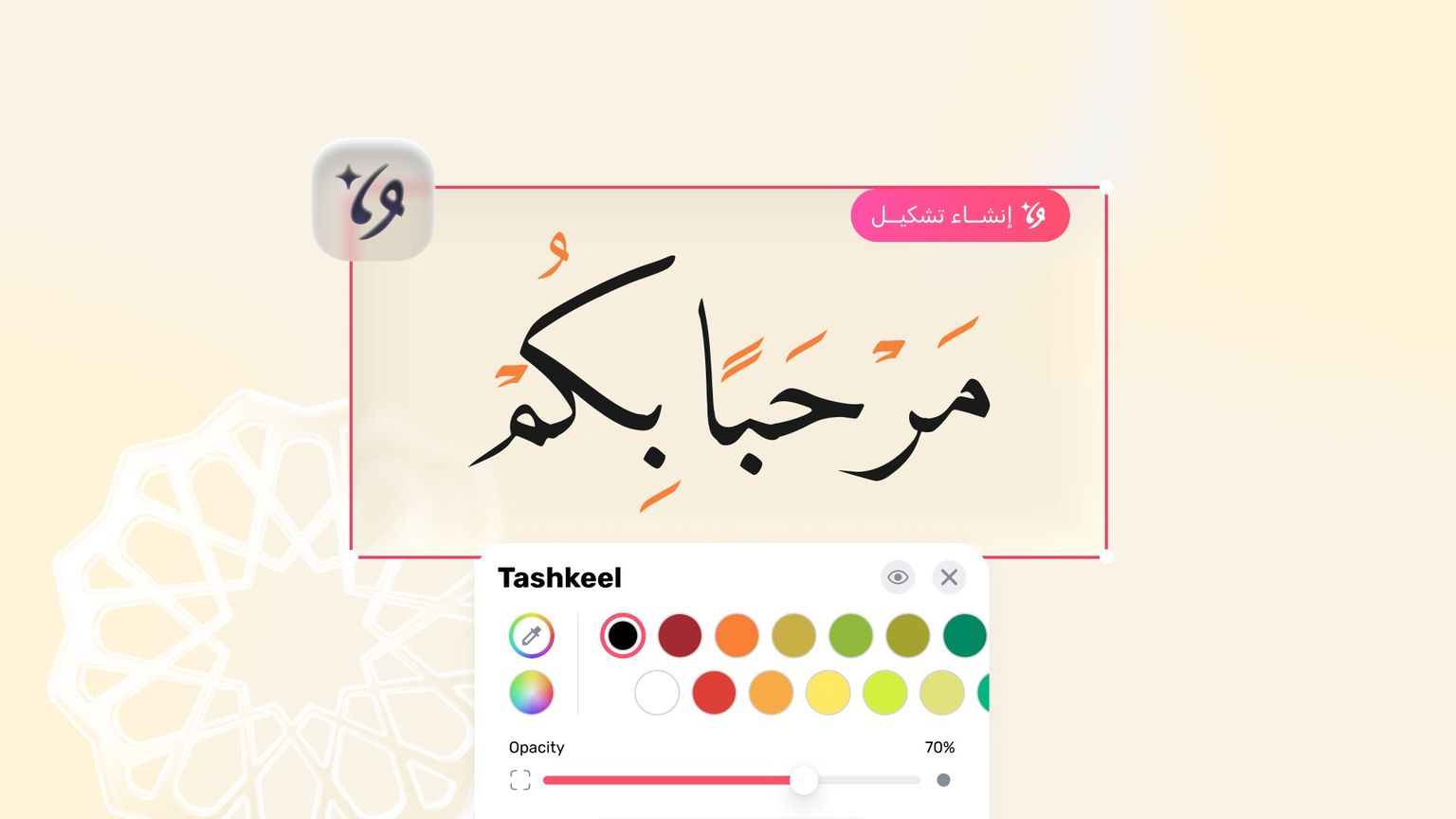
Tashkeel is the soul of Arabic text — the diacritical marks are what fix the pronunciation and the meaning, and what give a headline, a verse, or a line of poetry its full beauty. But adding them by hand, letter by letter, is slow, tiring work where mistakes creep in easily.
With the AI diacritics tool in Andalusi, you simply type your Arabic text and the AI adds the marks automatically and accurately in seconds. And Andalusi goes one step further: you can colour the diacritics independently from the letters, creating a visual contrast that sets your design apart.
How does the diacritics tool work?
The tool uses AI that reads the context of the sentence and places the fatha, damma, kasra, and shadda exactly where they belong — you never add a single mark yourself. Once the text is vocalised, you control the colour of the marks separately from the colour of the text: white letters with gold diacritics, or dark text with marks in your brand colour.
What the tool gives you
One-tap automatic tashkeel — no linguistic expertise and no manual editing required.
Context-aware accuracy — the AI understands the sentence and puts each mark in its right place.
Coloured diacritics — an Andalusi exclusive for designs that stand out.
Works with the Arabic fonts in Andalusi on both iOS and Android.
How to add diacritics in Andalusi
Open Andalusi and add your Arabic text — a Quranic verse, a duaa, a line of poetry, or a name.
Select the text and open the AI diacritics tool.
Let the AI add the marks with a single tap, then give the result a quick read.
Colour the diacritics differently from the text to give your design its own signature look.
Export your design in high quality and share it.