February 15, 2026
AI Image Upscaling: Sharpen Old Photos
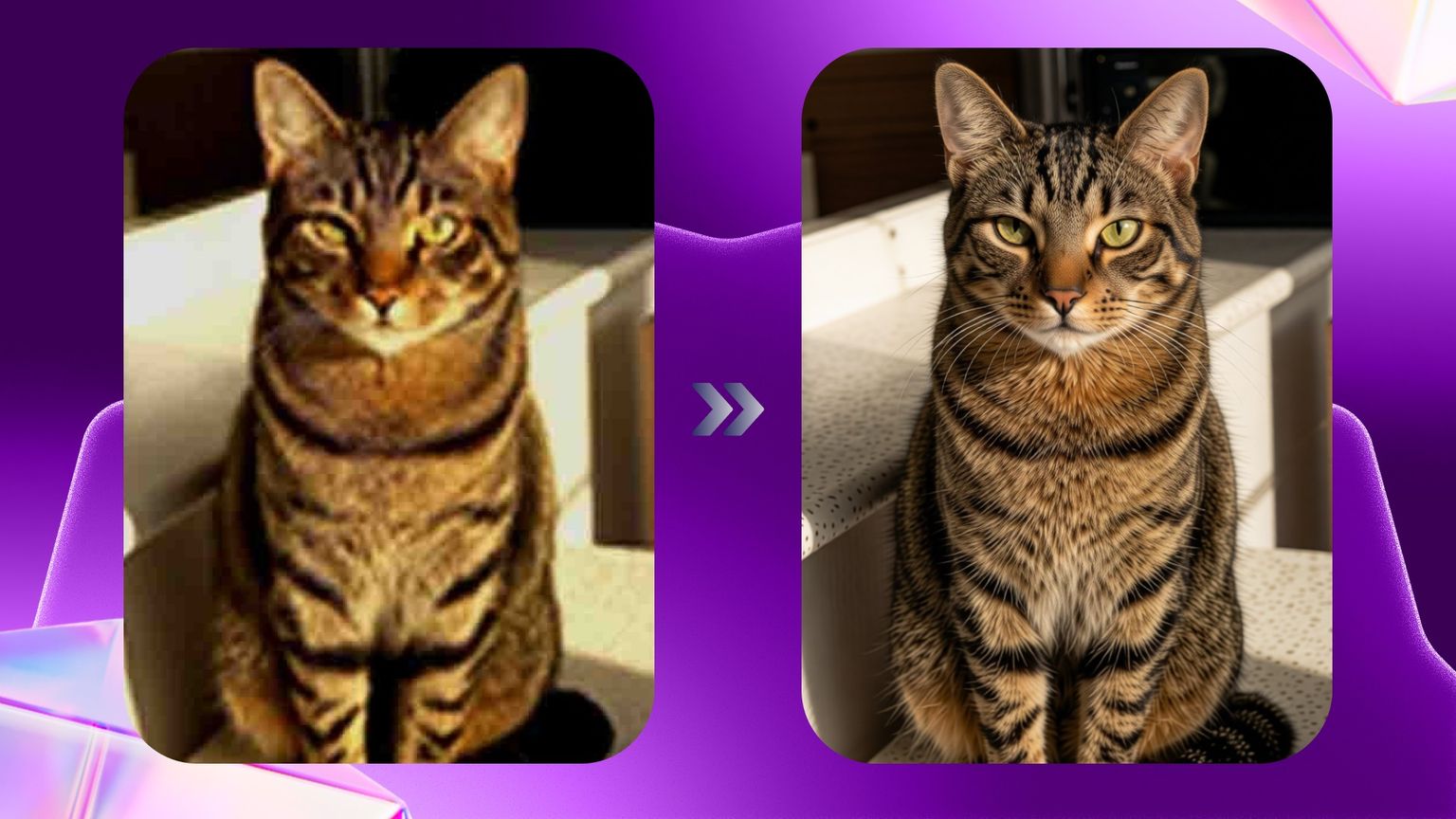
Have an old or low-quality photo you wish looked sharper and more professional?
With AI image upscaling in Andalusi you can improve any photo in seconds — no technical know-how required.
✨ What is image upscaling?
The image upscaling tool (Image Upscale / AI Enhance) uses advanced AI to:
Increase image resolution
Bring out detail
Reduce noise
Sharpen facial features and fine detail
The result? A cleaner, crisper, far more professional photo.
📱 How to use image upscaling in Andalusi
It could not be simpler:
Open the Andalusi app.
Head to the AI tools section.
Choose the image upscaling tool.
Select the photo you want to improve.
Wait a moment — the app handles everything automatically.
There are no complicated settings to fiddle with; the AI does all of the work.
🎯 When do you need image upscaling?
Improving old, low-quality photos.
Rescuing shots taken on a weak camera.
Preparing images for higher-quality printing.
Sharpening product shots or a profile picture.
Bringing treasured memories back to life.
⭐ Why Andalusi's upscaling is different
Built on AI for natural-looking results.
Preserves fine detail without distortion.
Runs fast — results in seconds.
Simple enough for anyone to use.
Available now on iOS and Android.
📸 See the difference for yourself
In the image above you can see the before and after of Andalusi's image upscaling tool — clearer detail, better colour and much sharper features.
🚀 Get started
Open Andalusi, go to the AI tools and choose image upscaling to turn ordinary photos into professional ones in moments.
📲 Download the app now and see the difference for yourself.