Arabic Curved Text
Put any Arabic text on an arc, a wave or a full circle, for round stamps and logos, with correctly joined letters and a transparent export.
Try it now for freeWhat is this feature?
Andalusi's curved text puts any Arabic text on a path, a full circle, an arc, a wave, or a free path you draw yourself, so you can design round stamps, circular logos and card headings easily. The writing follows the curve right to left with correctly joined letters, and you get full control over the path radius, the start angle, letter spacing, and the font size and color, then export the result on a transparent background.
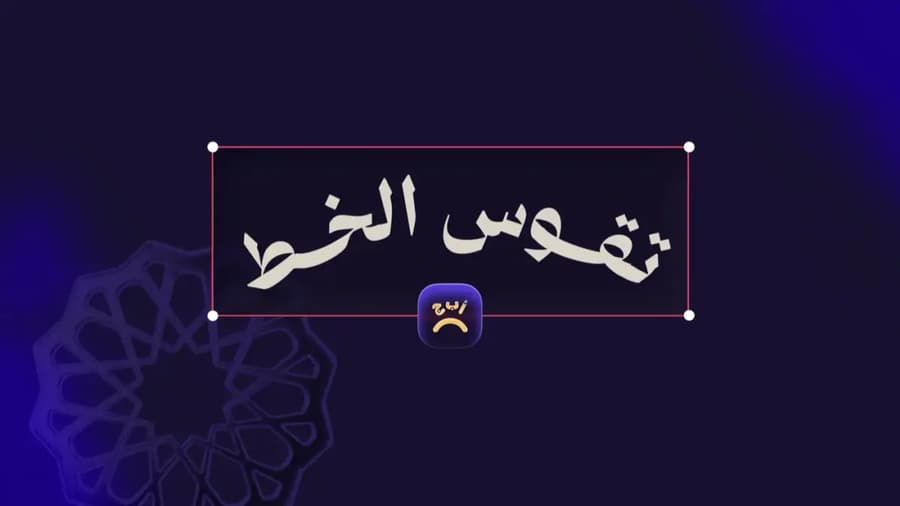
Andalusi's curved text puts any Arabic text on a path, a full circle, an arc, a wave, or a free path you draw yourself, so you can design round stamps, circular logos and card headings easily. The writing follows the curve right to left with correctly joined letters, and you get full control over the path radius, the start angle, letter spacing, and the font size and color, then export the result on a transparent background.
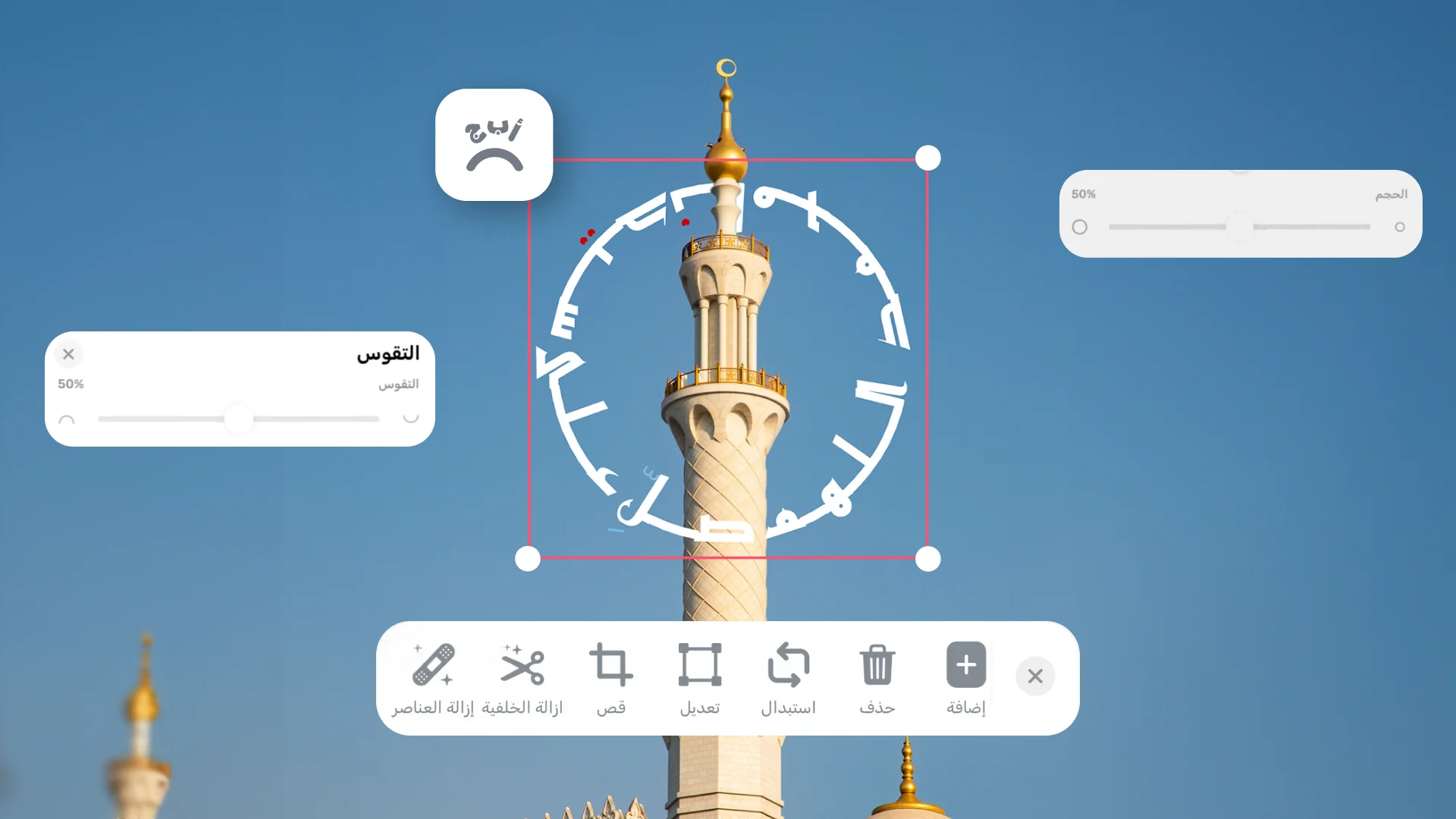
Circular Arabic logos and stamps
Wrap text a full 360 degrees around a circle in Arabic, ideal for logos, seals and stamps, with the letters staying joined and correct along the path.
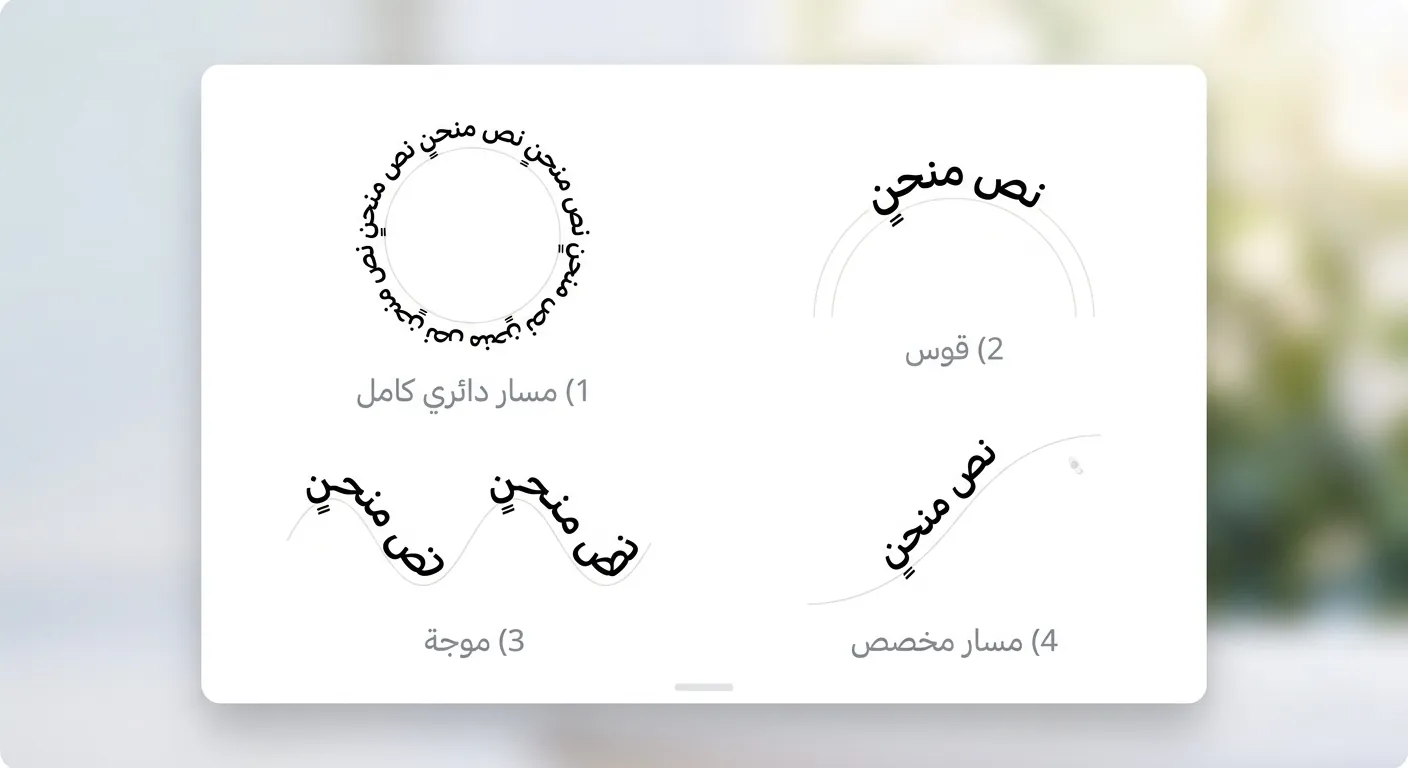
Four path shapes
Pick the path shape, a full circle, an arc, a wave, or a free path you draw, then adjust the start angle and letter spacing until it looks the way you want.
Watch how curved text works in Andalusi
How to curve text step by step
A practical example: type your text, pick the Arabic font, curve it along the path, and add a touch of motion, all in a minute inside Andalusi.
- Type any Arabic text and curve it on the path
- Control the amount of curve and the text position
- Add a typewriter animation for a nicer finish
When to use it
Circular logos and stamps
Wrap your brand name or a phrase around a full circle for a professional logo or seal.
Invitations and occasion cards
Add the couple's names or the occasion phrase on an elegant arc at the top or bottom of the card.
Social media designs
Create curved headlines or text on a wave for posts that catch the eye.
Simple steps
How to use it
- 1
Add your text to the design
Open Andalusi, start a new design or add your photo, then type the text you want to curve.
- 2
Pick the right Arabic font
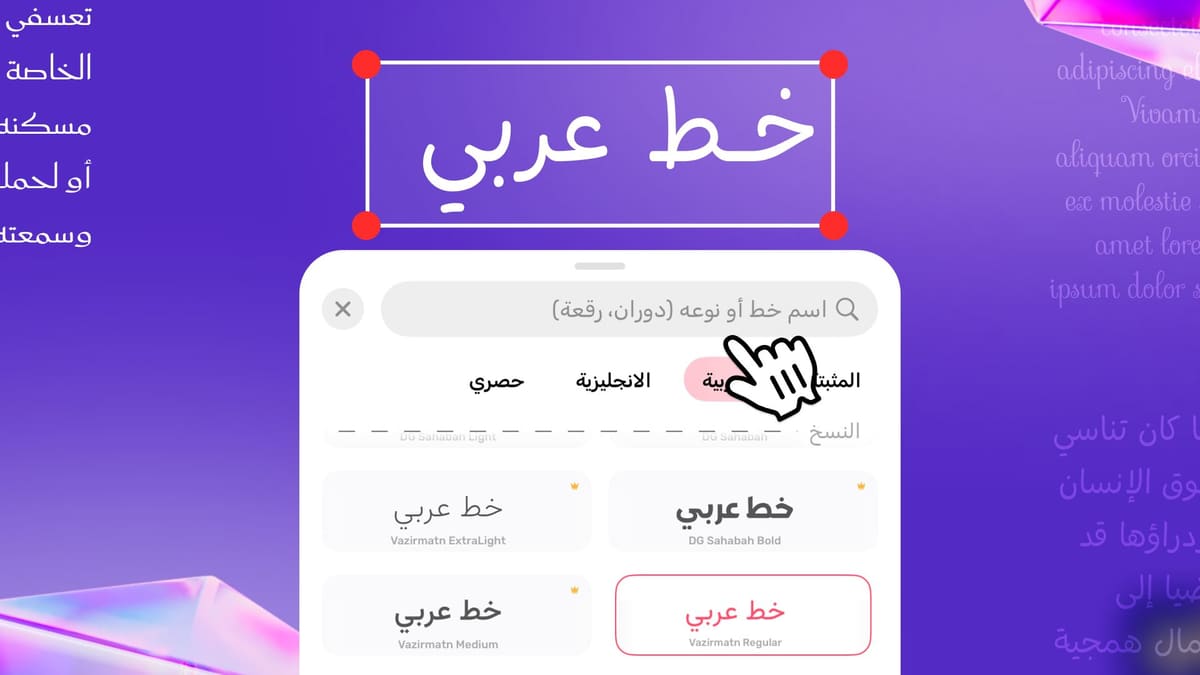
Choose the font that suits your design from the Arabic font library.
- 3
Open the curve tool and pick a shape
Open the text curve tool and choose the path shape: circle, arc or wave.
- 4
Adjust the curve and text position
Tune how much the text curves and where it sits on the path to suit the design.
- 5
Add motion (optional)
Open the animation tool and pick the typewriter effect to reveal the text gradually.
Frequently asked questions
How do I design a circular Arabic stamp?
Is there a free curved text generator?
How do I make Arabic text curved in Andalusi?
Do Arabic letters stay joined along the curve?
Can I make a full circle of Arabic text?
Does curved text work with every font?
Can I export curved text with a transparent background?
Download Andalusi for free
Over a million designers use Andalusi. Join them and start designing now.