Arabic Letter Spacing and Kashida
Control every detail of Arabic type, the spacing between letters, the kashida elongation, and line height, with professional precision.
Try it now for freeWhat is this feature?
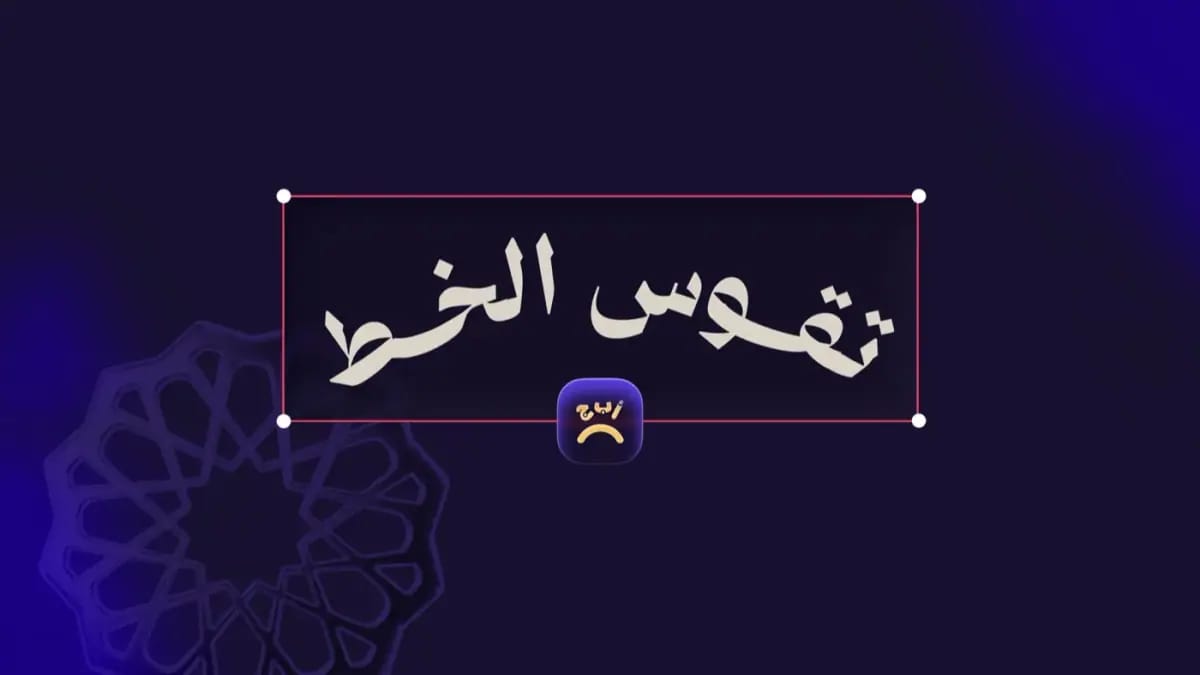
Andalusi's letter spacing and kashida tools let you set the distance between individual Arabic letters, control the kashida to stretch or tighten letterforms, and adjust line height, all with a simple drag. The result is Arabic type that looks like it was set by a professional calligrapher.
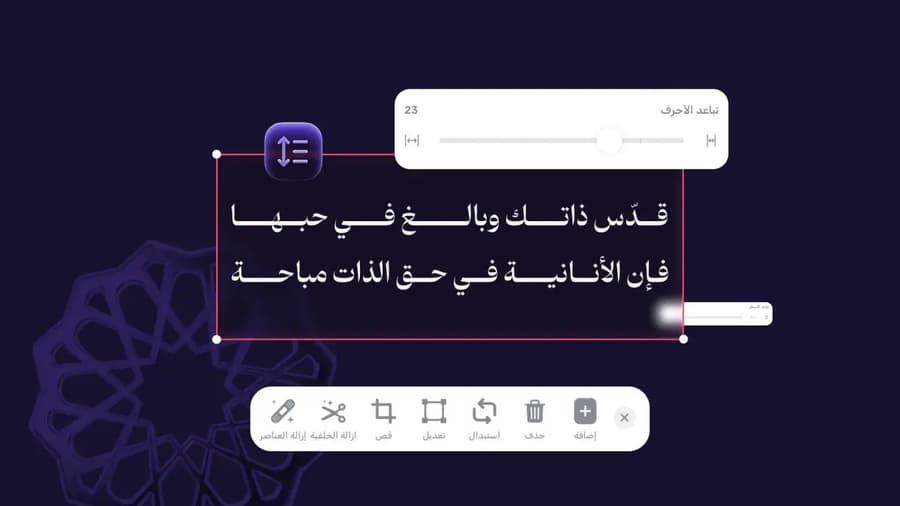
Andalusi's letter spacing and kashida tools let you set the distance between individual Arabic letters, control the kashida to stretch or tighten letterforms, and adjust line height, all with a simple drag. The result is Arabic type that looks like it was set by a professional calligrapher.
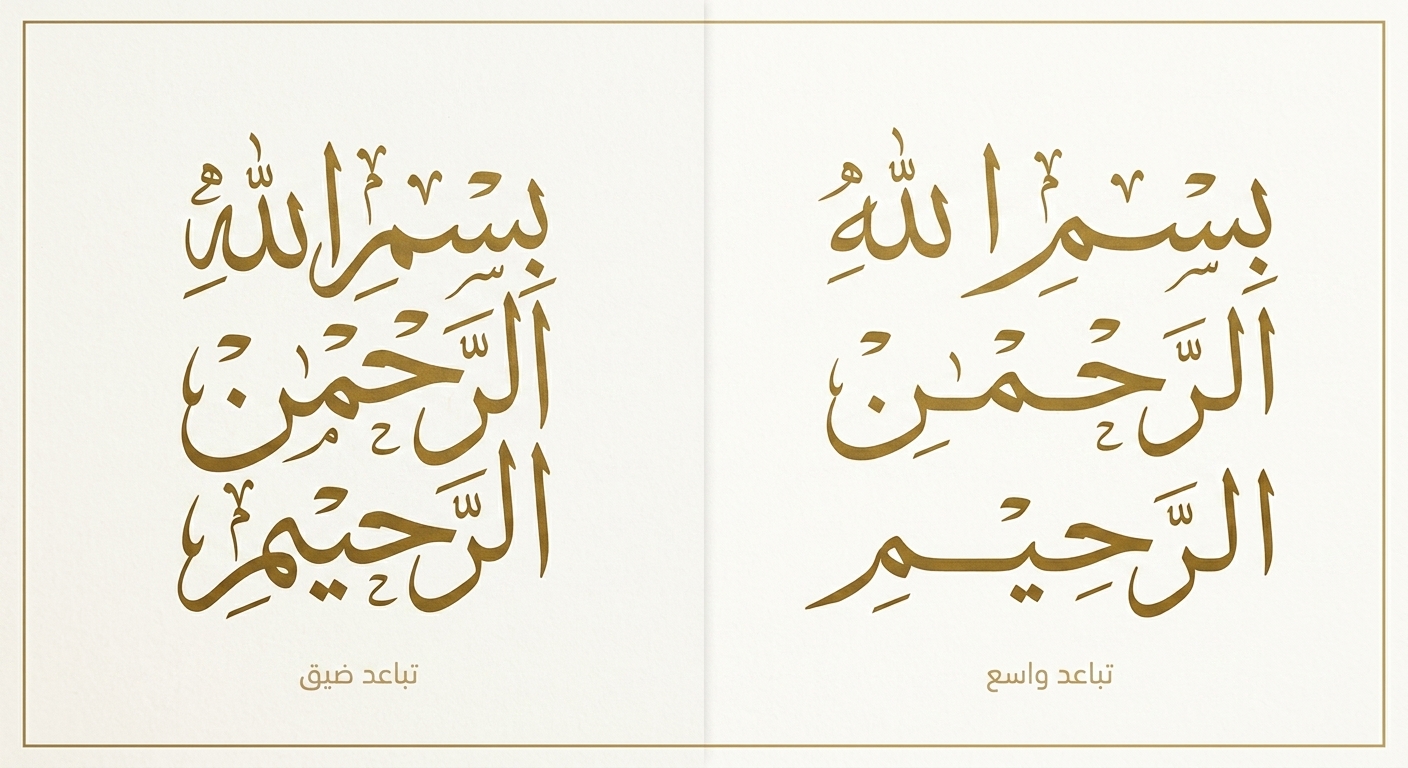
Precise letter spacing
Open the spacing up for a calmer frame, or tighten it for compact, forceful text, with a single drag.
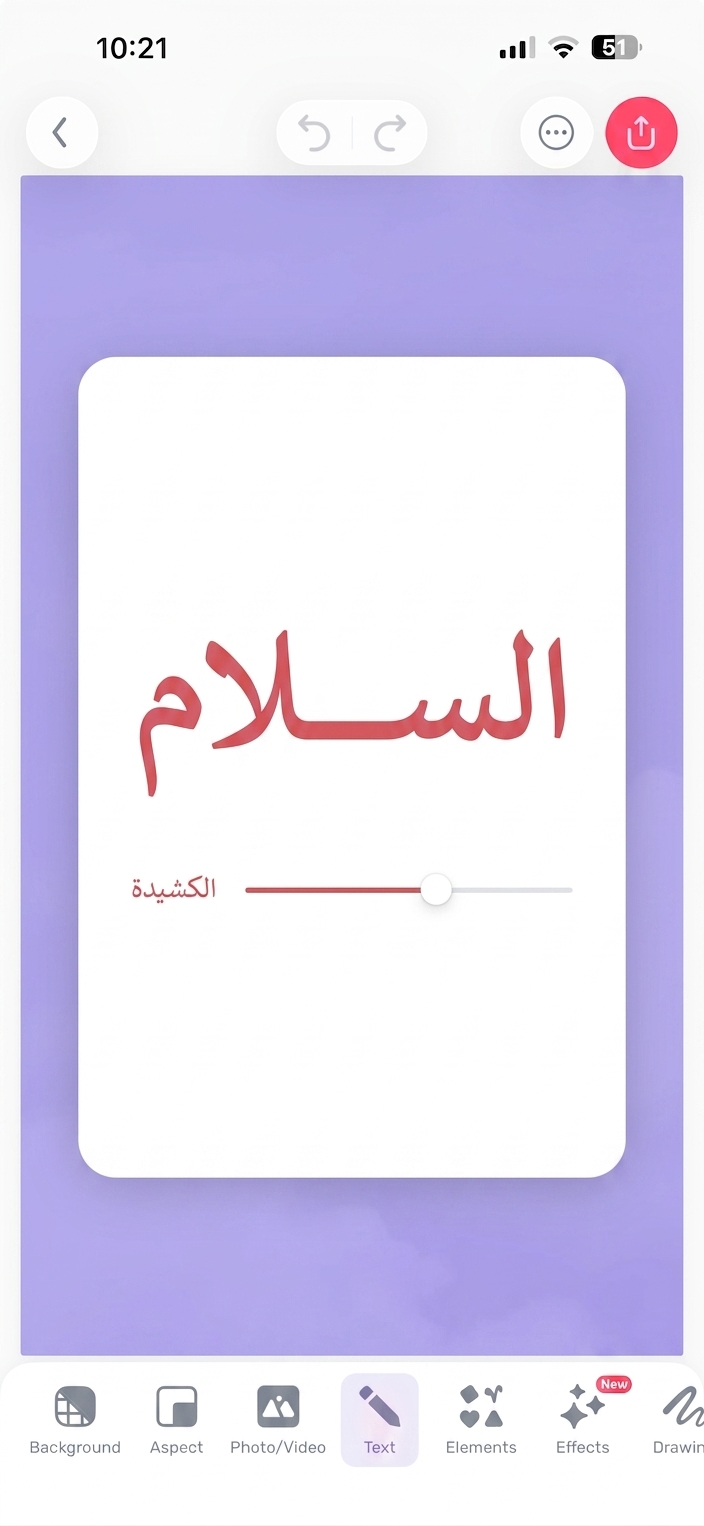
Kashida, natural letter elongation
Stretch Arabic letters with the kashida to fill the space naturally, with no distortion or crude stretching.
Typing the kashida on the keyboard, elongating letters
When to use it
Logos and brand identity
Getting the spacing and kashida right is the difference between an ordinary logo and a professional one that carries the brand.
Social media posts
Text with well judged spacing looks elegant and reads as a considered design.
Business cards and print
Print needs precise letter spacing. Andalusi gives you full control before the file goes to the printer.
Simple steps
How to use it
- 1
Add your text in the editor
Type the Arabic text you want to set in any template or design.
- 2
Open the text options
Tap the text and choose the formatting section to reveal the spacing and kashida controls.
- 3
Adjust and see it live
Drag the spacing or kashida slider and watch the text update in real time.
Frequently asked questions
What is the difference between letter spacing and kashida?
What is a kashida in Arabic typography?
Does letter spacing work with every font?
Can I use it for print?
Is this feature free?
Download Andalusi for free
Over a million designers use Andalusi. Join them and start designing now.