Photo Collage Templates for Any Count

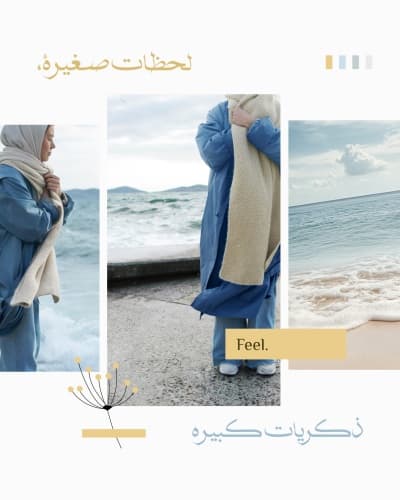
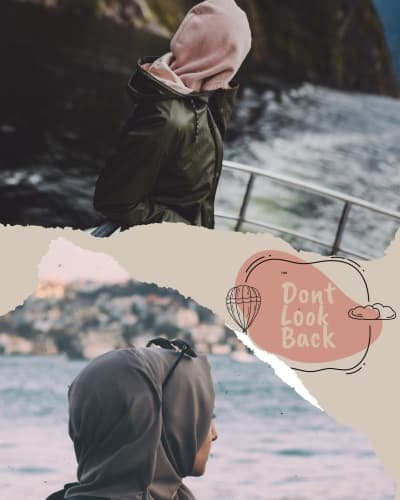
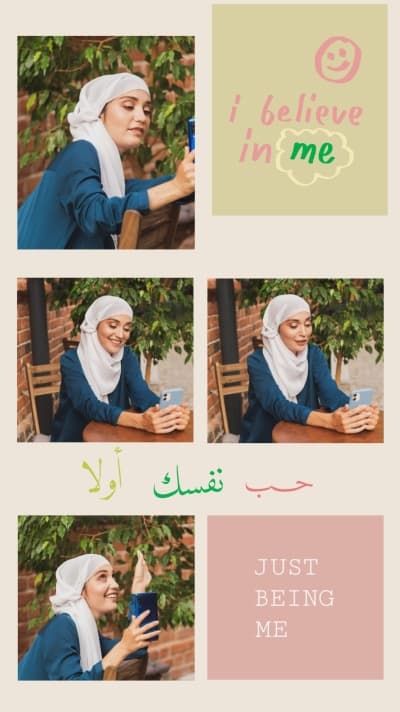
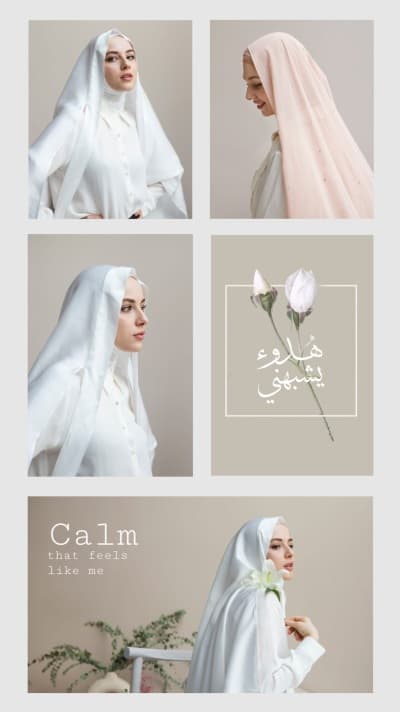
Combine your photos into one design. Ready collage templates from two photos to more than ten, sized for posts and stories, with editable text.

Start designing
Page 3 of 6

Photo Collage Templates

How do you build a collage from several photos?
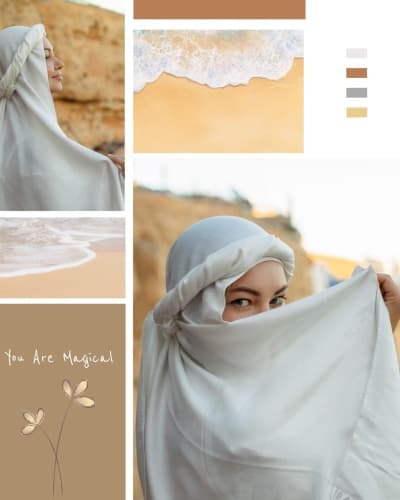
Pick a ready collage, drop your photos into the slots, adjust the order and the gap between them, then export at high resolution. You never set dimensions by hand because the template keeps everything aligned for you.

What can you design?

  • Collages from two photos to more than ten

  • Occasion, trip and memory sets

  • Wedding, engagement and graduation keepsakes

  • Square post and vertical story sizes

  • Frames, dividers and coloured backgrounds

  • Printed collages for framing

Can you add text over the collage?
Yes. Place a title, a date or names in an Andalusi Arabic font over any part of the design. Export at high resolution for print, or as a lighter image to send on WhatsApp.

الأسئلة الشائعة

How do I make a collage from several photos?
Pick a collage layout, drop your photos into the ready slots, adjust the order and the frame, then export at high resolution.
How many photos can I put in one design?
It depends on the layout. Ready grids start at two photos and go beyond ten in a single design.
Can I add text or a frame to the collage?
Yes. Add a title or date in an Arabic font, and choose frames, dividers and background colours to suit the occasion.
Is the collage suitable for posting on Instagram?
Yes. Square post and vertical story sizes are both ready, so the collage posts without being cropped.