Newborn Photo Widgets for Your Home Screen

Put your baby's photo on your home screen inside a decorated frame of flowers or balloons, with the name and birth date. Square widgets, ready to edit.

Start designing

Newborn Widgets

What is a newborn widget?
A square frame that shows your baby's photo on your phone's home screen, so you see it every time you unlock the phone without opening a photo album. The format is square because that is how the screen displays it.

What can you design?

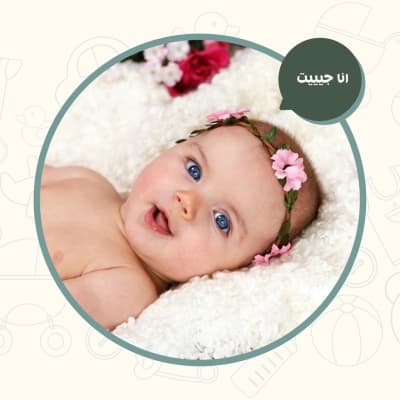
  • A widget with the baby's photo inside a floral wreath

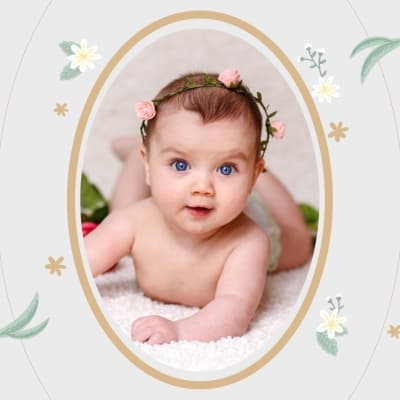
  • A classic oval frame in gold

  • Soft-toned widgets for a boy or for a girl

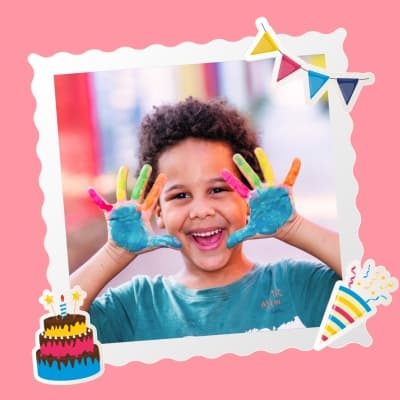
  • Frames with balloons and bunting for a celebration

  • A widget carrying the baby's name on a decorated ribbon

  • Pale frames built from clouds and raindrops

Can I add the name and birth date?
Yes. Every widget leaves room for text where you set the name and birth date in an Arabic font from the Andalusi library. Keep the name short, because a widget is small on screen and long text is hard to read.

الأسئلة الشائعة

What is the traditional dua for a newborn baby?
The well known supplication is: may Allah bless you in the gift given to you, may you give thanks to the Giver, may the child reach maturity, and may you be granted its righteousness. Common congratulations include mabrouk al mawloud and may Allah make the child a comfort to its parents. Keep the wording short on a widget, because the space it occupies on a home screen is small.
When is a baby named and when does the aqeeqah take place?
On the seventh day after birth. The sunnah is to name the child, perform the aqeeqah and shave the head on the seventh day, with two sheep offered for a boy and one for a girl. That is why most families share the baby's name and first photograph on that day.
How do I put the newborn widget on my home screen?
Export the design as an image from Andalusi and save it to your gallery, then add a photo widget from your home screen and pick that image. On iPhone, press and hold the screen and tap the plus button; on Android, press and hold and choose widgets.
What size should the baby's photo be inside the widget?
Square, with the baby's face centred in the frame, since a widget displays small and its edges can be cropped. Leave clear space around the name and keep text away from all four edges so nothing is cut off.