Blank Schedule and Planner Templates

Design a weekly schedule or study plan. Ready blank tables you fill with your own tasks and lessons, then print or save as an image.

Start designing

Page 3 of 4

Blank Schedules and Planners

Why start from a blank table?
Because the formatting is the tedious part and the content is yours. A ready blank schedule gives you the columns, rows and spacing already balanced, so you begin by filling in rather than by laying out.

What can you design?

  • Weekly and daily schedules for tasks

  • Study plans and class timetables

  • Task lists and monthly goals

  • Concept maps and organisational charts

  • Habit and commitment trackers

  • Blank tables to fill in by hand after printing

Are the schedules suitable for printing?
Yes. Export at high resolution ready to print at various sizes, or save it as an image to keep on your phone. The templates are set up for Arabic running right to left, so the columns do not reverse on you.

الأسئلة الشائعة

What goes in a weekly Ramadan planner?
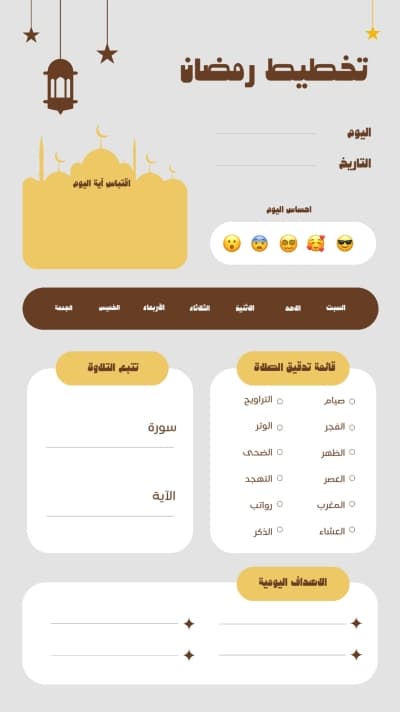
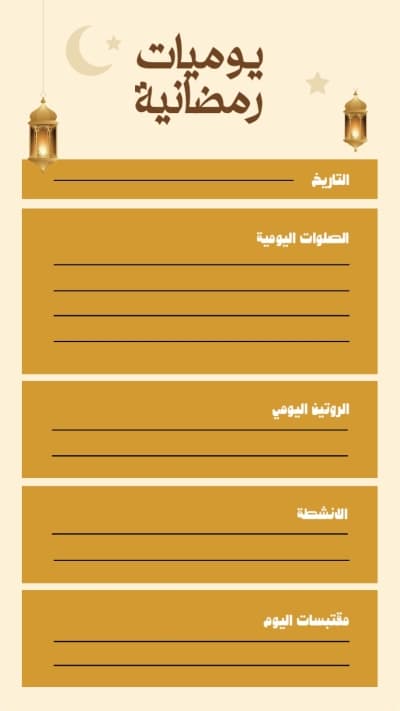
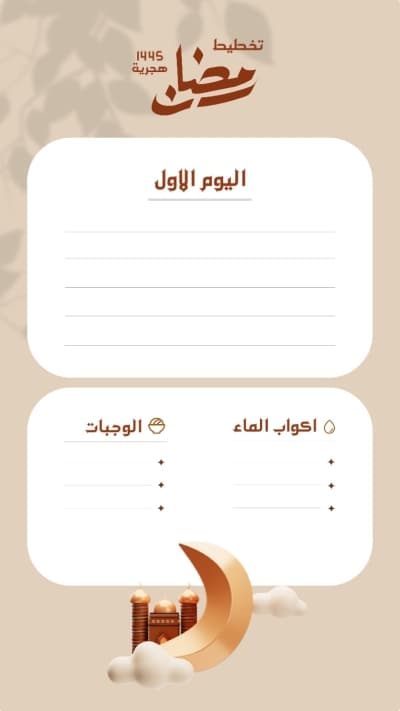
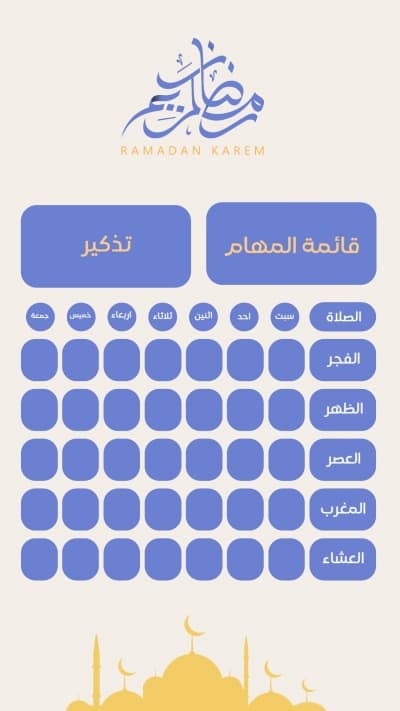
The days of the week as columns, with rows for the daily portion of Quran, the prayers, the remembrances, one personal goal, and a box to review at day's end. Keep to four to six items a day, since a crowded planner is abandoned within a week, and leave room for notes. Andalusi has Ramadan planners ready to fill and print.
What design suits a weekly planner?
Light dividing lines rather than heavy ones, so they do not compete with what you write, and enough writing space, since narrow boxes make a planner unusable. Keep one colour for the headings and the rest neutral, and use a light background if it will be printed, to save ink. Andalusi has planners at both print and screen sizes.
Which planner types are most used?
The daily planner for tasks by the hour, the weekly for an overview and the most used of all, the monthly for appointments and occasions, a habit tracker with boxes filled each day, and a goals planner for longer stretches. Pick one and stay with it rather than running three at once. Andalusi has all of them ready to edit.
How do I use a planner without abandoning it?
Fill it at a fixed time each day rather than when you remember, and write three tasks rather than ten, since a long list discourages. Print it and put it somewhere you see rather than saving it to a file you forget, and review it at the end of the week rather than the month. Andalusi prints a fresh copy each week by changing the dates.