Multipage and Artboard Design
Design across multiple pages on one canvas, then export the whole thing as one PDF, a presentation or a carousel post.
Try it now for freeWhat is this feature?
Multipage design in Andalusi lets you create several same-size pages on a single canvas, with a pages bar that shows their thumbnails in order so you can jump between them or duplicate a page with its full layout. When you finish, export everything at once: a multi page PDF, a ready presentation, sequential images for a carousel post, or WhatsApp stickers.
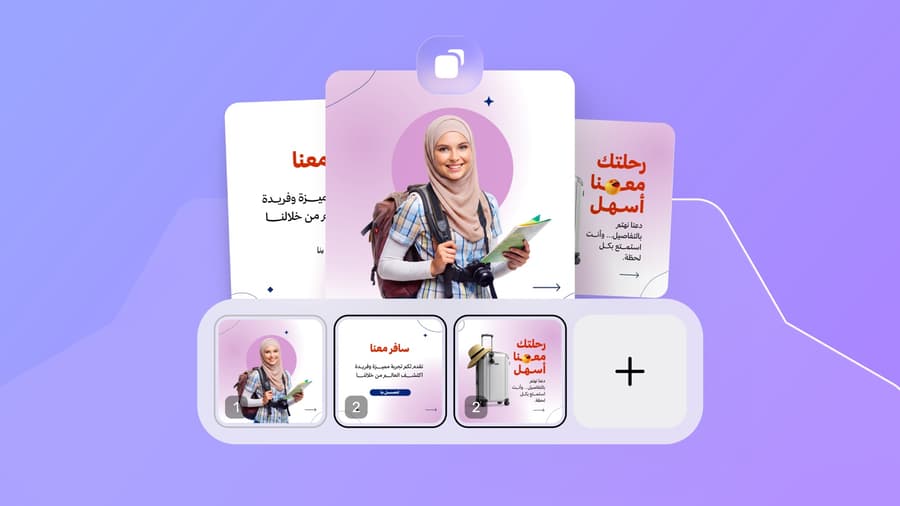
Multipage design in Andalusi lets you create several same-size pages on a single canvas, with a pages bar that shows their thumbnails in order so you can jump between them or duplicate a page with its full layout. When you finish, export everything at once: a multi page PDF, a ready presentation, sequential images for a carousel post, or WhatsApp stickers.

Try the pages bar yourself
This is how the feature works in the app: every page is a thumbnail in the bar. Tap any page to show it on the canvas, and add a new page with the plus button. The design is a three page travel campaign built from Andalusi templates.
The preview above is a live recreation of the app's pages bar — switch between the thumbnails and try the add button.
When to use it
Company profiles and proposals
Design a multi page company profile or a price proposal with one identity across pages, and export it as a PDF ready to send or print.
Carousel posts
Prepare a sequential post for Instagram or LinkedIn: numbered same-size pages exported as images in order, ready to upload.
Booklets and presentations
Turn your pages into a booklet, a menu or a ready-to-present slideshow, no separate presentation software needed.
Simple steps
How to use it
- 1
Add your pages
From the pages bar under the canvas, tap the plus button for a new page, or duplicate an existing one to keep the same layout.
- 2
Design every page
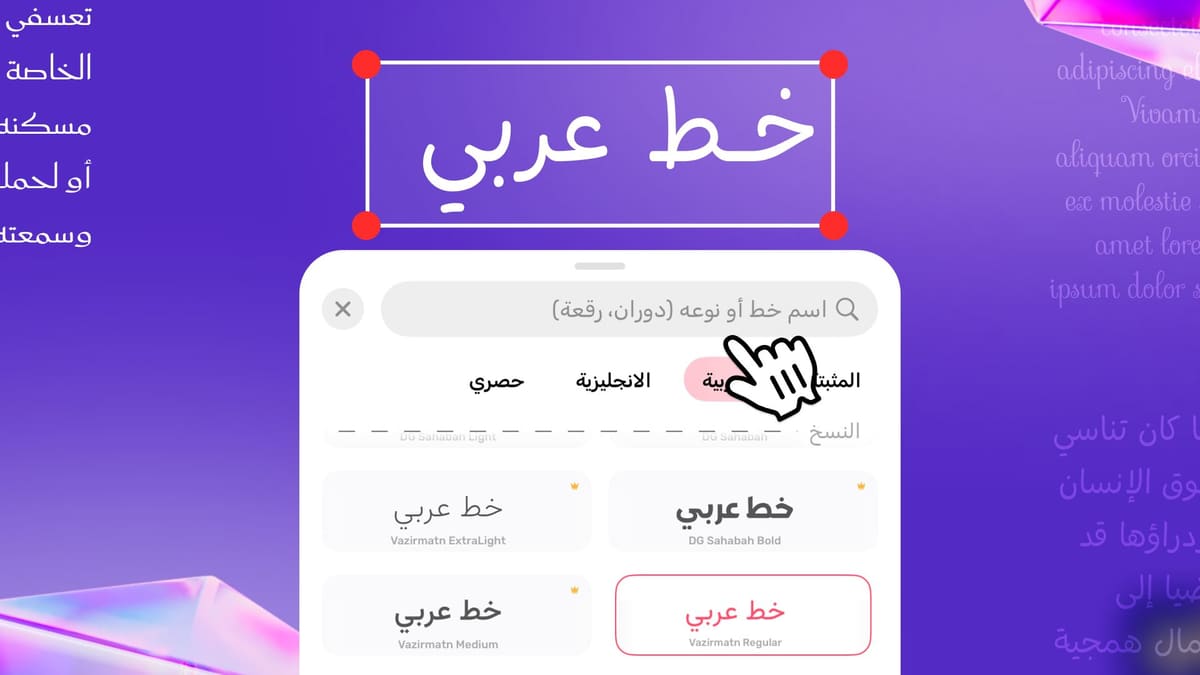
Start from a ready template or from scratch, and copy elements, colors and fonts between pages for one consistent identity.
- 3
Export it all at once
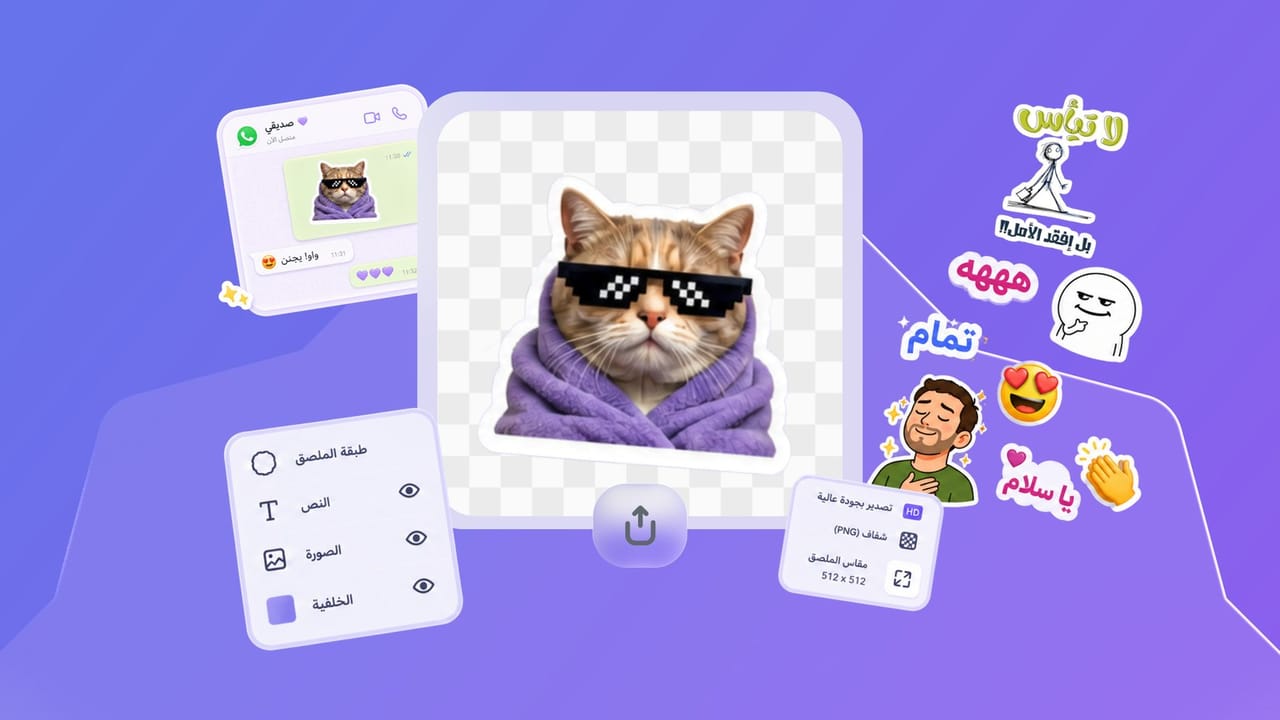
Save all pages in one go: a multi page PDF, a presentation, sequential images, or WhatsApp stickers.
Frequently asked questions
How do I make a multi page PDF in Andalusi?
Can I turn my design into a presentation?
How do I create an Instagram carousel?
Can I export pages as WhatsApp stickers?
Is multipage design free?

Download Andalusi for free
Over a million designers use Andalusi. Join them and start designing now.