












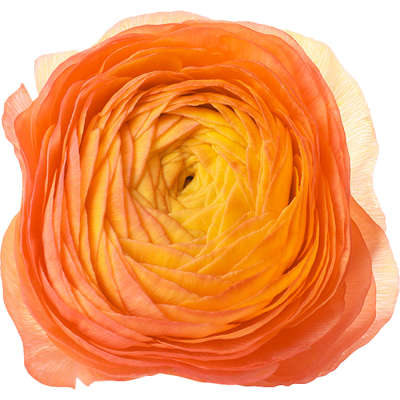
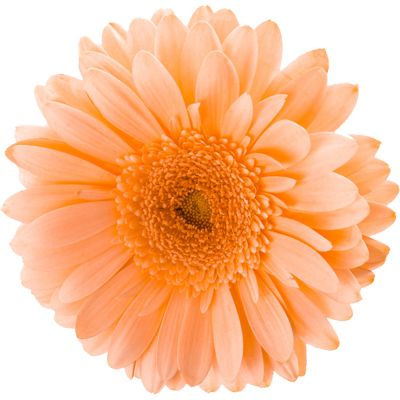
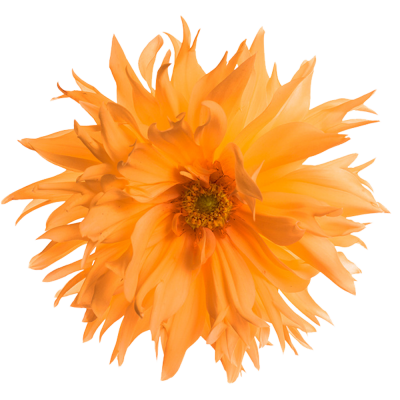
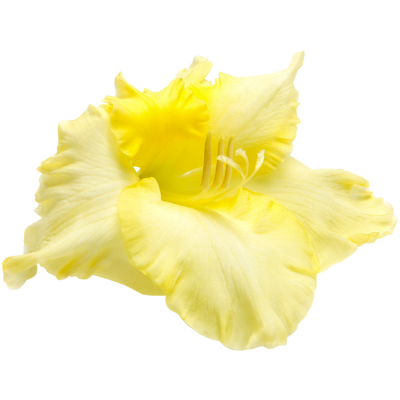

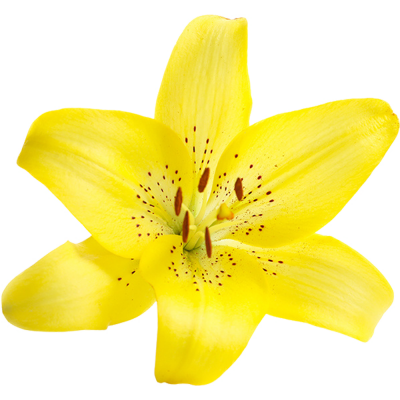
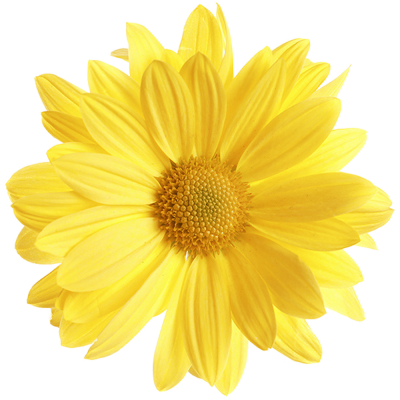
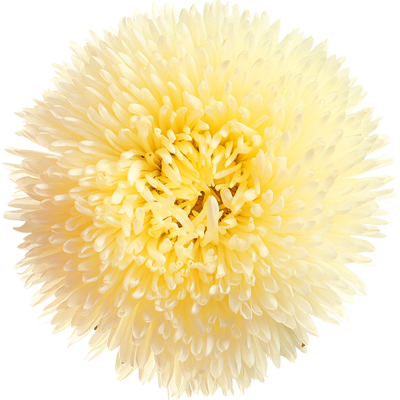
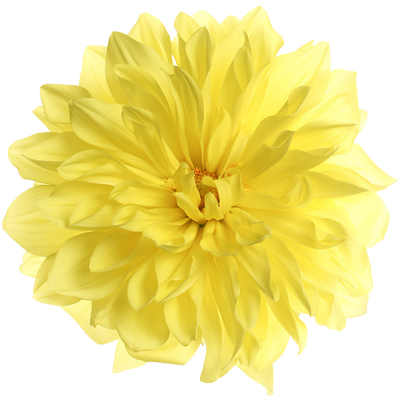
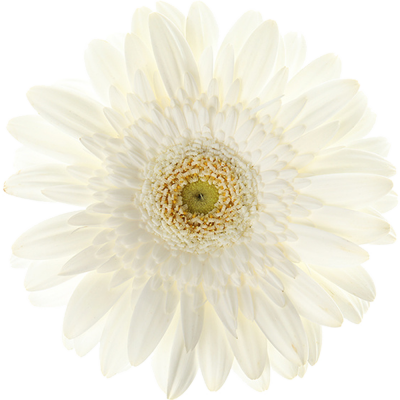

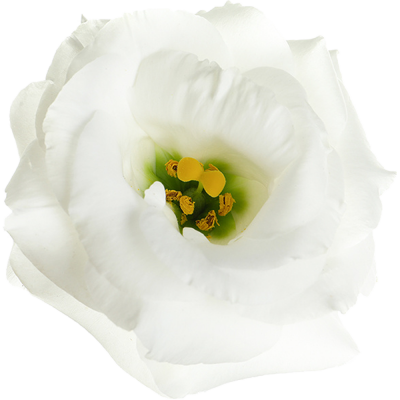

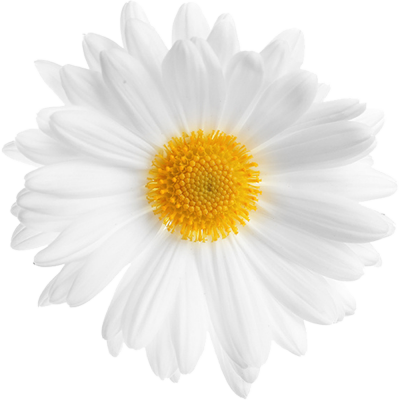
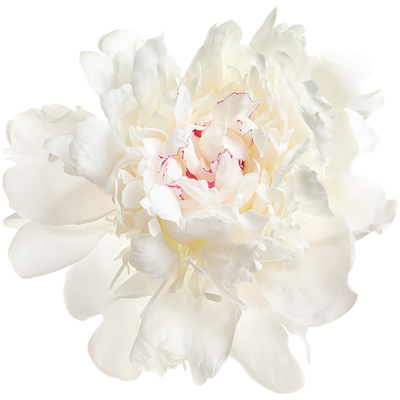

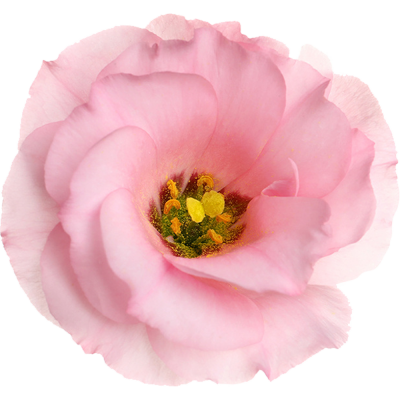
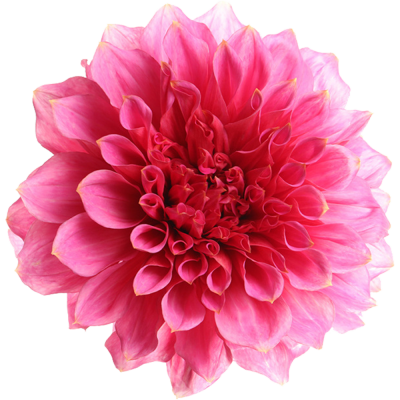


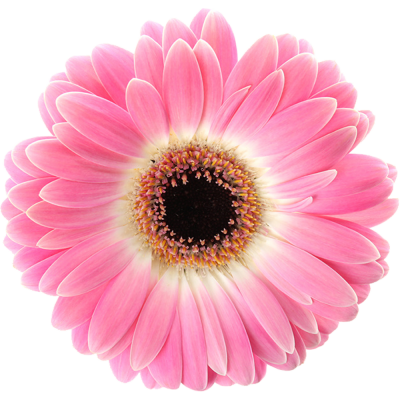
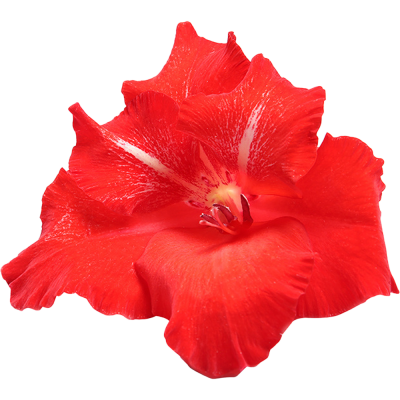
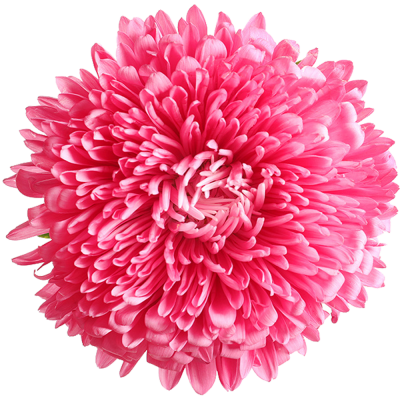
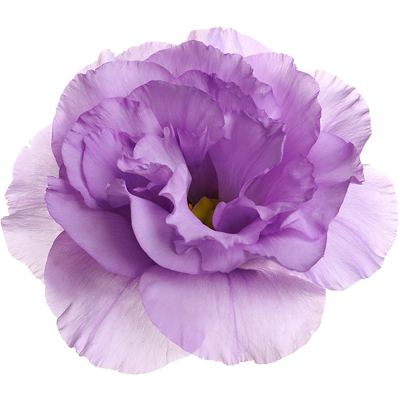
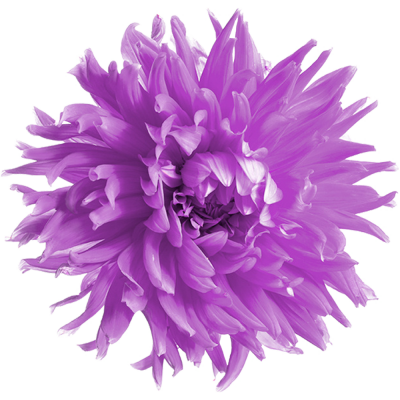
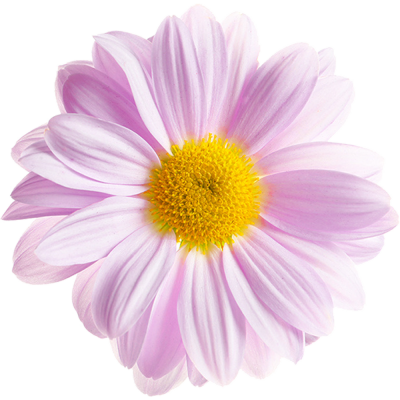
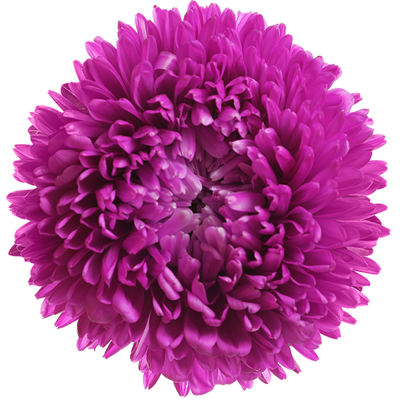
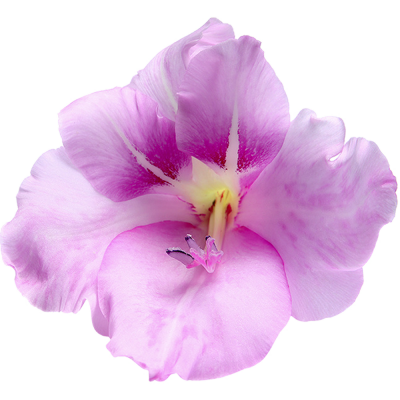
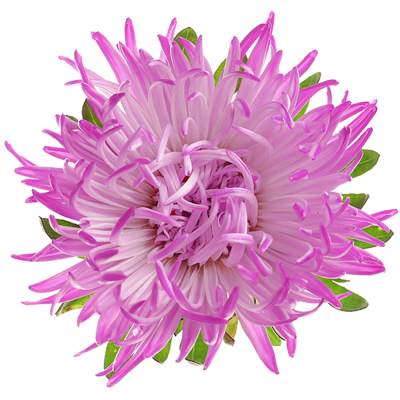
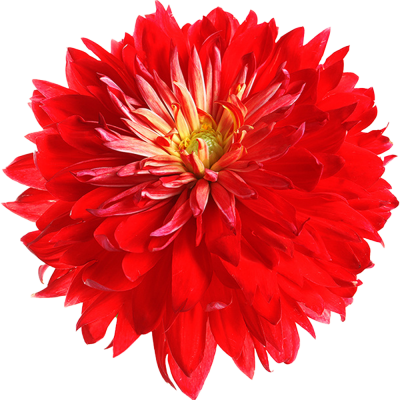
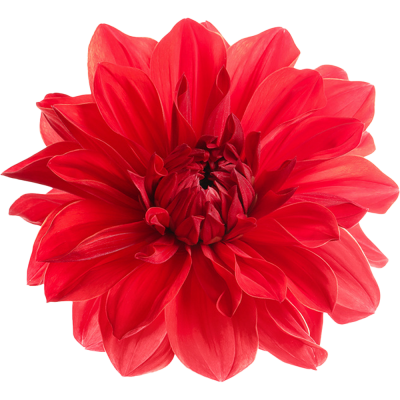

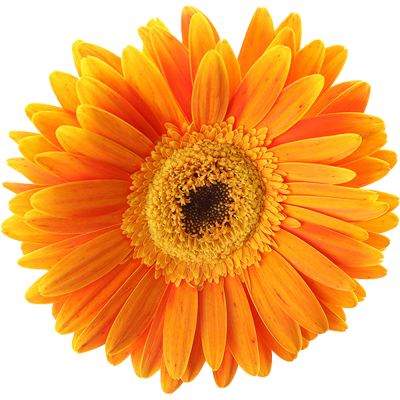

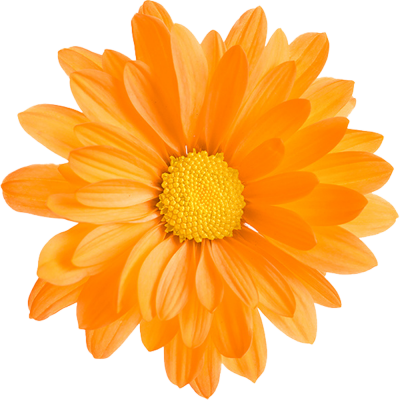
















































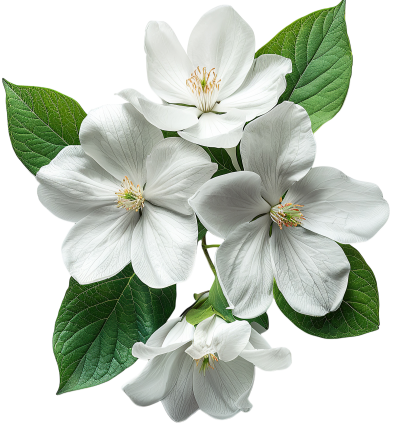
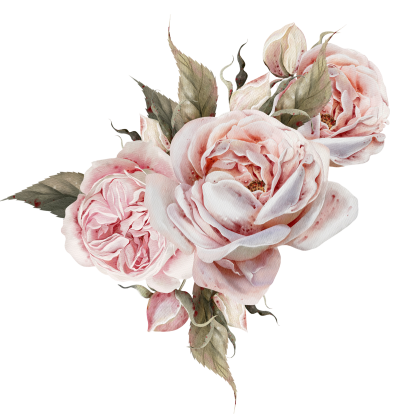
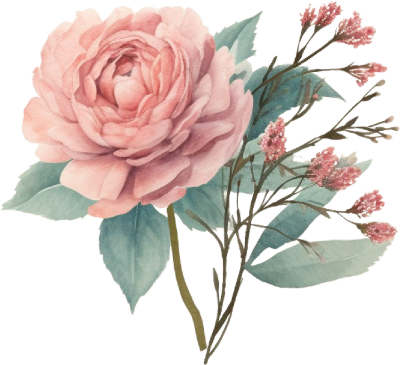

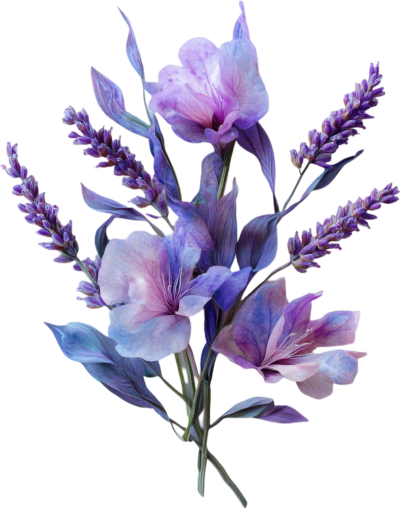
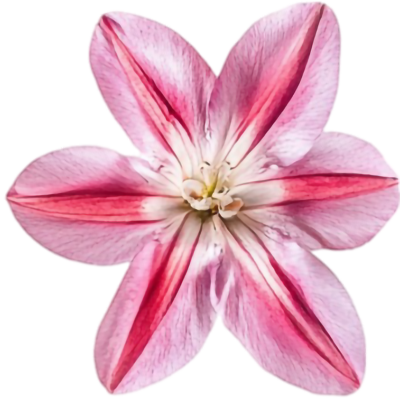
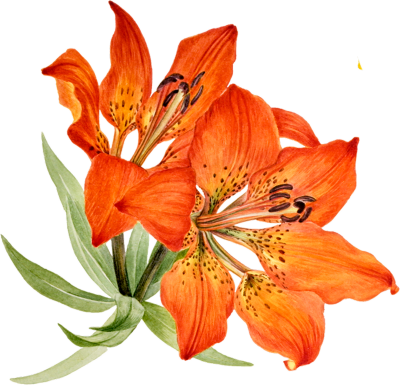

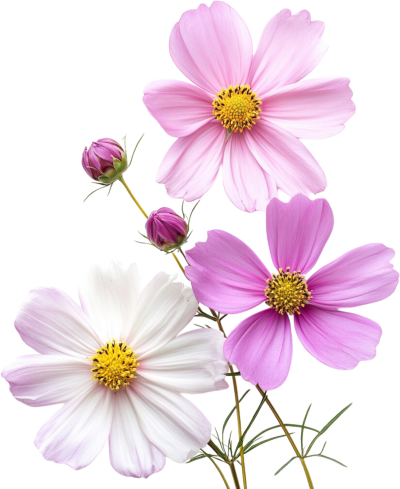
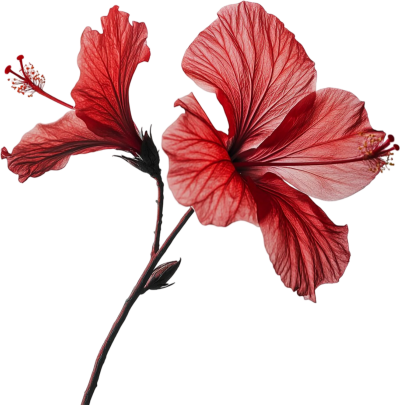
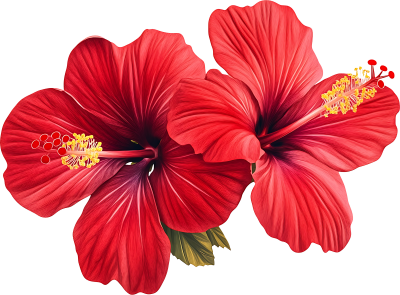

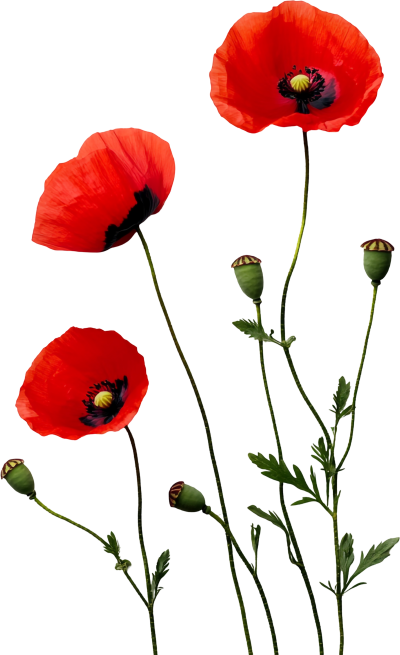
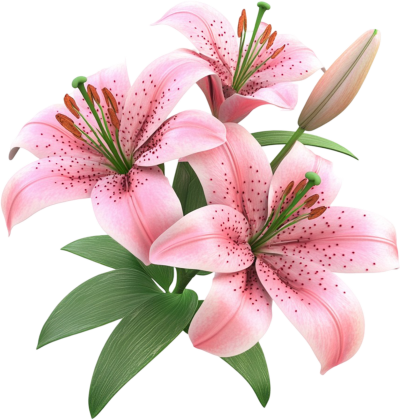
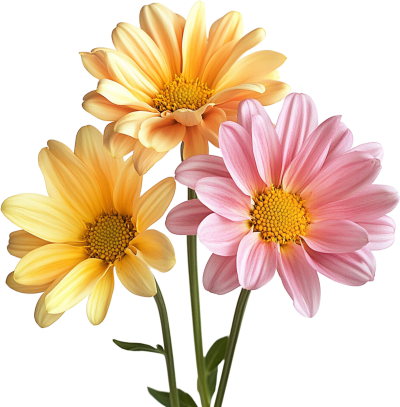


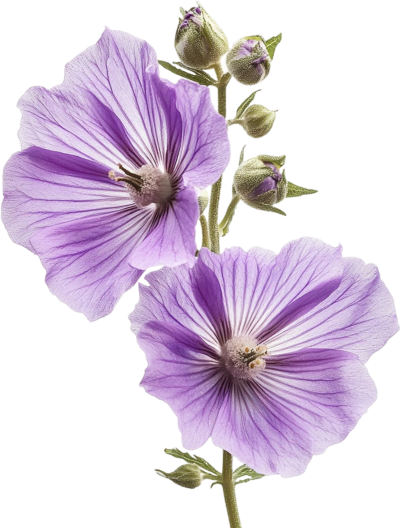
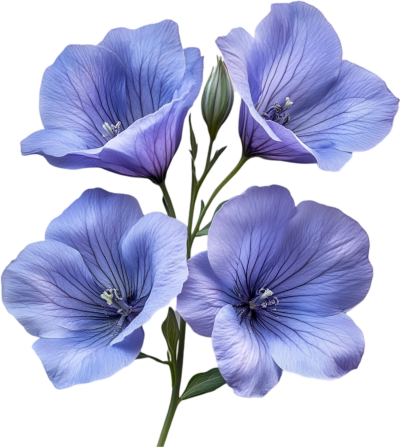
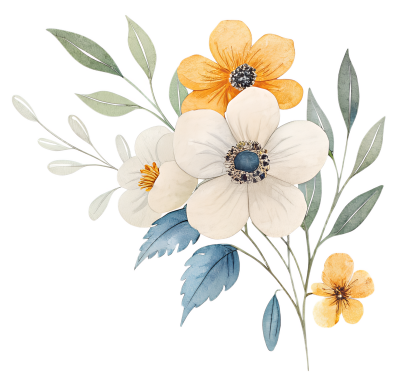


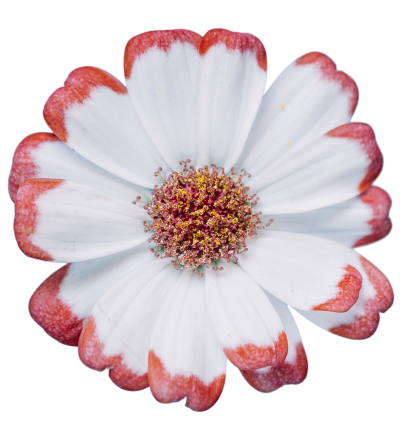
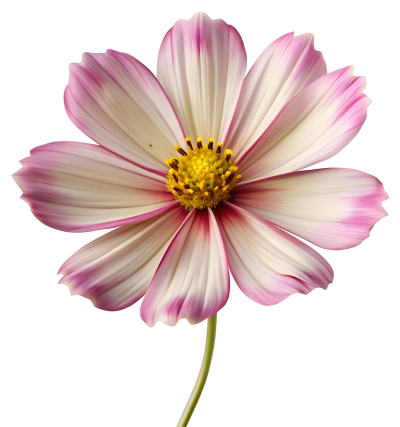
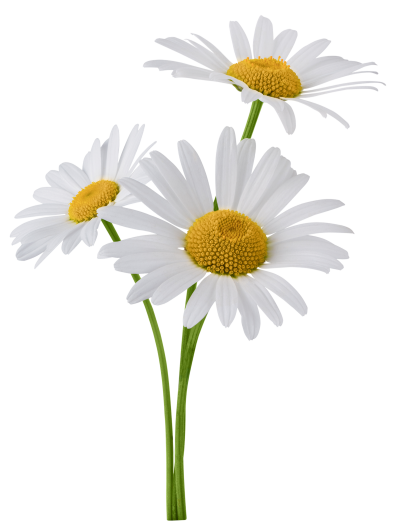
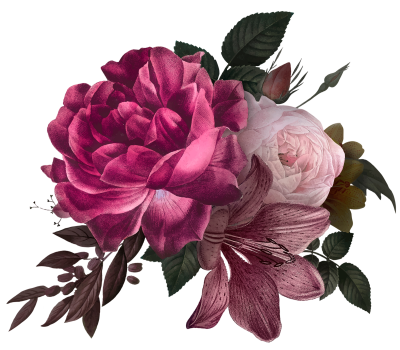






















































































Add roses and flowers to any design. Cut-out elements on transparent backgrounds, ready for invitations, greeting cards, photo frames and posts.
Start designingHow do you add flowers to a design?
Pick a rose or a bouquet from this category and place it over your photo or template, then scale and rotate it to fit. Every element is cleanly cut out on a transparent background, so there is no background to remove.
What can you design with them?
Wedding, engagement and nikah invitations
Greeting and congratulation cards
Floral frames and decorative photo corners
Backgrounds and social media posts
Shop and gift store designs
How is a flower element different from a photo?
A flower element ships cut out with a transparent background, so it sits over any colour or image and blends in straight away. Start with one element, layer more from the same category, then export at high quality.