
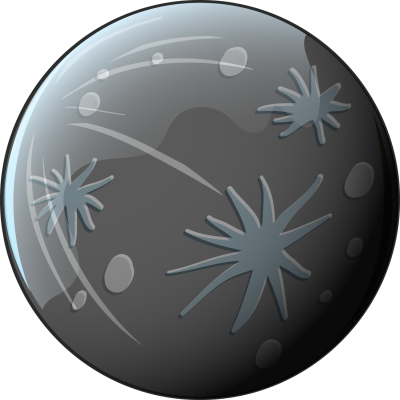
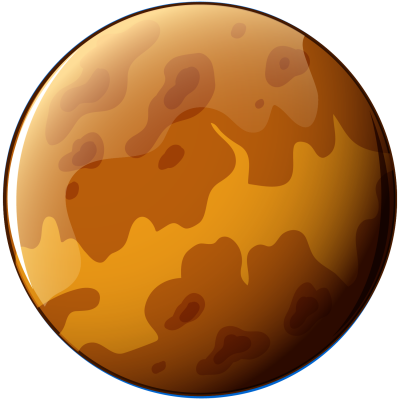

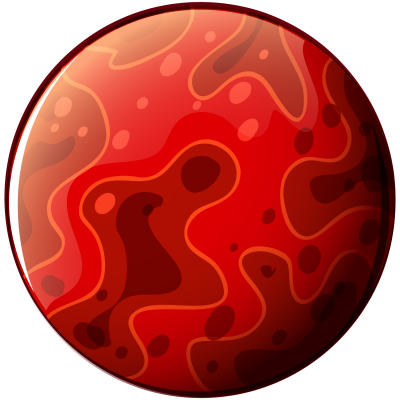
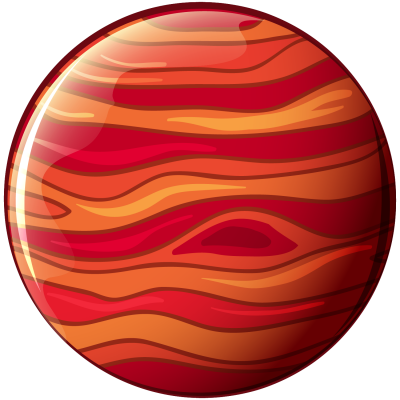

Add planets to your designs: the sun, Earth, Mars and the solar system on transparent backgrounds for educational and space-themed material.
Start designingHow do you arrange planets in an educational design?
On a horizontal line in their true order from the sun, at varied relative sizes rather than equal ones. Order and size are the information, and equalising them teaches a student something wrong however pretty it looks.
What can you design with them?
Educational material about space
Scientific and astronomy posts
Children's room designs
Night and space backgrounds
School cards and leaflets
What background suits planets?
Dark, with small scattered stars, since space is black by nature. A light background makes planets read as floating coloured balls rather than bodies in space, which is the first thing that costs a design its credibility.